docker start
Starts one or more stopped containers again, with the same settings as before.
Syntax
docker start [-a] [-i] CONTAINER...
Options
| Option | Description |
|---|---|
CONTAINER |
Name or ID, several are possible |
-a, --attach |
Stay attached and show the output |
-i, --interactive |
Connect the keyboard input, for containers with a shell |
To stop and start a container in one step, use docker restart CONTAINER.
Examples
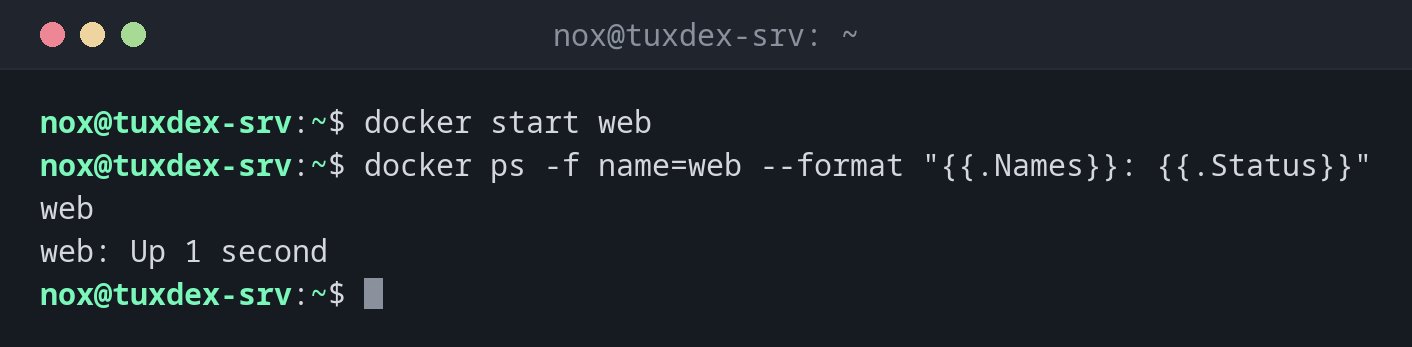
Start a stopped container:
docker start web
docker ps -f name=web --format "{{.Names}}: {{.Status}}"
web
web: Up 1 second
Start several containers:
docker start db web
db
web
Restart a container after a change:
docker restart web
web
Start and watch the output:
docker start -a pg-test
PostgreSQL Database directory appears to contain a database; Skipping initialization

2026-10-26 09:42:17.312 UTC [1] LOG:  starting PostgreSQL 17.6 (Debian 17.6-1.pgdg13+1) on x86_64-pc-linux-gnu, compiled by gcc (Debian 14.2.0-19) 14.2.0, 64-bit
2026-10-26 09:42:17.313 UTC [1] LOG:  listening on IPv4 address "0.0.0.0", port 5432
2026-10-26 09:42:17.321 UTC [1] LOG:  database system is ready to accept connections
When do I need it?
- To bring a stopped container back without creating it again
- After maintenance work for which you stopped a service
- To restart a service after a configuration change, with
docker restart
start keeps the old settings
Ports, volumes and environment variables were fixed by docker run. To change them,
remove the container and create it again, or change the compose.yaml and run
docker compose up -d.