qemu-img
Creates, inspects, enlarges and converts disk images of virtual machines, for example
qcow2,raworvmdk.
Syntax
qemu-img info | create | resize | convert | check | snapshot [OPTIONS] FILE
Options
| Command | Description |
|---|---|
info FILE |
Format, virtual size and real usage of an image |
info -U FILE |
Read an image that a running VM uses |
create -f qcow2 FILE SIZE |
Create a new, empty image |
create -b BASE -F qcow2 |
Create an overlay that only stores changes to BASE |
resize FILE +10G |
Make an image larger (--shrink for smaller) |
convert -f IN -O OUT -p |
Convert between formats, with progress |
check FILE |
Check a qcow2 image for errors |
snapshot -l, -c NAME |
List or create internal snapshots |
qcow2 only takes up as much space as is actually written and supports snapshots. raw is a plain byte-for-byte copy of a disk.
Examples
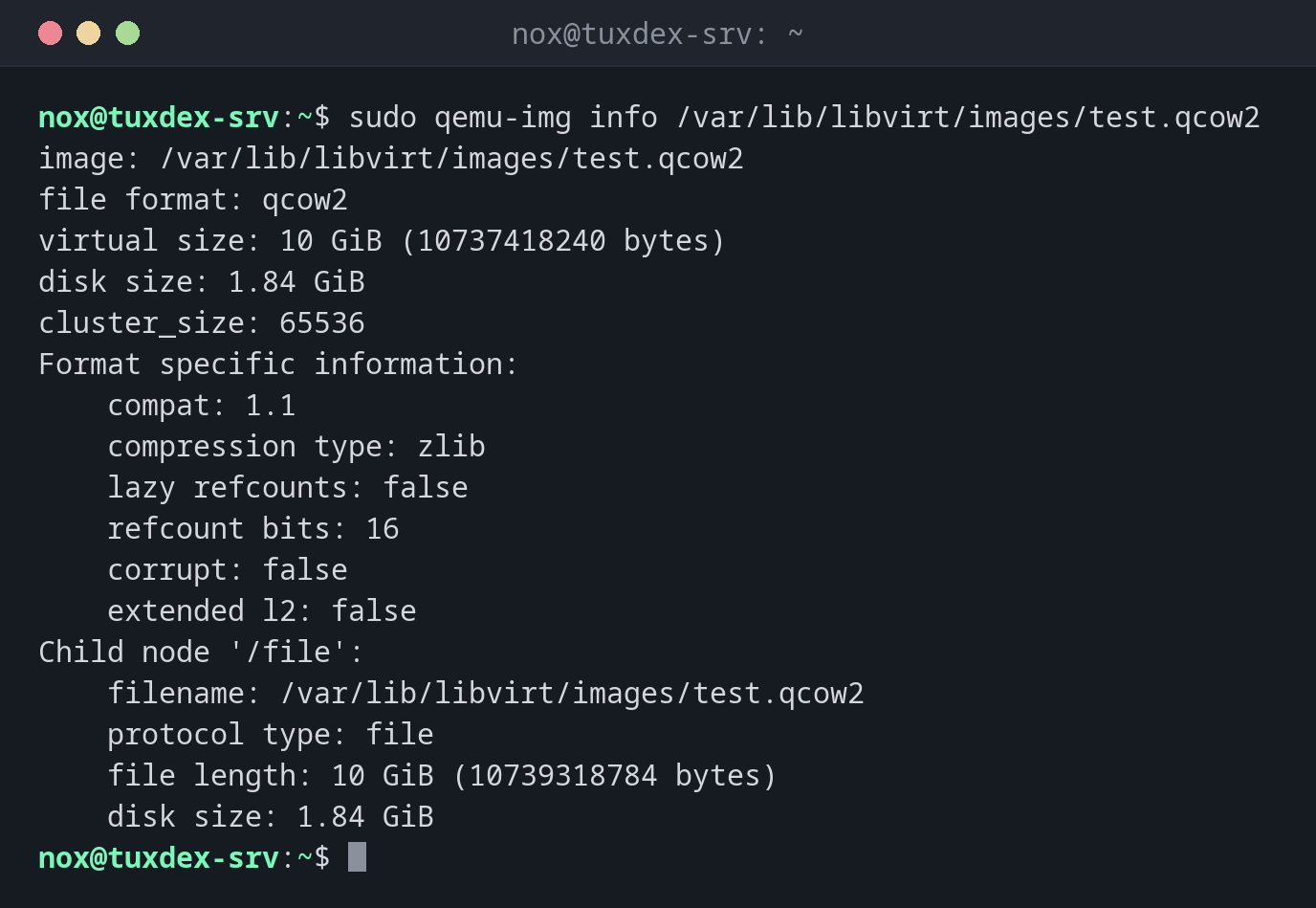
Inspect the image of a VM that is switched off:
sudo qemu-img info /var/lib/libvirt/images/test.qcow2
image: /var/lib/libvirt/images/test.qcow2
file format: qcow2
virtual size: 10 GiB (10737418240 bytes)
disk size: 1.84 GiB
cluster_size: 65536
Format specific information:
    compat: 1.1
    compression type: zlib
    lazy refcounts: false
    refcount bits: 16
    corrupt: false
    extended l2: false
Child node '/file':
    filename: /var/lib/libvirt/images/test.qcow2
    protocol type: file
    file length: 10 GiB (10739318784 bytes)
    disk size: 1.84 GiB
The VM is running:
sudo qemu-img info /var/lib/libvirt/images/web01.qcow2
qemu-img: Could not open '/var/lib/libvirt/images/web01.qcow2': Failed to get shared "write" lock
Is another process using the image [/var/lib/libvirt/images/web01.qcow2]?
For reading, qemu-img info -U is fine. For everything that writes, shut the VM down.
Create a new image:
sudo qemu-img create -f qcow2 /var/lib/libvirt/images/data01.qcow2 20G
Formatting '/var/lib/libvirt/images/data01.qcow2', fmt=qcow2 cluster_size=65536 extended_l2=off compression_type=zlib size=21474836480 lazy_refcounts=off refcount_bits=16
Give a VM 10 GB more:
sudo virsh shutdown test
sudo qemu-img resize /var/lib/libvirt/images/test.qcow2 +10G
Domain 'test' is being shutdown

Image resized.
Shrinking is protected:
sudo qemu-img resize /var/lib/libvirt/images/test.qcow2 5G
qemu-img: Use the --shrink option to perform a shrink operation.
qemu-img: warning: Shrinking an image will delete all data beyond the shrunken image's end. Before performing such an operation, make sure there is no important data there.
Convert a VMware disk:
sudo qemu-img convert -p -f vmdk -O qcow2 legacy-app.vmdk /var/lib/libvirt/images/legacy-app.qcow2
(100.00/100%)
Test VMs from a base image (overlay):
cd /var/lib/libvirt/images
sudo qemu-img create -f qcow2 -b debian-13-base.qcow2 -F qcow2 test2.qcow2
Formatting 'test2.qcow2', fmt=qcow2 cluster_size=65536 extended_l2=off compression_type=zlib size=21474836480 backing_file=debian-13-base.qcow2 backing_fmt=qcow2 lazy_refcounts=off refcount_bits=16
test2.qcow2 starts tiny and only stores what the VM changes. The base image must not be changed any more.
Check an image for errors:
sudo qemu-img check /var/lib/libvirt/images/test.qcow2
No errors were found on the image.
30148/327680 = 9.20% allocated, 2.31% fragmented, 0.00% compressed clusters
Image end offset: 1977745408
When do I need it?
- To check how large an image really is and whether it has a backing file
- To give a VM more disk space
- To migrate VMs from VMware or Hyper-V (
vmdk,vhdx) to KVM
After resize inside the VM
The image is bigger, the partition and file system aren't yet. In the VM run
sudo growpart /dev/vda 1 and resize2fs or
xfs_growfs.
Never change an image while the VM runs
resize, convert into the same file, snapshot -c or check -r on a running VM
destroy the image. Shut the VM down first; qemu-img refuses with a lock error to
protect you.
Distribution differences
| Debian | Ubuntu | RHEL | Arch | |
|---|---|---|---|---|
| Package | qemu-utils |
qemu-utils |
qemu-img |
qemu-img |
Related commands
virsh · virt-install · resize2fs · du