watch
Runs a command again and again and shows its output full screen. Ideal for watching how something changes.
Syntax
watch [OPTION]... COMMAND
Quit with Ctrl+C. Put commands with pipes or ; in quotes: watch 'ps aux | grep tar'.
Options
| Option | Description |
|---|---|
-n SECONDS |
Interval, default is 2 seconds |
-d |
Highlight what changed since the last run |
-g |
Quit as soon as the output changes |
-t |
Hide the header line |
-e |
Quit when the command fails, and wait for a key |
Examples
Watch the memory:
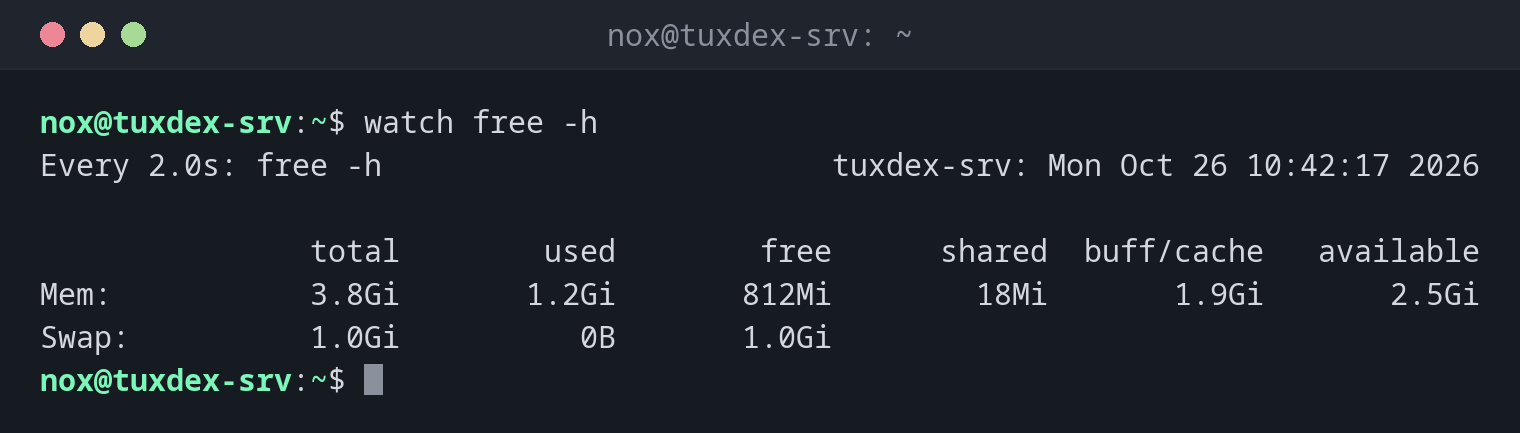
watch free -h
Every 2.0s: free -h                         tuxdex-srv: Mon Oct 26 10:42:17 2026

               total        used        free      shared  buff/cache   available
Mem:           3.8Gi       1.2Gi       812Mi        18Mi       1.9Gi       2.5Gi
Swap:          1.0Gi          0B       1.0Gi
The header shows the interval, the command, the host name and the time of the last run.
Watch a backup directory grow, every 10 seconds:
watch -n 10 -d ls -l /mnt/backup
Every 10.0s: ls -l /mnt/backup              tuxdex-srv: Mon Oct 26 10:42:17 2026

total 1849352
-rw-r--r-- 1 nox nox  412318720 Oct 26 10:42 db.sql.gz
-rw-r--r-- 1 nox nox 1481408512 Oct 26 10:42 www.tar.gz
With -d, the sizes that changed since the last run are highlighted.
Count processes:
watch -n 5 'pgrep -c php-fpm8.4'
Every 5.0s: pgrep -c php-fpm8.4             tuxdex-srv: Mon Oct 26 10:42:17 2026

6
Wait until a backup is finished:
watch -g -n 5 pgrep backup.sh && echo "backup finished"
backup finished
-g ends watch as soon as the output changes, here when the PID disappears.
When do I need it?
- To watch memory, processes or files during a deployment or import
- To see how fast a file or directory grows
- In combination with
-g, to wait for a change and then continue
Changes at a glance
-d is especially useful for long outputs: you immediately see which value changed
and don't have to compare line by line.
Short intervals cost resources
watch -n 0.1 with an expensive command, such as a find over the whole disk, puts
load on the server itself. Choose the interval to match the command.