kubectl config
Shows and changes the kubeconfig: which clusters kubectl knows, which one is active and which namespace is the default.
Syntax
kubectl config SUBCOMMAND [OPTIONS]
Options
| Option | Description |
|---|---|
view |
Show the configuration (keys are hidden) |
get-contexts |
List all contexts (cluster, user, namespace); * marks the active one |
current-context |
Show the active context |
use-context NAME |
Switch to another cluster |
set-context --current --namespace=NS |
Set the default namespace of the active context |
rename-context OLD NEW |
Give a context a better name |
--kubeconfig FILE |
Use another file (also works with every other kubectl command) |
Examples
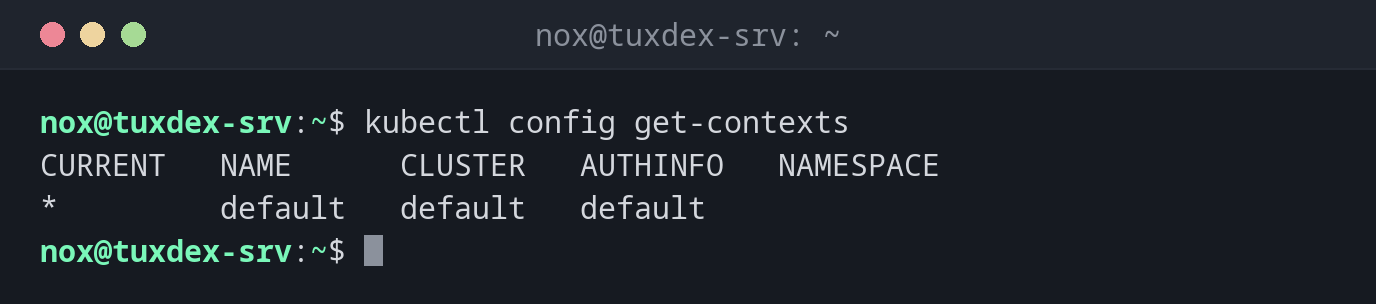
List the contexts:
kubectl config get-contexts
CURRENT   NAME      CLUSTER   AUTHINFO   NAMESPACE
*         default   default   default
Show the configuration:
kubectl config view
apiVersion: v1
clusters:
- cluster:
    certificate-authority-data: DATA+OMITTED
    server: https://127.0.0.1:6443
  name: default
contexts:
- context:
    cluster: default
    user: default
  name: default
current-context: default
kind: Config
users:
- name: default
  user:
    client-certificate-data: DATA+OMITTED
    client-key-data: DATA+OMITTED
Make status the default namespace:
kubectl config set-context --current --namespace=status
kubectl get pods
Context "default" modified.
NAME                  READY   STATUS    RESTARTS   AGE
web-9bc5f7f5b-8ptw2   1/1     Running   0          2h
web-9bc5f7f5b-m8l96   1/1     Running   0          2h
Give the context a clear name:
kubectl config rename-context default tuxdex-srv
kubectl config current-context
Context "default" renamed to "tuxdex-srv".
tuxdex-srv
When do I need it?
- To check which cluster you're talking to before you change anything
- To switch between the test and the production cluster
- To save typing
-n statuswith every command
Several files at once
KUBECONFIG=~/.kube/config:~/.kube/prod.yaml combines several files. kubectl config
view --flatten writes them as one.
Know where you are
A command meant for the test cluster can hit production if the wrong context is
active. Give contexts clear names (rename-context default tuxdex-srv) and check with
kubectl config current-context.
Distribution differences
| Debian | Ubuntu | RHEL | Arch | |
|---|---|---|---|---|
| kubectl | included in k3s; otherwise repository pkgs.k8s.io, then sudo apt install kubectl |
included in k3s; otherwise repository pkgs.k8s.io or sudo snap install kubectl --classic |
included in k3s; otherwise repository pkgs.k8s.io, then sudo dnf install kubectl |
included in k3s; otherwise sudo pacman -S kubectl |
Related commands
kubectl get · k3s · k9s