ping
Sends small test packets (ICMP echo) to a host and measures whether and how fast the answers come back.
Syntax
ping [OPTION]... HOST
On Linux, ping runs until you stop it with Ctrl+C, unless you give -c.
Options
| Option | Description |
|---|---|
-c NUMBER |
Stop after NUMBER packets |
-i SECONDS |
Interval between packets, default 1 |
-W SECONDS |
How long to wait for an answer |
-q |
Quiet: only print the summary |
-4, -6 |
Force IPv4 or IPv6 |
-s BYTES |
Packet size, for example to test the MTU |
Examples
Check whether a host is reachable:
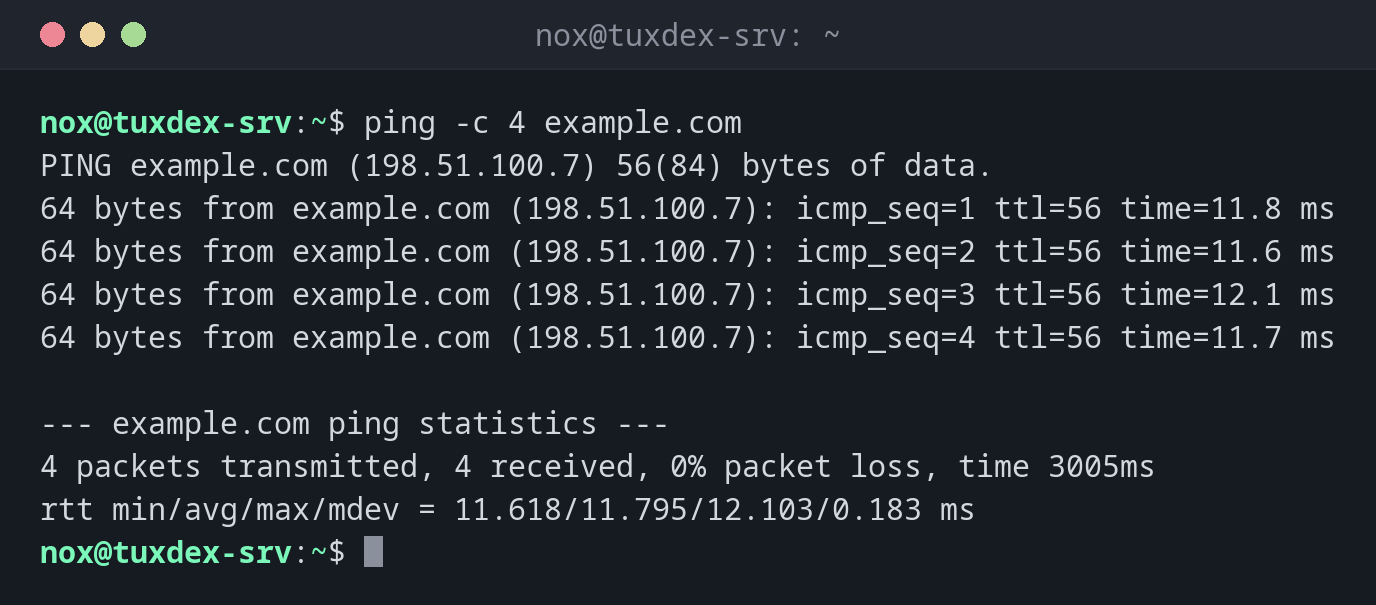
ping -c 4 example.com
PING example.com (198.51.100.7) 56(84) bytes of data.
64 bytes from example.com (198.51.100.7): icmp_seq=1 ttl=56 time=11.8 ms
64 bytes from example.com (198.51.100.7): icmp_seq=2 ttl=56 time=11.6 ms
64 bytes from example.com (198.51.100.7): icmp_seq=3 ttl=56 time=12.1 ms
64 bytes from example.com (198.51.100.7): icmp_seq=4 ttl=56 time=11.7 ms

--- example.com ping statistics ---
4 packets transmitted, 4 received, 0% packet loss, time 3005ms
rtt min/avg/max/mdev = 11.618/11.795/12.103/0.183 ms
| Part | Meaning |
|---|---|
icmp_seq |
Sequence number: gaps mean lost packets |
ttl |
Remaining hops, decreases by one on every router |
time |
Round trip time in milliseconds |
packet loss |
Share of lost packets, should be 0% |
Test the own gateway first:
ping -c 3 192.0.2.1
PING 192.0.2.1 (192.0.2.1) 56(84) bytes of data.
64 bytes from 192.0.2.1: icmp_seq=1 ttl=64 time=0.312 ms
64 bytes from 192.0.2.1: icmp_seq=2 ttl=64 time=0.287 ms
64 bytes from 192.0.2.1: icmp_seq=3 ttl=64 time=0.301 ms

--- 192.0.2.1 ping statistics ---
3 packets transmitted, 3 received, 0% packet loss, time 2042ms
rtt min/avg/max/mdev = 0.287/0.300/0.312/0.010 ms
If the gateway answers but example.com doesn't, the problem is outside your network.
A host in the own subnet that doesn't exist:
ping -c 3 192.0.2.99
PING 192.0.2.99 (192.0.2.99) 56(84) bytes of data.
From 192.0.2.10 icmp_seq=1 Destination Host Unreachable
From 192.0.2.10 icmp_seq=2 Destination Host Unreachable
From 192.0.2.10 icmp_seq=3 Destination Host Unreachable

--- 192.0.2.99 ping statistics ---
3 packets transmitted, 0 received, +3 errors, 100% packet loss, time 2051ms
A name that can't be resolved:
ping -c 1 exmaple.com
ping: exmaple.com: Name or service not known
This is a DNS problem or a typo, not a network problem. Check the name with
dig.
Only the summary, for scripts:
ping -c 20 -i 0.2 -q 192.0.2.1
PING 192.0.2.1 (192.0.2.1) 56(84) bytes of data.

--- 192.0.2.1 ping statistics ---
20 packets transmitted, 20 received, 0% packet loss, time 3812ms
rtt min/avg/max/mdev = 0.271/0.296/0.344/0.018 ms
When do I need it?
- As the first test when "the network doesn't work": gateway, then a known host
- To see whether a connection is unstable: packet loss and fluctuating times
- In scripts, to wait until a host is reachable again after a reboot
Work from the inside out
Ping the own gateway, then a public IP address, then a name. The first step that fails shows where the problem is: local network, internet connection or DNS.
No answer doesn't mean offline
Many servers and firewalls block ICMP. A host that doesn't answer ping can still
run a web server. Test the service itself with curl or nc.
Related commands
ip · traceroute · mtr · dig