ufw
The uncomplicated firewall of Debian and Ubuntu: allows and blocks ports with short, readable rules, without having to write
nftablesrules by hand.
Syntax
ufw [OPTION]... COMMAND
Options
| Command | Description |
|---|---|
status verbose |
State, default policies and all rules |
status numbered |
Rules with numbers, for deleting |
allow PORT[/PROTO] |
Allow incoming connections on a port |
allow from NET to any port PORT |
Allow a port only from certain addresses |
deny, reject |
Block silently, or with an answer |
limit PORT/tcp |
Allow, but block addresses with too many connection attempts |
delete NUMBER |
Delete a rule |
enable, disable |
Switch the firewall on or off, also at boot |
Examples
Show the state and all rules:
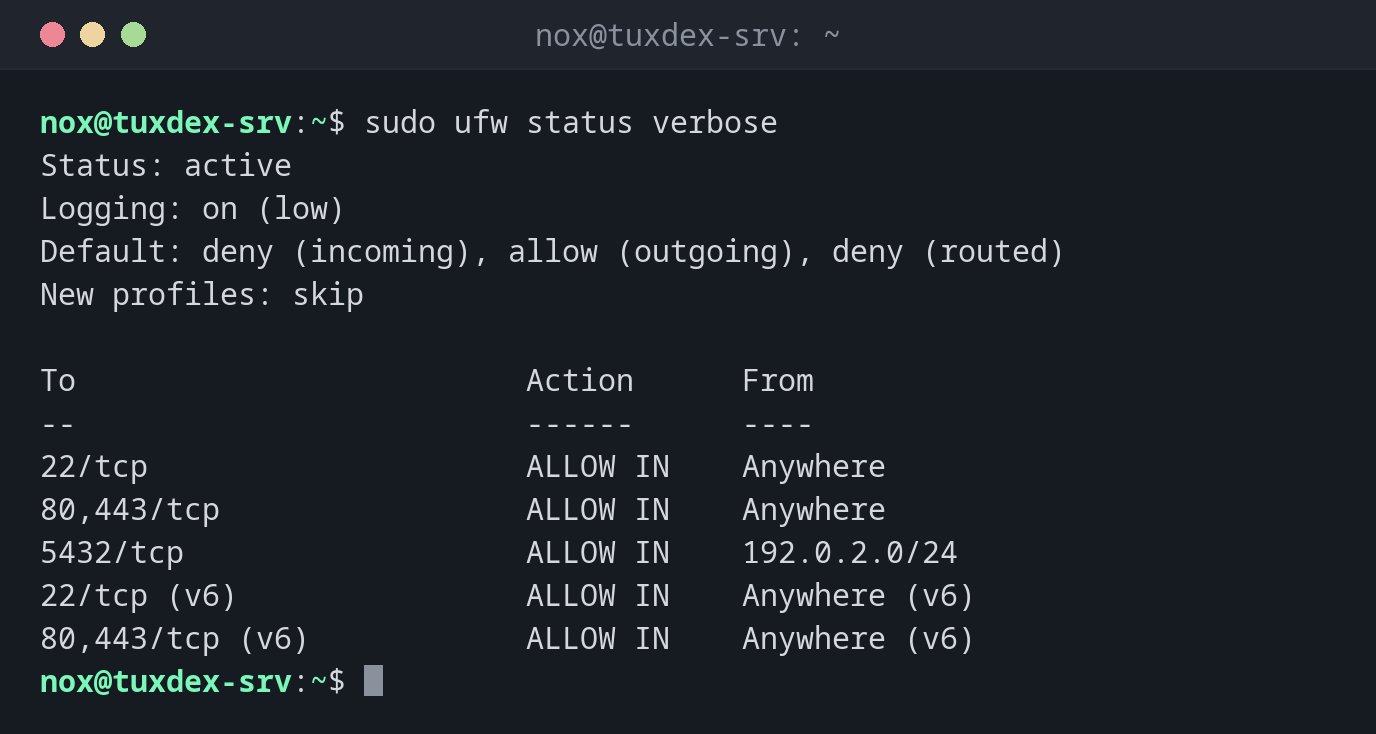
sudo ufw status verbose
Status: active
Logging: on (low)
Default: deny (incoming), allow (outgoing), deny (routed)
New profiles: skip

To                         Action      From
--                         ------      ----
22/tcp                     ALLOW IN    Anywhere
80,443/tcp                 ALLOW IN    Anywhere
5432/tcp                   ALLOW IN    192.0.2.0/24
22/tcp (v6)                ALLOW IN    Anywhere (v6)
80,443/tcp (v6)            ALLOW IN    Anywhere (v6)
Default: deny (incoming) means: everything that isn't allowed explicitly is blocked.
Allow SSH before switching the firewall on:
sudo ufw allow 22/tcp
Rules updated
Rules updated (v6)
Without an SSH rule, enable would lock you out of the server.
Switch the firewall on:
sudo ufw enable
Command may disrupt existing ssh connections. Proceed with operation (y|n)? y
Firewall is active and enabled on system startup
Allow the database only from the own network:
sudo ufw allow from 192.0.2.0/24 to any port 5432 proto tcp
Rule added
Delete a rule by its number:
sudo ufw status numbered
sudo ufw delete 3
Status: active

     To                         Action      From
     --                         ------      ----
[ 1] 22/tcp                     ALLOW IN    Anywhere
[ 2] 80,443/tcp                 ALLOW IN    Anywhere
[ 3] 5432/tcp                   ALLOW IN    192.0.2.0/24
[ 4] 22/tcp (v6)                ALLOW IN    Anywhere (v6)
[ 5] 80,443/tcp (v6)            ALLOW IN    Anywhere (v6)

Deleting:
 allow from 192.0.2.0/24 to any port 5432 proto tcp
Proceed with operation (y|n)? y
Rule deleted
ufw deletes the IPv4 and the IPv6 rule of a pair separately. Check the numbers again
after every delete, they shift.
When do I need it?
- On every Debian or Ubuntu server that is reachable from the internet
- To open a port for a new service, such as a web server
- To make a database or an admin interface reachable only from certain networks
Rate limit for SSH
sudo ufw limit 22/tcp blocks addresses that try to connect more than six times in
30 seconds. This slows down brute force attacks on SSH considerably.
Allow SSH first
Always run sudo ufw allow 22/tcp (or your SSH port) before ufw enable. Otherwise
the firewall blocks your own session as soon as it reconnects.
Distribution differences
| Debian | Ubuntu | RHEL | Arch | |
|---|---|---|---|---|
| Firewall tool | ufw (package ufw) |
ufw, installed but inactive |
firewall-cmd |
ufw or nft |
Related commands
ss · nc · firewall-cmd · nft