tac
Prints files in reverse order: the last line first.
Syntax
tac [OPTION]... [FILE]...
Options
| Option | Description |
|---|---|
-s, --separator=STRING |
Use STRING as separator instead of a new line |
-b, --before |
Put the separator before each record instead of after it |
-r, --regex |
Treat the separator as a regular expression |
Examples
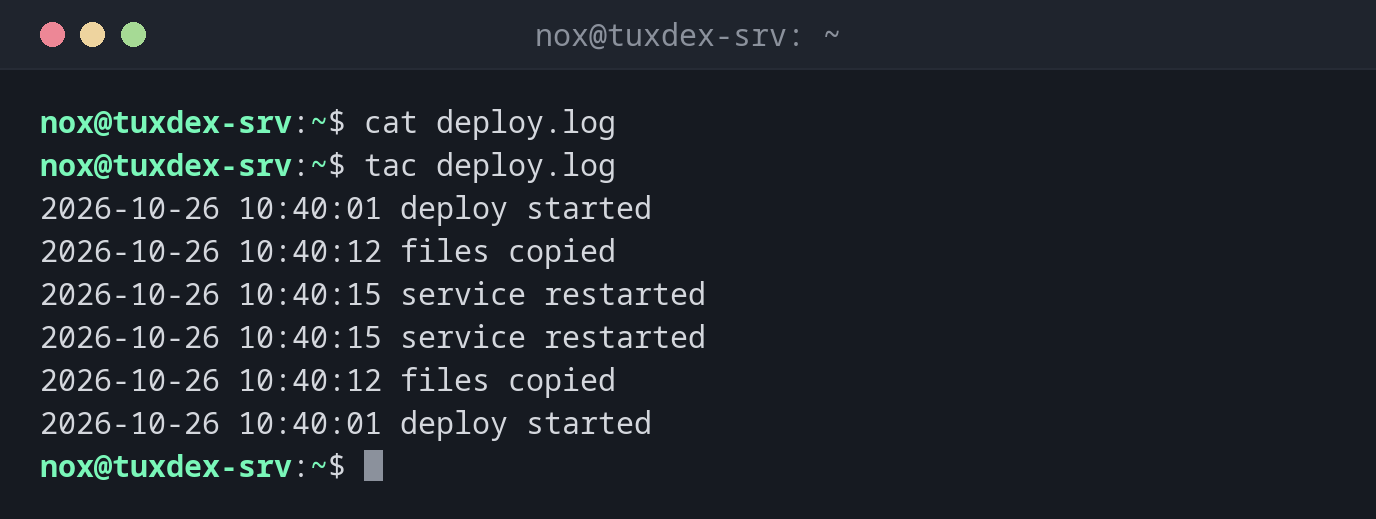
Show a file from the bottom up:
cat deploy.log
tac deploy.log
2026-10-26 10:40:01 deploy started
2026-10-26 10:40:12 files copied
2026-10-26 10:40:15 service restarted
2026-10-26 10:40:15 service restarted
2026-10-26 10:40:12 files copied
2026-10-26 10:40:01 deploy started
Show the three newest entries of a log, newest first:
tac /var/log/nginx/access.log | head -n 3
192.0.2.55 - - [26/Oct/2026:10:41:58 +0100] "GET / HTTP/1.1" 200 6512 "-" "curl/8.14.1"
198.51.100.23 - - [26/Oct/2026:10:41:12 +0100] "GET /favicon.ico HTTP/1.1" 404 153 "-" "Mozilla/5.0"
198.51.100.23 - - [26/Oct/2026:10:41:11 +0100] "GET /login HTTP/1.1" 200 2841 "-" "Mozilla/5.0"
Browse a log from the newest entry backwards:
tac /var/log/nginx/access.log | less
192.0.2.55 - - [26/Oct/2026:10:41:58 +0100] "GET / HTTP/1.1" 200 6512 "-" "curl/8.14.1"
198.51.100.23 - - [26/Oct/2026:10:41:12 +0100] "GET /favicon.ico HTTP/1.1" 404 153 "-" "Mozilla/5.0"
198.51.100.23 - - [26/Oct/2026:10:41:11 +0100] "GET /login HTTP/1.1" 200 2841 "-" "Mozilla/5.0"
:
When do I need it?
- To read logs from the newest entry backwards, because the newest events usually matter most
- To find the last occurrence of something in a long file quickly
- In scripts that need to process lines in reverse order
Easy to remember
tac is cat spelled backwards, and it does exactly that: it prints a file
backwards, line by line.
Reverse characters, not lines
tac reverses the order of the lines. To reverse the characters within each line,
use rev.