needrestart
Finds services that still use old libraries after an update, and tells you whether a newer kernel is waiting for a reboot.
Syntax
needrestart [OPTION]...
Options
| Option | Description |
|---|---|
-r l |
Only list the services, don't restart them |
-r a |
Restart the affected services automatically |
-r i |
Ask for each service (default when run interactively) |
-k |
Only check the kernel |
-l |
Only check services and libraries |
-b |
Batch mode: machine-readable output for scripts and monitoring |
On Debian and Ubuntu, needrestart also runs automatically after every apt upgrade.
Examples
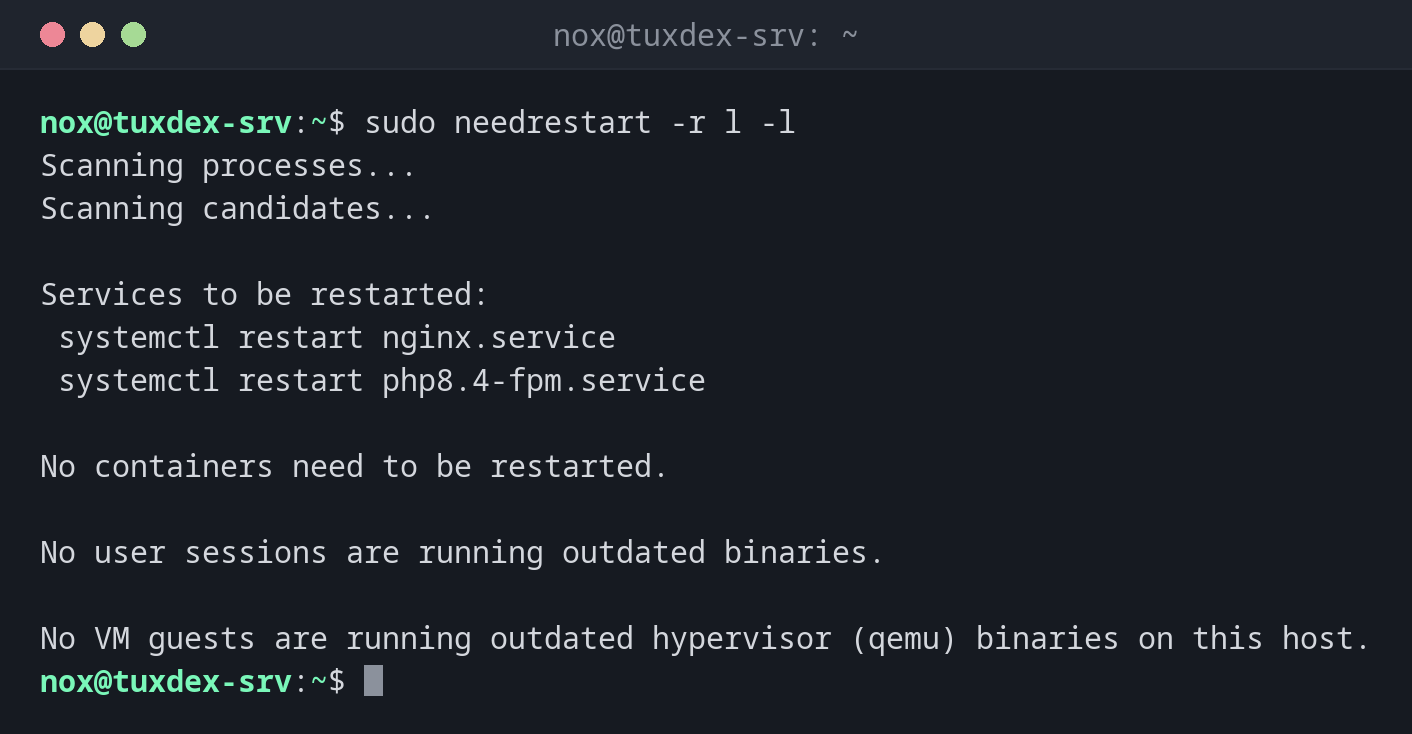
List the services that need a restart:
sudo needrestart -r l -l
Scanning processes...
Scanning candidates...

Services to be restarted:
 systemctl restart nginx.service
 systemctl restart php8.4-fpm.service

No containers need to be restarted.

No user sessions are running outdated binaries.

No VM guests are running outdated hypervisor (qemu) binaries on this host.
Both services still use the old version of a library that was just updated, for example OpenSSL. Until they are restarted, the security fix doesn't protect them.
Check whether a newer kernel is waiting:
sudo needrestart -k
Scanning linux images...

Pending kernel upgrade!

Running kernel version:
  6.12.48+deb13-amd64

Diagnostics:
  The currently running kernel version is not the expected kernel version 6.12.57+deb13-amd64.

Restarting the system to load the new kernel will not be handled automatically, so you should consider rebooting. [Return]
Restart all affected services in one go:
sudo needrestart -r a -l
Scanning processes...
Scanning candidates...
Restarting services...
 systemctl restart nginx.service php8.4-fpm.service

No containers need to be restarted.

No user sessions are running outdated binaries.

No VM guests are running outdated hypervisor (qemu) binaries on this host.
Machine-readable output for monitoring:
sudo needrestart -b | grep -E "KSTA|SVC"
NEEDRESTART-KSTA: 3
NEEDRESTART-SVC: nginx.service
NEEDRESTART-SVC: php8.4-fpm.service
KSTA: 3 means: a newer kernel version is installed, a reboot is needed. 1 means the
kernel is current.
When do I need it?
- After every update of libraries such as OpenSSL or glibc
- To decide whether restarting a few services is enough or a reboot is needed
- In monitoring, to get a warning when a server needs a reboot
Restart services instead of the server
For library updates, restarting the affected services is usually enough. The server keeps running, and only a reboot for a new kernel needs a maintenance window.
Not every service can be restarted
needrestart doesn't restart some services automatically, for example the display
manager or the D-Bus daemon, because that could end your session. It lists them
under Service restarts being deferred.
Distribution differences
| Debian | Ubuntu | RHEL | Arch | |
|---|---|---|---|---|
| Tool | needrestart, install with sudo apt install needrestart |
needrestart, installed |
sudo dnf needs-restarting (-s services, -r reboot) |
no standard tool: restart updated services or reboot |
| Runs after updates automatically | yes, as an apt hook | yes, as an apt hook | no | no |
Related commands
unattended-upgrade · apt · systemctl · reboot