git clone
Copies an existing repository with its complete history from a server or another directory.
Syntax
git clone [OPTIONS] URL [DIRECTORY]
Options
| Option | Description |
|---|---|
DIRECTORY |
Target directory, otherwise the name of the repository |
-b NAME, --branch NAME |
Check out this branch or tag instead of the default branch |
--depth N |
Only fetch the last N commits (shallow clone) |
--single-branch |
Only fetch one branch |
--bare |
Copy without working directory, for example to move a repository to another server |
-q, --quiet |
No progress output |
Examples
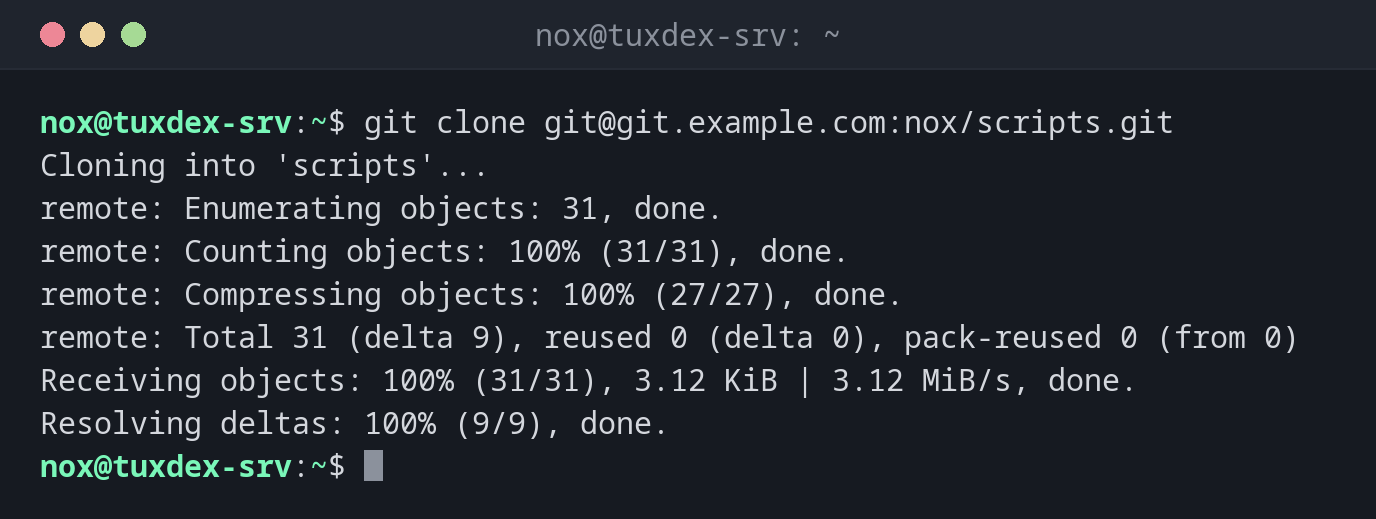
Clone a repository over SSH:
git clone git@git.example.com:nox/scripts.git
Cloning into 'scripts'...
remote: Enumerating objects: 31, done.
remote: Counting objects: 100% (31/31), done.
remote: Compressing objects: 100% (27/27), done.
remote: Total 31 (delta 9), reused 0 (delta 0), pack-reused 0 (from 0)
Receiving objects: 100% (31/31), 3.12 KiB | 3.12 MiB/s, done.
Resolving deltas: 100% (9/9), done.
Clone into a specific directory:
sudo git clone -q git@git.example.com:nox/scripts.git /opt/scripts
ls /opt/scripts
README.md backup.sh check-disk.sh check-services.sh rotate-logs.sh
Only the latest state, without the old history:
git clone --depth 1 https://git.example.com/nox/scripts.git
Cloning into 'scripts'...
remote: Enumerating objects: 8, done.
remote: Counting objects: 100% (8/8), done.
remote: Compressing objects: 100% (6/6), done.
remote: Total 8 (delta 0), reused 0 (delta 0), pack-reused 0 (from 0)
Receiving objects: 100% (8/8), done.
Clone a specific version:
git clone -q -b v1.0 git@git.example.com:nox/scripts.git scripts-v1.0
git -C scripts-v1.0 log --oneline -1
3fcc96a Also check /mnt/backup
When do I need it?
- To bring your scripts or configuration onto a new server
- To get a tool or a set of Ansible roles from GitHub or GitLab
- To work on a repository from your own computer
Deploy keys for servers
A server that only needs to pull doesn't need your personal key. GitHub and GitLab let you add a deploy key to a single repository, read-only by default.
No passwords over HTTPS
GitHub and many GitLab instances don't accept your account password for git clone
over HTTPS. Use SSH or an access token instead.
Related commands
git init · git pull · git remote · ssh-keygen