docker compose
Starts, updates and stops a whole stack of containers described in a compose.yaml.
Syntax
docker compose [-f FILE] COMMAND [OPTIONS] [SERVICE...]
Options
| Option | Description |
|---|---|
up -d |
Create and start all services in the background; changed services are recreated |
down |
Stop and remove the containers and the network (volumes stay, unless -v) |
ps |
Show the containers of the project |
logs [-f] [SERVICE] |
Show the output of all or individual services |
pull |
Download newer versions of the images |
restart [SERVICE] |
Restart services |
exec SERVICE COMMAND |
Run a command in a service's container |
config |
Check the file and show the complete configuration |
-f FILE |
Another file instead of compose.yaml in the current directory |
Examples
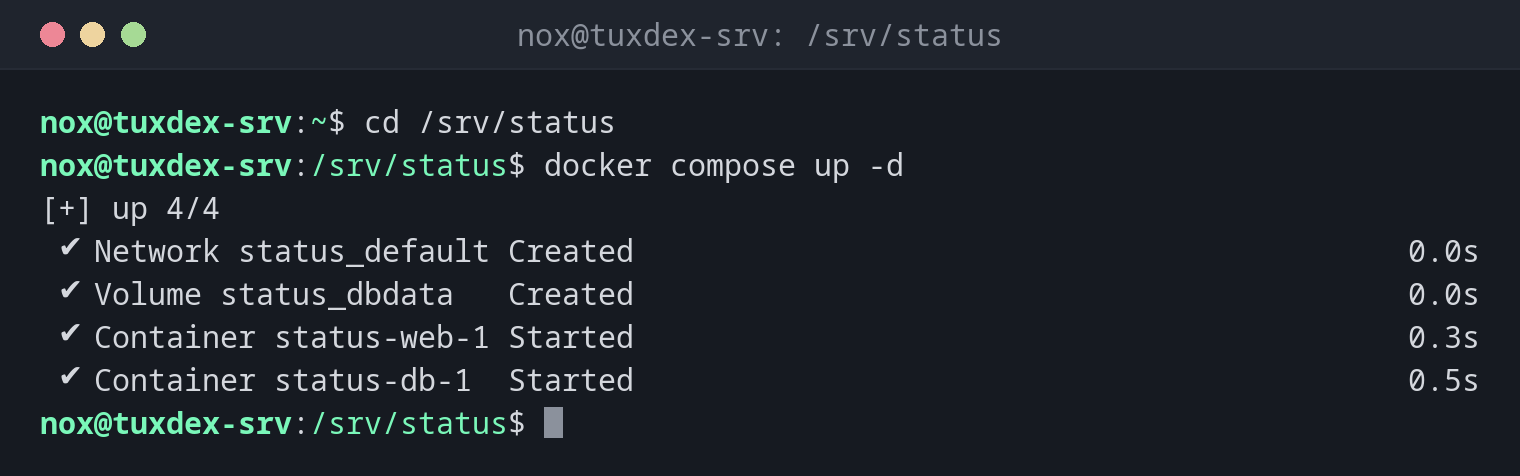
Start the stack from the compose.yaml:
cd /srv/status
docker compose up -d
[+] up 4/4
 ✔ Network status_default Created                                           0.0s
 ✔ Volume status_dbdata   Created                                           0.0s
 ✔ Container status-web-1 Started                                           0.3s
 ✔ Container status-db-1  Started                                           0.5s
Compose names everything after the directory (status) and the service. The file itself is shown in the basics.
The containers of the project:
docker compose ps
NAME           IMAGE         COMMAND                  SERVICE   CREATED         STATUS         PORTS
status-db-1    postgres:17   "docker-entrypoint.s…"   db        2 minutes ago   Up 2 minutes   5432/tcp
status-web-1   nginx:1.28    "/docker-entrypoint.…"   web       2 minutes ago   Up 2 minutes   0.0.0.0:8080->80/tcp, [::]:8080->80/tcp
The logs of all services:
docker compose logs --tail 2
web-1  | 2026/10/26 09:40:05 [notice] 1#1: start worker process 29
web-1  | 2026/10/26 09:40:05 [notice] 1#1: start worker process 30
db-1   | 2026-10-26 09:40:07.102 UTC [1] LOG:  database system is ready to accept connections
db-1   | 2026-10-26 09:40:07.104 UTC [62] LOG:  database system was shut down at 2026-10-26 09:40:06 UTC
Update all services:
docker compose pull
docker compose up -d
[+] pull 2/2
 ✔ Image postgres:17 Pulled                                                 1.7s
 ✔ Image nginx:1.28  Pulled                                                 1.6s
[+] up 2/2
 ✔ Container status-db-1  Running                                           0.0s
 ✔ Container status-web-1 Recreated                                         0.4s
Only web had a new image, so only its container was recreated. db kept running.
Stop and remove the stack:
docker compose down
[+] down 3/3
 ✔ Container status-db-1  Removed                                           0.5s
 ✔ Container status-web-1 Removed                                           0.4s
 ✔ Network status_default Removed                                           0.1s
The volume status_dbdata stays, so the database is still there at the next up.
When do I need it?
- For every service that consists of more than one container, such as an app with a database
- To document the setup of a server in a file that can go into Git
- To update all containers of a stack with two commands
Updating a stack
docker compose pull followed by docker compose up -d brings all services to the
newest image of their tag. Only containers whose image or configuration changed are
recreated.
docker-compose with a hyphen is the old version
docker-compose (with a hyphen) is Compose version 1, which is no longer maintained.
The current version is the plugin docker compose (with a space). The compose.yaml
files are largely the same.
down -v deletes the data
docker compose down -v also deletes the volumes of the project, and with them the
database. Leave out -v unless you really want to start from scratch.
Distribution differences
| Debian | Ubuntu | RHEL | Arch | |
|---|---|---|---|---|
| Command | docker compose (docker-compose-plugin) |
docker compose (docker-compose-plugin) |
docker compose (docker-compose-plugin), or podman compose |
docker compose (docker-compose) |