addgroup
Creates a new group on Debian and Ubuntu, or adds an existing user to a group.
Syntax
addgroup [OPTION]... GROUP
addgroup USER GROUP
Options
| Option | Description |
|---|---|
--system |
Create a system group (GID below 1000) for a service |
--gid ID |
Use this GID |
--verbose |
Show every step |
Examples
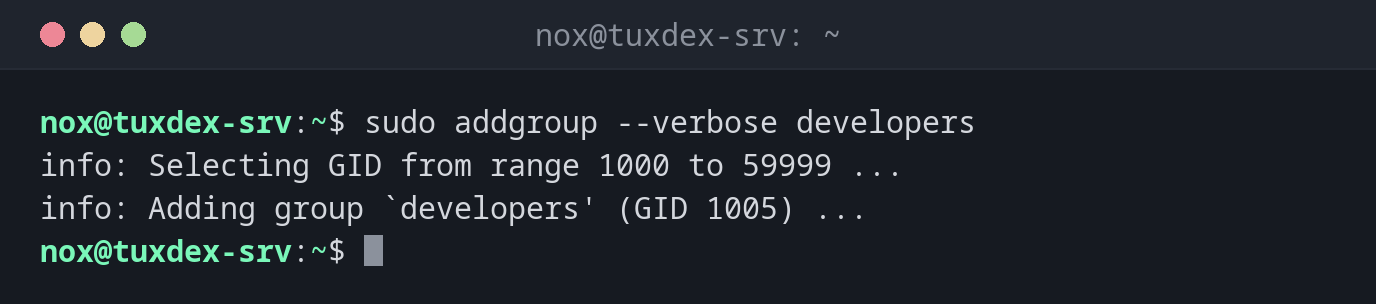
Create a group and show every step:
sudo addgroup --verbose developers
info: Selecting GID from range 1000 to 59999 ...
info: Adding group `developers' (GID 1005) ...
Check the new group:
getent group developers
developers:x:1005:
The group exists, but has no members yet.
Add a user to the group:
sudo addgroup alice developers
getent group developers
developers:x:1005:alice
Create a system group for a service:
sudo addgroup --system myapp
getent group myapp
myapp:x:108:
Try to create a group that already exists:
sudo addgroup developers
fatal: The group `developers' already exists.
When do I need it?
- To create a team group for a shared directory, for example
developersordeploy - To create a group for a service that several users or services share
- To add a user to a group with the Debian and Ubuntu tools
Same as adduser USER GROUP
addgroup alice developers and adduser alice developers do exactly the same. Use
whichever you find easier to remember.
Members need a new login
A user who was added to a group only gets the new rights in a new session. Log out and back in, or open a new SSH connection.
Distribution differences
| Debian | Ubuntu | RHEL | Arch | |
|---|---|---|---|---|
addgroup |
installed | installed | not available | not available |
| Alternative | groupadd developers, gpasswd -a alice developers |
groupadd developers, gpasswd -a alice developers |