while
Repeats commands as long as a condition is true. Also the standard way to read a file line by line.
Syntax
while COMMAND; do
    …
done
Options
| Form | Meaning |
|---|---|
while COMMAND |
Repeat as long as the command exits with 0 |
until COMMAND |
Repeat as long as the command fails |
while read -r line; do … done < FILE |
Process a file line by line |
while true |
Endless loop, end it with break |
break, continue |
Leave the loop, start the next round |
Examples
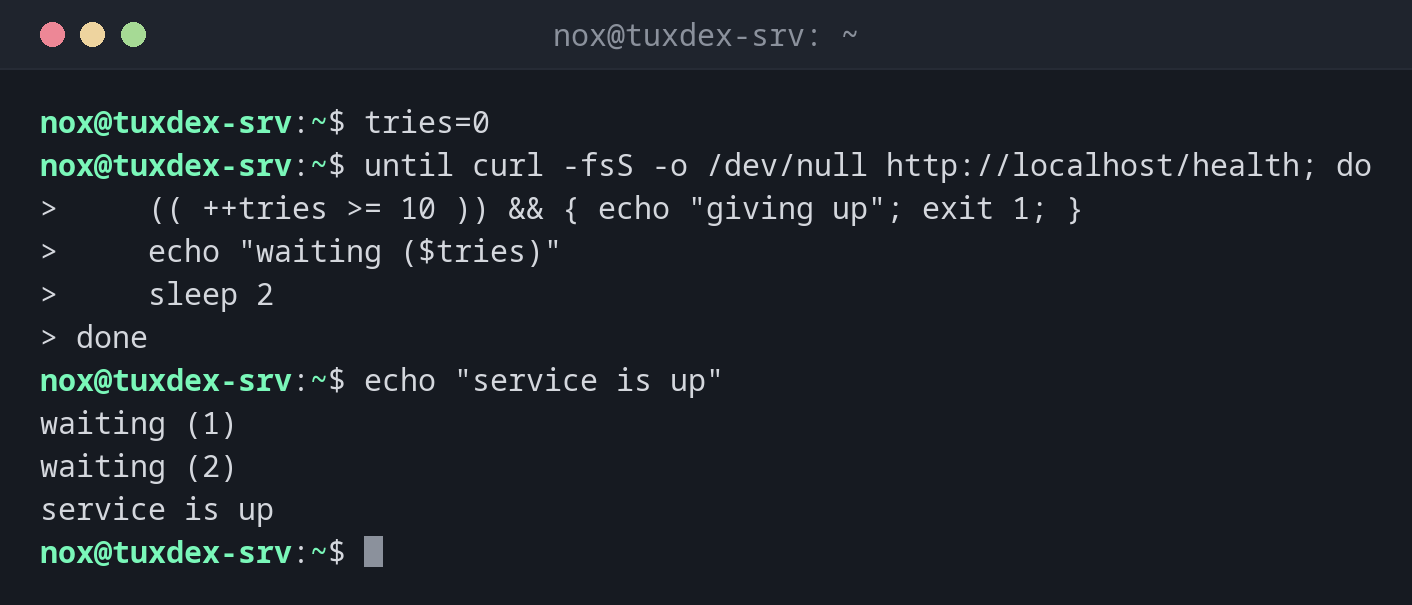
Wait until a service answers:
tries=0
until curl -fsS -o /dev/null http://localhost/health; do
    (( ++tries >= 10 )) && { echo "giving up"; exit 1; }
    echo "waiting ($tries)"
    sleep 2
done
echo "service is up"
waiting (1)
waiting (2)
service is up
Read a list of servers:
while read -r name ip; do
    echo "$name -> $ip"
done < hosts.txt
web01 -> 192.0.2.10
web02 -> 192.0.2.11
Count down:
n=3
while (( n > 0 )); do
    echo "$n"
    (( n-- ))
done
3
2
1
When do I need it?
- To wait until something is ready, e.g. a service after a restart
- To read files and command output line by line
- For retries with a limit
Always a limit
A loop that waits for a service should give up at some point. Count the attempts and
break or exit after a reasonable number.
Pipes start a subshell
In command | while read …, the loop runs in a subshell. Variables set inside are lost
afterwards. Use done < <(command) instead.