docker exec
Runs a command inside a running container, for example a shell.
Syntax
docker exec [OPTIONS] CONTAINER COMMAND [ARG...]
Options
| Option | Description |
|---|---|
-it |
Interactive with a terminal, needed for a shell |
-u, --user USER |
Run as this user, such as root or postgres |
-w, --workdir DIR |
Working directory inside the container |
-e NAME=VALUE |
Set an environment variable for the command |
-d, --detach |
Run the command in the background |
Examples
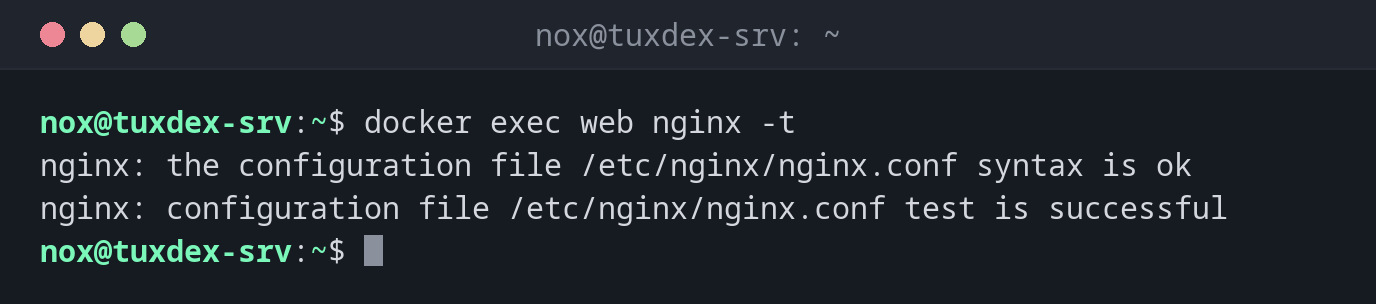
Test the nginx configuration in the container:
docker exec web nginx -t
nginx: the configuration file /etc/nginx/nginx.conf syntax is ok
nginx: configuration file /etc/nginx/nginx.conf test is successful
Open a shell in the container:
docker exec -it web bash
root@0d306f9f64bf:/# head -1 /etc/os-release
PRETTY_NAME="Debian GNU/Linux 13 (trixie)"
root@0d306f9f64bf:/# exit
The hostname in the prompt is the container ID. exit leaves the shell, the container keeps running.
Dump a database:
docker exec -u postgres db pg_dumpall > /mnt/backup/db-$(date +%F).sql
ls -lh /mnt/backup/db-*.sql
-rw-r--r-- 1 nox nox 4.2M Oct 26 10:42 /mnt/backup/db-2026-10-26.sql
Open psql as the database user:
docker exec -it -u postgres db psql -c '\l'
                                                    List of databases
   Name    |  Owner   | Encoding | Locale Provider |  Collate   |   Ctype    | Locale | ICU Rules |   Access privileges
-----------+----------+----------+-----------------+------------+------------+--------+-----------+-----------------------
 postgres  | postgres | UTF8     | libc            | en_US.utf8 | en_US.utf8 |        |           |
 template0 | postgres | UTF8     | libc            | en_US.utf8 | en_US.utf8 |        |           | =c/postgres          +
           |          |          |                 |            |            |        |           | postgres=CTc/postgres
 template1 | postgres | UTF8     | libc            | en_US.utf8 | en_US.utf8 |        |           | =c/postgres          +
           |          |          |                 |            |            |        |           | postgres=CTc/postgres
(3 rows)
When do I need it?
- To look around in a container when something doesn't work
- To test a configuration or reload a service inside the container
- To make a database dump or run maintenance commands
No bash in the image?
Small images, for example those based on Alpine, often only have sh. Use
docker exec -it CONTAINER sh there.
Changes in the container are temporary
What you change by hand with docker exec is lost as soon as the container is created
again, for example after an update. Make lasting changes in the image, the
compose.yaml or in a mounted configuration file.