lsmod
Lists the kernel modules that are currently loaded, with their size and which other modules use them.
Syntax
lsmod
Options
| Option | Description |
|---|---|
| (none) | All loaded modules: name, size, number of users and the modules that use them |
modinfo NAME shows details about a module: description, file, parameters and version.
Examples
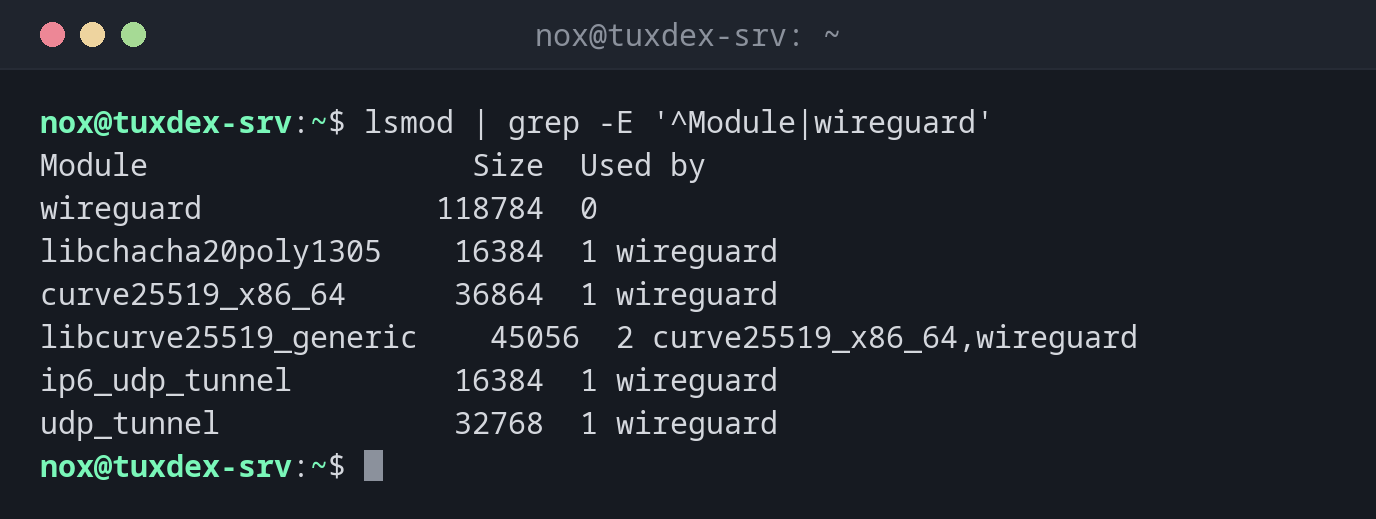
Check whether the WireGuard module is loaded:
lsmod | grep -E '^Module|wireguard'
Module                  Size  Used by
wireguard             118784  0
libchacha20poly1305    16384  1 wireguard
curve25519_x86_64      36864  1 wireguard
libcurve25519_generic    45056  2 curve25519_x86_64,wireguard
ip6_udp_tunnel         16384  1 wireguard
udp_tunnel             32768  1 wireguard
Details about a module:
modinfo wireguard | head -6
filename:       /lib/modules/6.12.48+deb13-amd64/kernel/drivers/net/wireguard/wireguard.ko.xz
intree:         Y
alias:          net-pf-16-proto-16-family-wireguard
alias:          rtnl-link-wireguard
version:        1.0.0
author:         Jason A. Donenfeld <Jason@zx2c4.com>
The driver of the network card:
lspci -k | grep -A2 Ethernet
00:12.0 Ethernet controller: Red Hat, Inc. Virtio 1.0 network device (rev 01)
        Subsystem: Red Hat, Inc. Device 1100
        Kernel driver in use: virtio_net
When do I need it?
- To check whether a driver is loaded, for example for a network card or WireGuard
- To find out which module belongs to a piece of hardware (together with
lspci -k) - Before unloading a module, to see what still uses it
Which driver does a device use?
lspci -k shows for every PCI device the line Kernel driver in use, so you know which
module to look for in lsmod.