su
Switches to another user in the current terminal, by default to
root.
Syntax
su [OPTION]... [-] [USER]
Options
| Option | Description |
|---|---|
-, -l, --login |
Start a login shell: environment, $PATH and directory of the target user |
-c COMMAND |
Only run a single command as the other user |
-s SHELL, --shell |
Use this shell instead of the login shell of the user |
-p, --preserve-environment |
Keep the current environment |
Without -, you stay in your directory and keep most of your environment. With -,
it is like a fresh login as the other user.
Examples
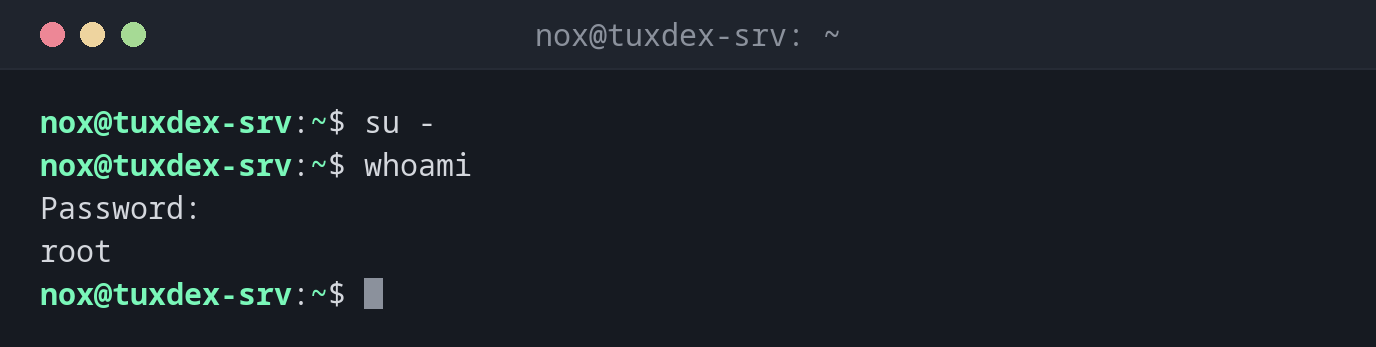
Become root with the root password:
su -
whoami
Password:
root
Switch to another user:
su - alice
pwd
Password:
/home/alice
You need the password of alice, not your own.
Run a single command as root:
su -c 'systemctl restart nginx'
Password:
Work as a service user without a login shell:
sudo su - www-data
sudo su - www-data -s /bin/bash -c 'whoami'
This account is currently not available.
www-data
www-data has the shell /usr/sbin/nologin. With -s /bin/bash, you can still run
commands as this user.
Wrong password:
su -
Password:
su: Authentication failure
When do I need it?
- On servers where
roothas a password andsudois not installed - To test something with the rights and environment of another user, for example a deploy user
- To run commands as a service user that normally can't log in
Always use su -
Plain su keeps your environment, including your $PATH. Commands from /usr/sbin
may then not be found, and settings of your user leak into the root shell. su -
gives you a clean login environment.
su needs the password of the target user
With su, everyone who wants to become root needs the root password. With sudo,
everyone uses their own password, and every command is logged. On servers with several
admins, sudo is the better choice.
Distribution differences
| Debian | Ubuntu | RHEL | Arch | |
|---|---|---|---|---|
| Root password | set during installation, or left empty (then locked) | locked | set during installation, or locked | set by the admin |
sudo installed |
if the root password was left empty | yes | yes | no |
If root has no password, use sudo -i instead of su -.