groupadd
Creates a new group in a single command, the low-level tool that works the same on every distribution.
Syntax
groupadd [OPTION]... GROUP
Options
| Option | Description |
|---|---|
-g GID, --gid |
Use this GID |
-r, --system |
Create a system group (GID below 1000) |
-f, --force |
No error if the group already exists |
Examples
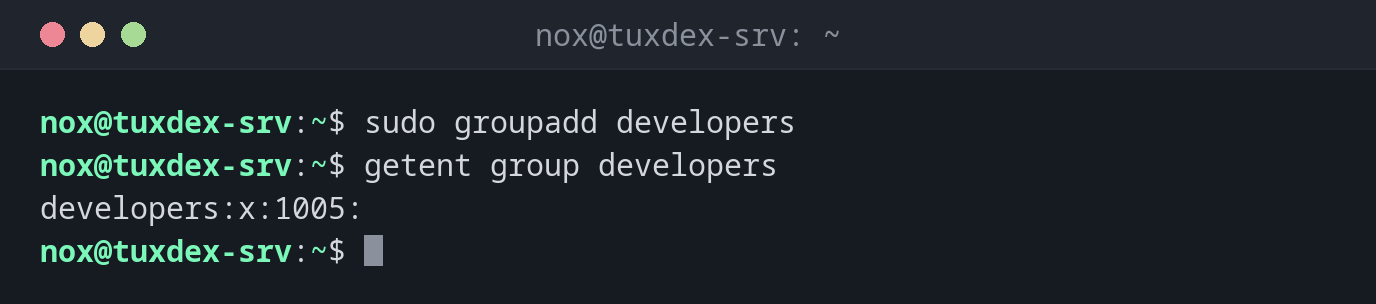
Create a group:
sudo groupadd developers
getent group developers
developers:x:1005:
Create a group with a fixed GID:
sudo groupadd -g 2000 backup-admins
getent group backup-admins
backup-admins:x:2000:
Create a system group for a service:
sudo groupadd -r myapp
getent group myapp
myapp:x:996:
Try to create a group that already exists:
sudo groupadd developers
groupadd: group 'developers' already exists
Ignore an existing group in a script:
sudo groupadd -f developers
echo $?
0
When do I need it?
- In scripts and automation that create groups on any distribution
- To create groups with the same GID on several servers, for example for NFS shares
- To create system groups for services
Same GID on every server
With shared storage like NFS, permissions are stored as numbers. Create such groups
with -g and the same GID on every server, otherwise the files belong to different
groups on each machine.
Rename or delete groups
groupmod -n NEW OLD renames a group, groupdel GROUP deletes it. A group that is
still the primary group of a user can't be deleted.