free
Shows how much memory and swap is used, free and still available.
Syntax
free [OPTION]...
Options
| Option | Description |
|---|---|
-h |
Human readable units (Mi, Gi) |
-m, -g |
Values in MiB or GiB |
-t |
Add a line with the total of memory and swap |
-s SECONDS |
Repeat the output every SECONDS seconds |
-c NUMBER |
Stop after NUMBER repetitions (with -s) |
-w |
Show buffers and cache in separate columns |
Examples
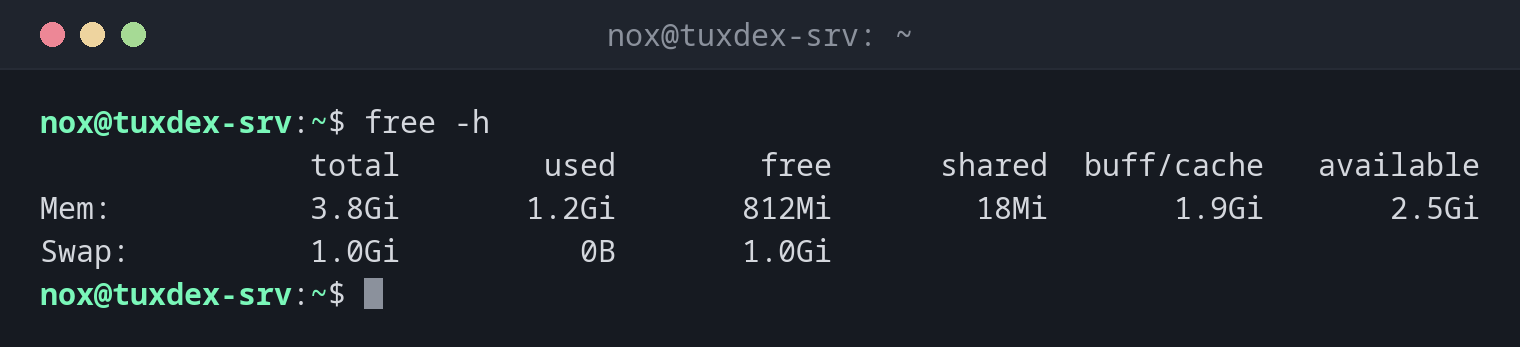
Show memory in readable units:
free -h
               total        used        free      shared  buff/cache   available
Mem:           3.8Gi       1.2Gi       812Mi        18Mi       1.9Gi       2.5Gi
Swap:          1.0Gi          0B       1.0Gi
| Column | Meaning |
|---|---|
used |
Used by programs |
free |
Not used at all |
buff/cache |
Used by the kernel as file cache, released when programs need it |
available |
What programs can still use without swapping |
Values in MiB, for scripts:
free -m
               total        used        free      shared  buff/cache   available
Mem:            3915        1205         812          18        1898        2547
Swap:           1024           0        1024
Show the total of memory and swap:
free -h -t
               total        used        free      shared  buff/cache   available
Mem:           3.8Gi       1.2Gi       812Mi        18Mi       1.9Gi       2.5Gi
Swap:          1.0Gi          0B       1.0Gi
Total:         4.8Gi       1.2Gi       1.8Gi
Watch memory during an import, every 5 seconds, three times:
free -h -s 5 -c 3
               total        used        free      shared  buff/cache   available
Mem:           3.8Gi       1.2Gi       812Mi        18Mi       1.9Gi       2.5Gi
Swap:          1.0Gi          0B       1.0Gi

               total        used        free      shared  buff/cache   available
Mem:           3.8Gi       1.5Gi       498Mi        18Mi       1.9Gi       2.2Gi
Swap:          1.0Gi          0B       1.0Gi

               total        used        free      shared  buff/cache   available
Mem:           3.8Gi       1.7Gi       301Mi        18Mi       1.9Gi       2.0Gi
Swap:          1.0Gi          0B       1.0Gi
When do I need it?
- When a server is slow and you suspect a lack of memory
- Before starting a memory-hungry job, such as a database import or a build
- To check whether the server is swapping
Look at available, not at free
A low free value is normal: Linux uses unused memory as file cache. Only when
available gets low is the memory really running out.
Swap in use
If used under Swap keeps growing, the server has too little memory. It becomes
slow, and in the end the kernel's OOM killer ends processes. Find the culprit with
top and top -o %MEM.