getfacl
Shows the access control lists (ACLs) of files and directories: additional permissions for single users and groups.
Syntax
getfacl [OPTION]... FILE...
Options
| Option | Description |
|---|---|
-c, --omit-header |
Don't show the comment lines with file name, owner and group |
-R, --recursive |
Show the ACLs of all files below as well |
-a, --access |
Only show the access ACL |
-d, --default |
Only show the default ACL of a directory |
-p, --absolute-names |
Keep the leading / in path names |
| Entry | Meaning |
|---|---|
user::rw- |
Permissions of the owner |
user:alice:r-- |
Additional permissions for the user alice |
group::r-- |
Permissions of the owning group |
group:developers:rwx |
Additional permissions for the group developers |
mask::r-- |
Upper limit for all additional entries and the group |
other::--- |
Permissions for everyone else |
default:… |
Permissions that new files in a directory inherit |
Examples
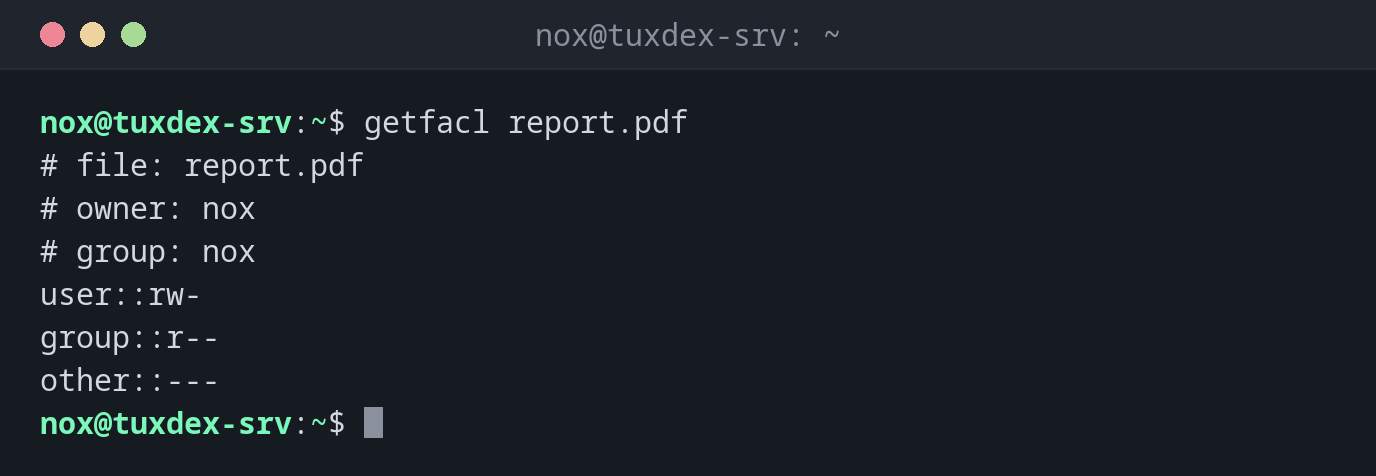
Show the ACL of a file without extra entries:
getfacl report.pdf
# file: report.pdf
# owner: nox
# group: nox
user::rw-
group::r--
other::---
Without extra entries, this is the same as ls -l shows: rw-r-----.
A file with an additional user:
getfacl report.pdf
# file: report.pdf
# owner: nox
# group: nox
user::rw-
user:alice:r--
group::r--
mask::r--
other::---
alice may read the file without being the owner or a member of the group.
Show the ACL of a directory with inherited permissions:
getfacl /srv/shared
getfacl: Removing leading '/' from absolute path names
# file: srv/shared
# owner: root
# group: root
user::rwx
group::r-x
group:developers:rwx
mask::rwx
other::---
default:user::rwx
default:group::r-x
default:group:developers:rwx
default:mask::rwx
default:other::---
The default: entries are inherited by every new file in /srv/shared.
Find permissions that are limited by the mask:
getfacl -c /srv/shared/new.txt
getfacl: Removing leading '/' from absolute path names
user::rw-
group::r-x      #effective:r--
group:developers:rwx    #effective:rw-
mask::rw-
other::---
#effective shows what really applies: the mask rw- removes the x.
When do I need it?
- When
ls -lshows a+after the permissions (-rw-r-----+): there are additional ACL entries thatlsdoesn't show - To find out why a user can access a file although owner, group and permissions don't allow it, or the other way round
- To check shared directories, where several groups have different rights
The + in ls -l
A + at the end of the permissions in ls -l is the sign that a file has ACLs.
Only getfacl shows what they contain.
Package acl
getfacl and setfacl are in the package acl, which is installed on RHEL and Arch
and usually on Debian and Ubuntu. If the commands are missing, install it with
sudo apt install acl.