set
Changes how Bash behaves. In scripts, mainly to stop on errors instead of carrying on silently.
Syntax
set [-euxo OPTION]
The usual start of a robust script is set -euo pipefail.
Options
| Option | Description |
|---|---|
-e |
Stop the script when a command fails |
-u |
Treat unset variables as an error |
-o pipefail |
A pipe fails if any part of it fails, not only the last |
-x |
Print every command before running it (debugging) |
+x |
Switch an option off again, here the debugging output |
Examples
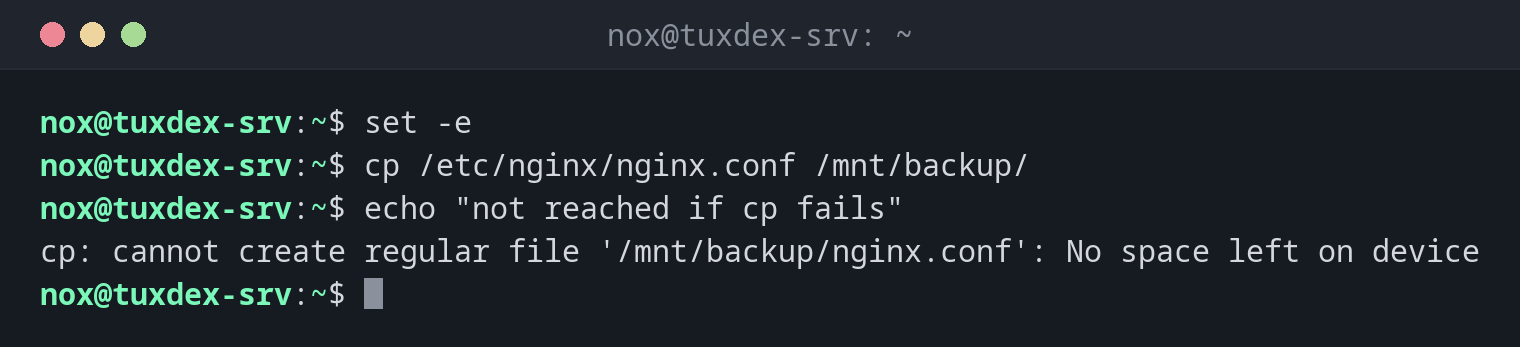
Stop at the first error:
set -e
cp /etc/nginx/nginx.conf /mnt/backup/
echo "not reached if cp fails"
cp: cannot create regular file '/mnt/backup/nginx.conf': No space left on device
Catch a typo in a variable:
set -u
target=/mnt/backup
rm -rf "$targte/old"
bash: targte: unbound variable
Without set -u, "$targte/old" would become /old, and rm -rf would delete it.
Errors in the middle of a pipe:
set -o pipefail
false | sort
echo "exit code: $?"
exit code: 1
Show what the script does:
set -x
name=web01
echo "host $name"
+ name=web01
+ echo 'host web01'
host web01
When do I need it?
- At the start of every script, so that errors don't go unnoticed
- To find out where a script goes wrong, with
set -x - To catch typos in variable names with
set -u
Debug a single part
Put set -x before and set +x after the part you want to examine. Or run the whole
script with bash -x script.sh.
-e has exceptions
set -e doesn't stop in conditions (if, &&, ||) or for commands whose failure is
expected there. That's intended, but it means you still have to check important steps.
Related commands
trap · exit · shellcheck