mount
Mounts a file system into the directory tree, so its files appear in a directory. Without arguments, it lists what is mounted.
Syntax
mount [OPTION]... [DEVICE] [MOUNTPOINT]
The mount point must be an existing directory. Files that were in it before are hidden while something is mounted there.
Options
| Option | Description |
|---|---|
-a |
Mount everything from /etc/fstab that isn't mounted yet |
-t TYPE |
File system type, usually detected automatically |
-o OPTIONS |
Options, e.g. ro, noexec, remount |
-o remount,ro |
Switch a mounted file system to read only |
-o loop |
Mount an image file, e.g. an ISO |
Examples
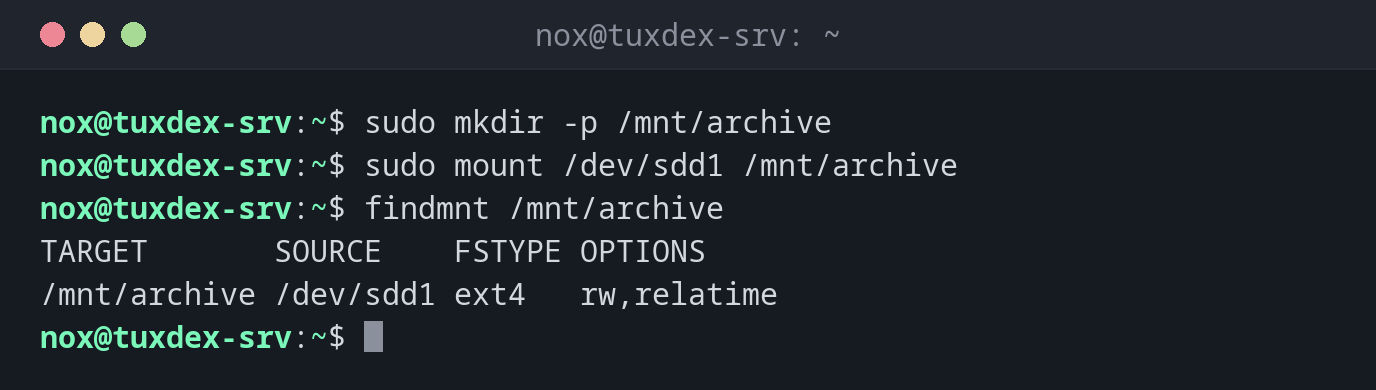
Mount a new partition:
sudo mkdir -p /mnt/archive
sudo mount /dev/sdd1 /mnt/archive
findmnt /mnt/archive
TARGET       SOURCE    FSTYPE OPTIONS
/mnt/archive /dev/sdd1 ext4   rw,relatime
Test all entries of /etc/fstab:
sudo mount -a
mount: /mnt/archive: can't find UUID=5b8e2d71-9c4f-4a36-b1e7-0d3f6a2c8e94.
A typo in the UUID. Without this test, the server would have stopped at the next boot.
Switch a file system to read only:
sudo mount -o remount,ro /mnt/backup
findmnt /mnt/backup
TARGET      SOURCE    FSTYPE OPTIONS
/mnt/backup /dev/sdb1 ext4   ro,relatime
Mount an ISO file:
sudo mount -o loop debian-13.1.0-amd64-netinst.iso /mnt/iso
mount: /mnt/iso: WARNING: source write-protected, mounted read-only.
The wrong file system type:
sudo mount -t xfs /dev/sdd1 /mnt/archive
mount: /mnt/archive: wrong fs type, bad option, bad superblock on /dev/sdd1, missing codepage or helper program, or other error.
       dmesg(1) may have more information after failed mount system call.
/dev/sdd1 contains ext4, not XFS. Leave out -t, mount detects the type itself.
When do I need it?
- To use a new disk after formatting it
- To test a new line in
/etc/fstabwithmount -a - To mount an ISO file or a rescue disk
Permanent mounts belong in /etc/fstab
mount only applies until the next reboot. For permanent mounts, add a line with the
UUID to /etc/fstab, see the basics, and test it with sudo mount -a.
nofail for additional disks
Without nofail in /etc/fstab, a missing or broken data disk stops the boot
process. With nofail, the server boots anyway and you can fix it over SSH.