atq
Lists the jobs waiting in the
atqueue, with job number, time, queue and user.
Syntax
atq [OPTION]...
Options
| Option | Description |
|---|---|
| (none) | Your own jobs; as root, the jobs of all users |
-q QUEUE |
Only one queue, e.g. a for at or b for batch |
at -c NUMBER |
Show the complete content of a job |
Examples
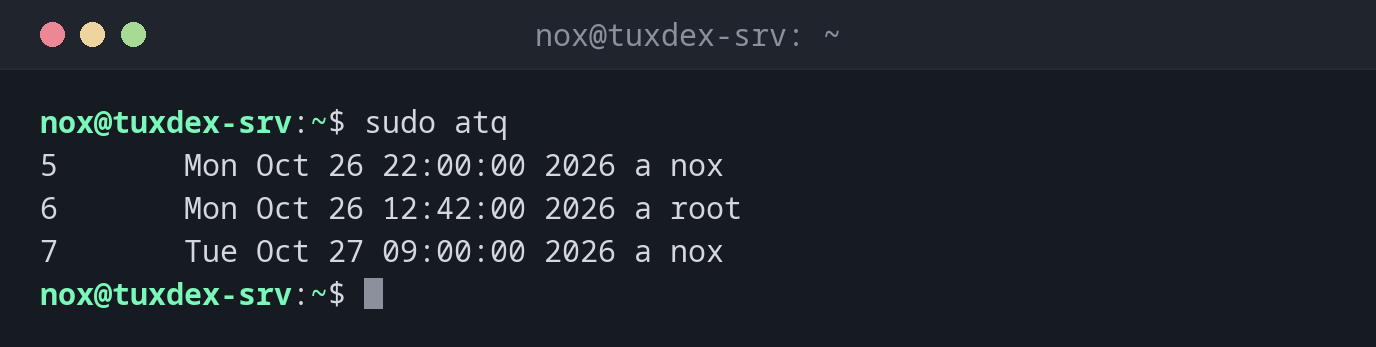
Show all waiting jobs:
sudo atq
5       Mon Oct 26 22:00:00 2026 a nox
6       Mon Oct 26 12:42:00 2026 a root
7       Tue Oct 27 09:00:00 2026 a nox
The columns: job number, time, queue (a for at), user.
Show the command of a job:
at -c 5 | tail -n 2
}
/usr/local/bin/report.sh
No jobs waiting:
atq | wc -l
0
When do I need it?
- To check whether a planned job is in the queue
- Before removing a job with
atrm, to find its number - To see what other admins have scheduled (as root)
See what a job really does
at -c shows the whole job, including all environment variables that at saved.
The actual command is at the very end.