aa-status
On Debian and Ubuntu: shows whether AppArmor is active, which profiles are loaded and which processes they protect.
Syntax
aa-status [--enabled | --json]
Options
| Option | Description |
|---|---|
| (none) | Full overview: profiles and processes per mode |
--enabled |
Only an exit code: 0 if AppArmor is active |
--json, --pretty-json |
Machine-readable output |
--complaining, --enforced |
Only the number of profiles in this mode |
Profiles are in /etc/apparmor.d/. Denials appear in the kernel log as apparmor="DENIED".
Examples
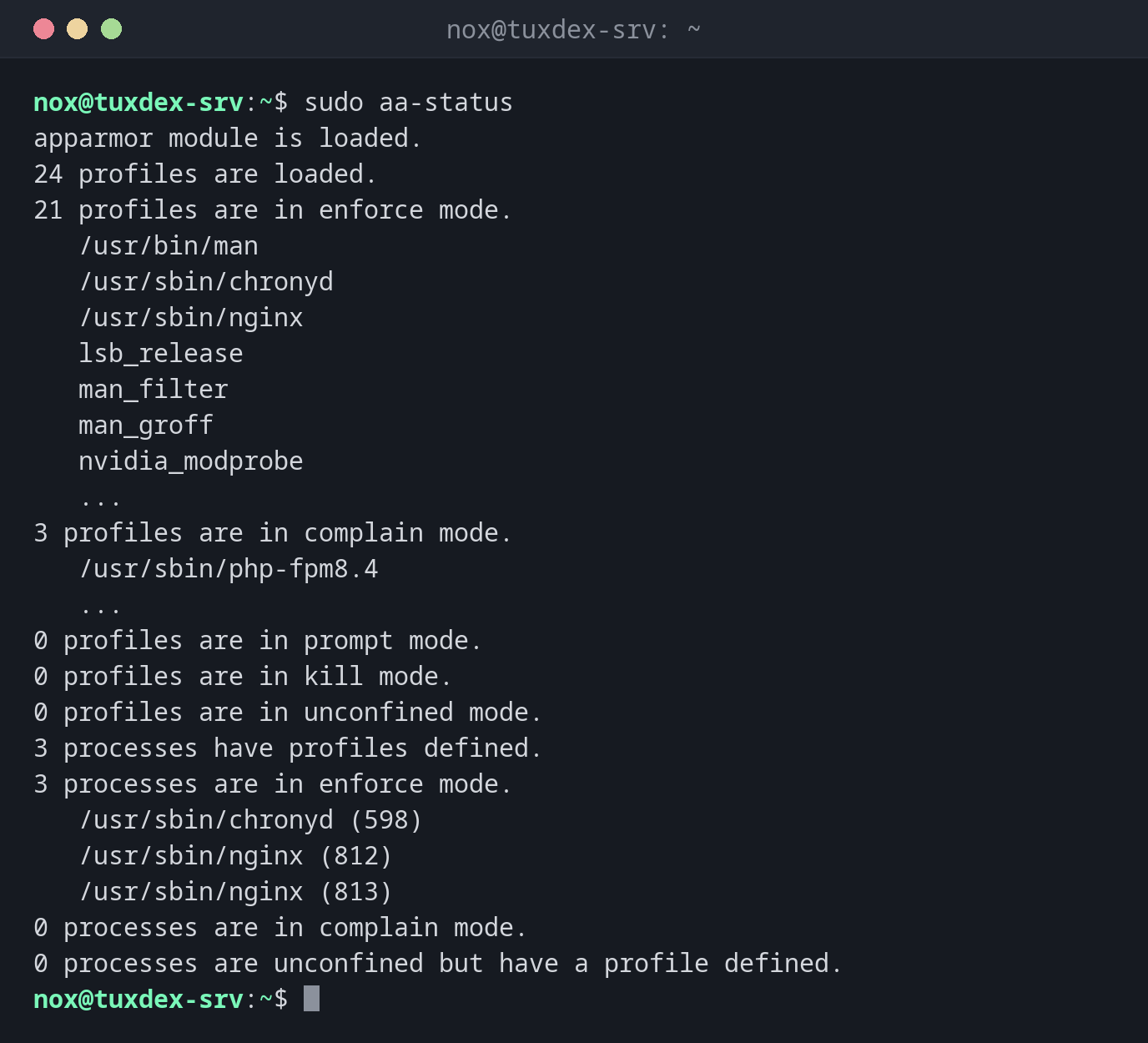
The overview:
sudo aa-status
apparmor module is loaded.
24 profiles are loaded.
21 profiles are in enforce mode.
   /usr/bin/man
   /usr/sbin/chronyd
   /usr/sbin/nginx
   lsb_release
   man_filter
   man_groff
   nvidia_modprobe
   ...
3 profiles are in complain mode.
   /usr/sbin/php-fpm8.4
   ...
0 profiles are in prompt mode.
0 profiles are in kill mode.
0 profiles are in unconfined mode.
3 processes have profiles defined.
3 processes are in enforce mode.
   /usr/sbin/chronyd (598)
   /usr/sbin/nginx (812)
   /usr/sbin/nginx (813)
0 processes are in complain mode.
0 processes are unconfined but have a profile defined.
Shortened. nginx runs in enforce mode, so its profile is applied; php-fpm only logs.
Show what AppArmor blocked:
sudo journalctl -k | grep 'apparmor="DENIED"' | tail -1
Oct 26 10:42:17 tuxdex-srv kernel: audit: type=1400 audit(1793094137.412:88): apparmor="DENIED" operation="open" class="file" profile="/usr/sbin/nginx" name="/srv/status/index.html" pid=1384 comm="nginx" requested_mask="r" denied_mask="r" fsuid=33 ouid=0
The nginx profile doesn't allow /srv/status/. Add the path to the profile, see aa-complain.
As a check in a script:
sudo aa-status --enabled && echo "AppArmor is active"
AppArmor is active
When do I need it?
- As the first check when a service on Debian or Ubuntu gets "Permission denied"
- To see which services are protected by a profile at all
- After changing a profile, to confirm it's loaded in the right mode
Find denials
sudo journalctl -k | grep apparmor=\"DENIED\" shows what AppArmor blocked, with the
profile, the operation and the path.
Distribution differences
| Debian | Ubuntu | RHEL | Arch | |
|---|---|---|---|---|
| AppArmor | active | active | not available (SELinux instead) | possible, kernel parameter lsm= needed |
| Package | sudo apt install apparmor-utils |
apparmor-utils, preinstalled |
not available | sudo pacman -S apparmor |