pvs
Lists the physical volumes of LVM: which disks belong to which volume group and how much space is still free on them.
pvcreatemakes a disk a physical volume.
Syntax
pvs [OPTION]... [PV]...
Options
| Option | Description |
|---|---|
| (none) | All physical volumes with size and free space |
-o +FIELDS |
Additional columns, e.g. +pv_used |
pvdisplay PV |
Detailed information about one physical volume |
pvcreate DEVICE |
Prepare a disk or partition for LVM |
Examples
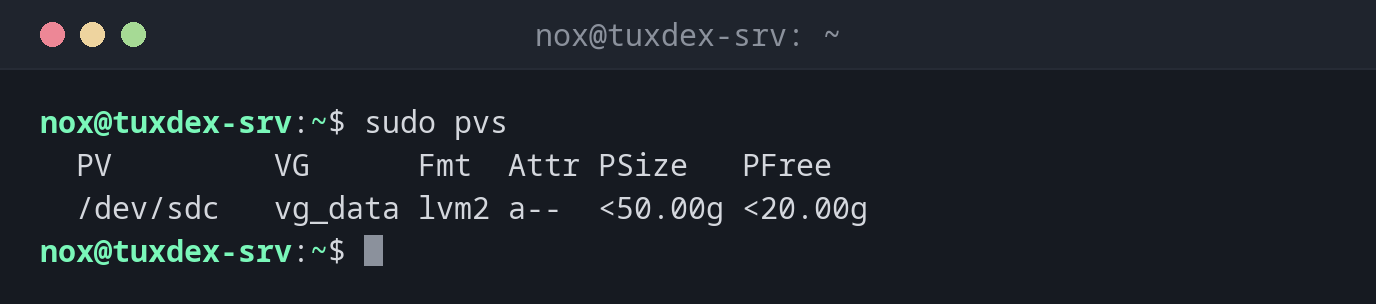
Show the physical volumes:
sudo pvs
  PV         VG      Fmt  Attr PSize   PFree
  /dev/sdc   vg_data lvm2 a--  <50.00g <20.00g
The < means "slightly less than": LVM keeps a little space for its metadata.
Prepare a new disk for LVM:
sudo pvcreate /dev/sdd
sudo pvs
  Physical volume "/dev/sdd" successfully created.
  PV         VG      Fmt  Attr PSize   PFree
  /dev/sdc   vg_data lvm2 a--  <50.00g <20.00g
  /dev/sdd           lvm2 ---   50.00g  50.00g
/dev/sdd doesn't belong to a volume group yet, see vgs.
Details of a physical volume:
sudo pvdisplay /dev/sdc
  --- Physical volume ---
  PV Name               /dev/sdc
  VG Name               vg_data
  PV Size               50.00 GiB / not usable 4.00 MiB
  Allocatable           yes
  PE Size               4.00 MiB
  Total PE              12799
  Free PE               5119
  Allocated PE          7680
  PV UUID               Qm3T9x-2kPa-7HcR-dL4e-Vn8s-Wf1y-Z6bJ0u
When do I need it?
- To find out which disks LVM uses
- Before extending a volume group: is there a free physical volume?
- After adding a disk, to prepare it with
pvcreate
Attribute a--
a means allocatable: LVM may use the space on it. A physical volume without a VG
shows ---.
Distribution differences
| Debian | Ubuntu | RHEL | Arch | |
|---|---|---|---|---|
| LVM tools installed | only with an LVM installation | yes | yes | no, package lvm2 |