nft
The command line tool of nftables, the packet filter in the Linux kernel. All firewalls like
ufwandfirewalldbuild on it; withnftyou see and write the rules directly.
Syntax
nft [OPTION]... COMMAND
On Debian, the rules are kept in /etc/nftables.conf and loaded at boot by the service nftables.
Options
| Command | Description |
|---|---|
list ruleset |
Show all tables, chains and rules |
-a list chain FAMILY TABLE CHAIN |
Show a chain with rule handles |
-c -f FILE |
Only check a rule file for errors |
-f FILE |
Load a rule file |
add rule ... |
Append a rule at the end of a chain |
insert rule ... position HANDLE |
Insert a rule before the rule with this handle |
delete rule ... handle HANDLE |
Delete a rule |
flush ruleset |
Delete all rules: everything is allowed again |
Examples
Show all rules:
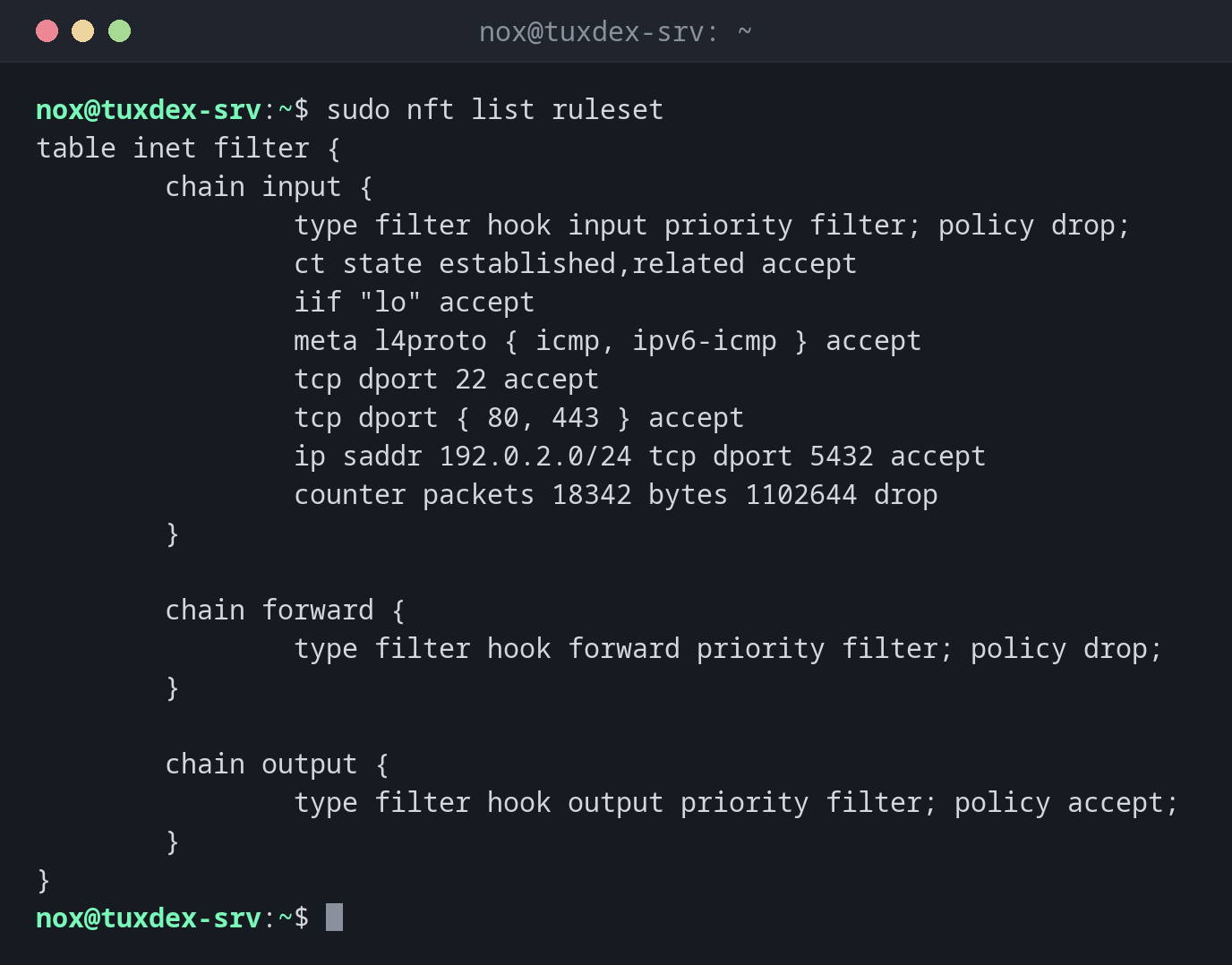
sudo nft list ruleset
table inet filter {
        chain input {
                type filter hook input priority filter; policy drop;
                ct state established,related accept
                iif "lo" accept
                meta l4proto { icmp, ipv6-icmp } accept
                tcp dport 22 accept
                tcp dport { 80, 443 } accept
                ip saddr 192.0.2.0/24 tcp dport 5432 accept
                counter packets 18342 bytes 1102644 drop
        }

        chain forward {
                type filter hook forward priority filter; policy drop;
        }

        chain output {
                type filter hook output priority filter; policy accept;
        }
}
| Part | Meaning |
|---|---|
policy drop |
Everything that no rule accepts is dropped |
ct state established,related accept |
Answers to own connections are allowed |
counter ... drop |
Counts and drops the rest: here 18342 blocked packets |
Show the rules with their handles:
sudo nft -a list chain inet filter input
table inet filter {
        chain input { # handle 1
                type filter hook input priority filter; policy drop;
                ct state established,related accept # handle 4
                iif "lo" accept # handle 5
                meta l4proto { icmp, ipv6-icmp } accept # handle 7
                tcp dport 22 accept # handle 8
                tcp dport { 80, 443 } accept # handle 10
                ip saddr 192.0.2.0/24 tcp dport 5432 accept # handle 11
                counter packets 18342 bytes 1102644 drop # handle 12
        }
}
Allow another port before the final drop:
sudo nft insert rule inet filter input position 12 tcp dport 8080 accept
sudo nft -a list chain inet filter input | tail -n 5
                ip saddr 192.0.2.0/24 tcp dport 5432 accept # handle 11
                tcp dport 8080 accept # handle 13
                counter packets 18342 bytes 1102644 drop # handle 12
        }
}
add would append the rule after drop, where it would never be reached. insert ...
position 12 puts it before the rule with handle 12.
Check the rule file before loading it:
sudo nft -c -f /etc/nftables.conf
/etc/nftables.conf:9:21-25: Error: syntax error, unexpected string
        tcp dport 22 acept
                     ^^^^^
Nothing is loaded as long as the file has errors, so the running rules stay intact.
Load the rules permanently:
sudo systemctl enable --now nftables
Created symlink '/etc/systemd/system/sysinit.target.wants/nftables.service' → '/usr/lib/systemd/system/nftables.service'.
systemctl enable --now loads /etc/nftables.conf now and at every boot.
When do I need it?
- To see what really is in the kernel, no matter which firewall tool created the rules
- To write a lean firewall on Debian without an extra tool
- To find out why packets are blocked, with counters per rule
Use inet tables
A table of the family inet applies to IPv4 and IPv6 at the same time. You don't
need separate rules for both.
policy drop without an SSH rule
If you load a ruleset with policy drop on the input chain without allowing SSH,
your connection breaks immediately. Make sure tcp dport 22 accept and
ct state established,related accept are in the file.
Distribution differences
| Debian | Ubuntu | RHEL | Arch | |
|---|---|---|---|---|
| Installed by default | yes, service disabled | package nftables, ufw is the usual front end |
yes, used by firewalld |
package nftables |
| Rule file | /etc/nftables.conf |
/etc/nftables.conf |
managed by firewalld |
/etc/nftables.conf |