virt-clone
Copies an existing virtual machine: definition and disk images, with a new name, new MAC address and new UUID.
Syntax
virt-clone --original VM --name NEW --auto-clone
Options
| Option | Description |
|---|---|
--original VM |
The VM to copy; it must be switched off |
--name NEW |
Name of the copy |
--auto-clone |
Choose file names for the new images automatically |
--file PATH |
Path for the new image, once per disk |
--mac MAC |
Set a fixed MAC address instead of a random one |
--preserve-data |
Only create the definition, don't copy the images |
virt-clone copies the hardware. Inside, the clone is identical: same hostname, same SSH host keys, same /etc/machine-id.
Examples
Clone a switched off VM:
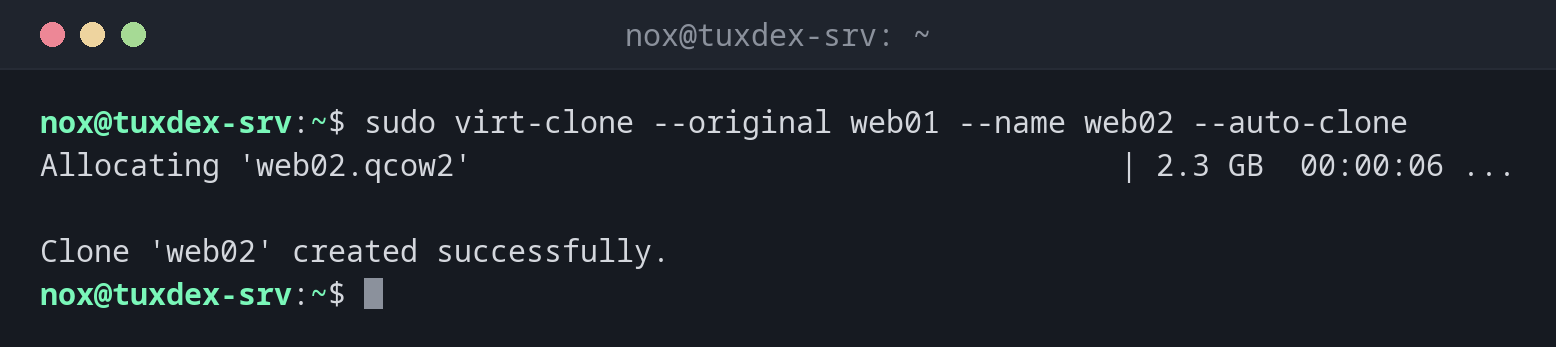
sudo virt-clone --original web01 --name web02 --auto-clone
Allocating 'web02.qcow2'                                    | 2.3 GB  00:00:06 ...

Clone 'web02' created successfully.
The original is still running:
sudo virt-clone --original db01 --name db02 --auto-clone
ERROR Domain to clone must be shutoff.
Shut it down first with sudo virsh shutdown db01, clone, then start it again.
Choose the path of the new image:
sudo virt-clone --original web01 --name web03 --file /srv/vms/web03.qcow2
Allocating 'web03.qcow2'                                    | 2.3 GB  00:00:07 ...

Clone 'web03' created successfully.
Give the clone its own identity and start it:
sudo virt-sysprep -d web02 --hostname web02 >/dev/null
sudo virsh start web02
Domain 'web02' started
When do I need it?
- To make a test copy of a server VM before trying something risky
- To create several identical VMs from one prepared template
Prepare the clone with virt-sysprep
sudo virt-sysprep -d web02 --hostname web02 (package guestfs-tools) resets machine ID,
SSH host keys, logs and the hostname in the switched off clone. Then the copy is a
separate machine.
Two machines with the same identity
Without virt-sysprep, both VMs have the same machine-id. DHCP servers can give them
the same address, and SSH clients see the same host key on two servers.
Distribution differences
| Debian | Ubuntu | RHEL | Arch | |
|---|---|---|---|---|
| Package | virtinst |
virtinst |
virt-install |
virt-install |
Related commands
virsh · virt-install · qemu-img · hostnamectl