sed
Edits text line by line without opening an editor: search and replace, delete lines, print ranges.
Syntax
sed [OPTION]... 'COMMAND' [FILE]...
Options
| Option | Description |
|---|---|
-i |
Change the file directly instead of printing the result |
-i.bak |
Like -i, but keep the original as FILE.bak |
-n |
Only print lines you explicitly print with p |
-E |
Use extended regular expressions (like grep -E) |
-e COMMAND |
Add a command (for several commands in one call) |
The most important sed commands:
| Command | Meaning |
|---|---|
s/OLD/NEW/ |
Replace the first OLD in each line with NEW |
s/OLD/NEW/g |
Replace all occurrences in each line |
/PATTERN/d |
Delete lines matching PATTERN |
5d / 2,4d |
Delete line 5 / lines 2 to 4 |
-n '2,3p' |
Only print lines 2 to 3 |
/PATTERN/a TEXT |
Add a line with TEXT after matching lines |
/PATTERN/i TEXT |
Insert a line with TEXT before matching lines |
Examples
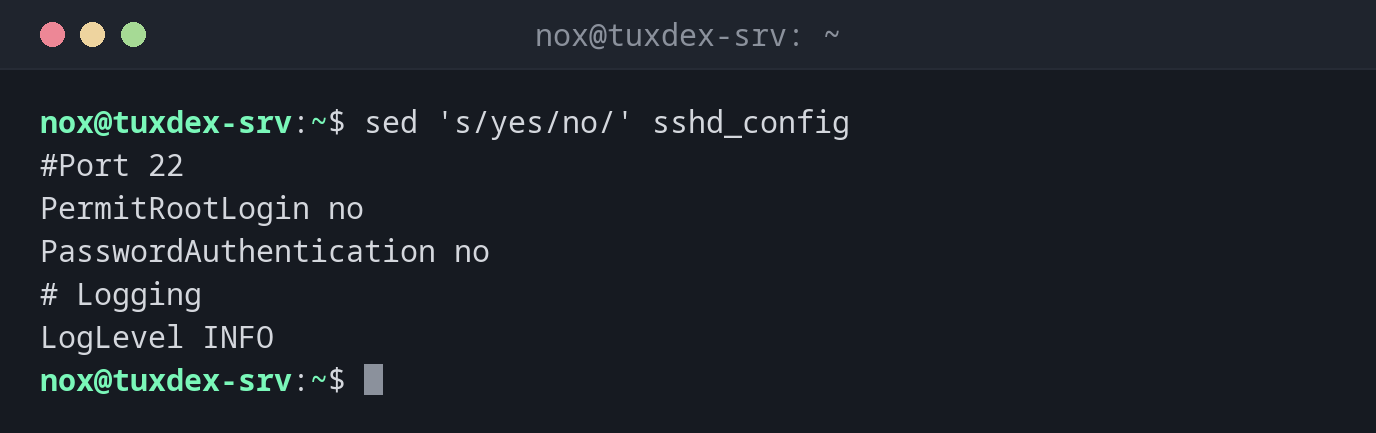
Replace text in the output:
sed 's/yes/no/' sshd_config
#Port 22
PermitRootLogin no
PasswordAuthentication no
# Logging
LogLevel INFO
The file itself is not changed, sed only prints the result.
Change a setting directly in the file, with a backup:
sudo sed -i.bak 's/^PermitRootLogin yes/PermitRootLogin no/' /etc/ssh/sshd_config
grep PermitRootLogin /etc/ssh/sshd_config
PermitRootLogin no
The original is kept as /etc/ssh/sshd_config.bak.
Delete all comment lines:
sed '/^#/d' sshd_config
PermitRootLogin yes
PasswordAuthentication yes
LogLevel INFO
Print only certain lines:
sed -n '2,3p' sshd_config
PermitRootLogin yes
PasswordAuthentication yes
Cut a time window out of a log:
sed -n '/10:02:19/,/10:41:11/p' /var/log/nginx/access.log | cut -d' ' -f4,7
[26/Oct/2026:10:02:19 /wp-login.php
[26/Oct/2026:10:02:20 /.env
[26/Oct/2026:10:41:11 /login
Add a line after a setting:
sed '/^LogLevel/a MaxAuthTries 3' sshd_config | tail -n 2
LogLevel INFO
MaxAuthTries 3
Replace paths with a different separator:
echo "root /var/www/old/public;" | sed 's|/var/www/old|/var/www/new|'
root /var/www/new/public;
Instead of /, any character can be the separator. With |, slashes in paths don't
have to be escaped.
When do I need it?
- To change settings in configuration files from a script or over SSH, without an editor
- To replace a domain, path or IP address in many files at once
- To remove comments, empty lines or Windows line endings (
sed -i 's/\r$//' FILE) - To cut a time window or a block out of a log
Test first, then use -i
Always run the command without -i first and check the output. Only when it is
right, add -i (better -i.bak) to write the change into the file.
g for all occurrences
Without g, s/old/new/ only replaces the first match in each line. Use
s/old/new/g to replace all of them.
sed -i on many files
sed -i 's/.../.../g' *.conf changes all files at once, without asking and without
an undo. A wrong pattern breaks every file. Make a backup or use -i.bak, and check
the result with diff.