trap
Runs a command when the script ends or receives a signal. For cleaning up temporary files and releasing locks, also after errors and Ctrl+C.
Syntax
trap 'COMMANDS' SIGNAL...
Options
| Signal | When |
|---|---|
EXIT |
Whenever the script ends, successfully or not |
ERR |
When a command fails (with set -e) |
INT |
Ctrl+C |
TERM |
kill or systemctl stop |
trap - SIGNAL |
Remove the trap |
trap -p |
Show the active traps |
Examples
Delete a temporary file at the end:
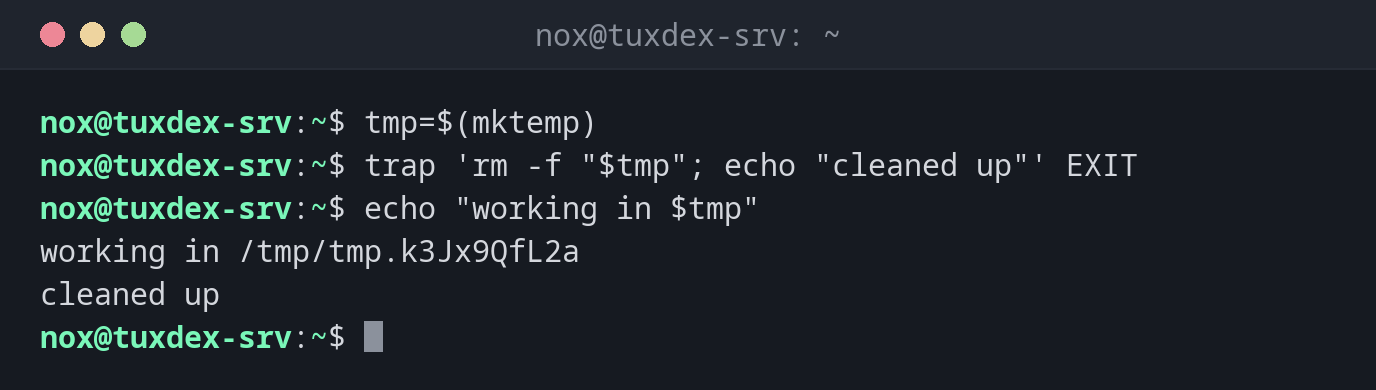
tmp=$(mktemp)
trap 'rm -f "$tmp"; echo "cleaned up"' EXIT
echo "working in $tmp"
working in /tmp/tmp.k3Jx9QfL2a
cleaned up
React to Ctrl+C:
trap 'echo "interrupted, stopping"; exit 130' INT
sleep 60
^Cinterrupted, stopping
Restart a service even if the script fails:
systemctl stop php8.4-fpm
trap 'systemctl start php8.4-fpm' EXIT
/usr/local/bin/migrate.sh
migrate.sh: column "email" already exists
The migration failed, but the trap starts PHP-FPM again, and the shop keeps running.
When do I need it?
- To delete temporary files, no matter how the script ends
- To release locks or restart a service that the script had stopped
- To report errors with the line number
EXIT is enough for cleaning up
A trap on EXIT also runs after errors with set -e and after exit. One trap covers all
ways the script can end.
Find the line of an error
trap 'echo "error in line $LINENO" >&2' ERR reports where a script failed.