loginctl
Shows and controls login sessions: who is logged in through which session, and ends sessions or all processes of a user.
Syntax
loginctl [OPTION]... [COMMAND] [ARGUMENT]...
Options
| Command | Description |
|---|---|
(none), list-sessions |
List all sessions |
list-users |
List all logged in users |
session-status ID |
Details and processes of a session |
terminate-session ID |
End a session with all its processes |
terminate-user USER |
End all sessions and processes of a user |
enable-linger USER |
Keep the user's services running after logout |
show-user USER -p PROPERTY |
Print a single property, e.g. Linger |
Examples
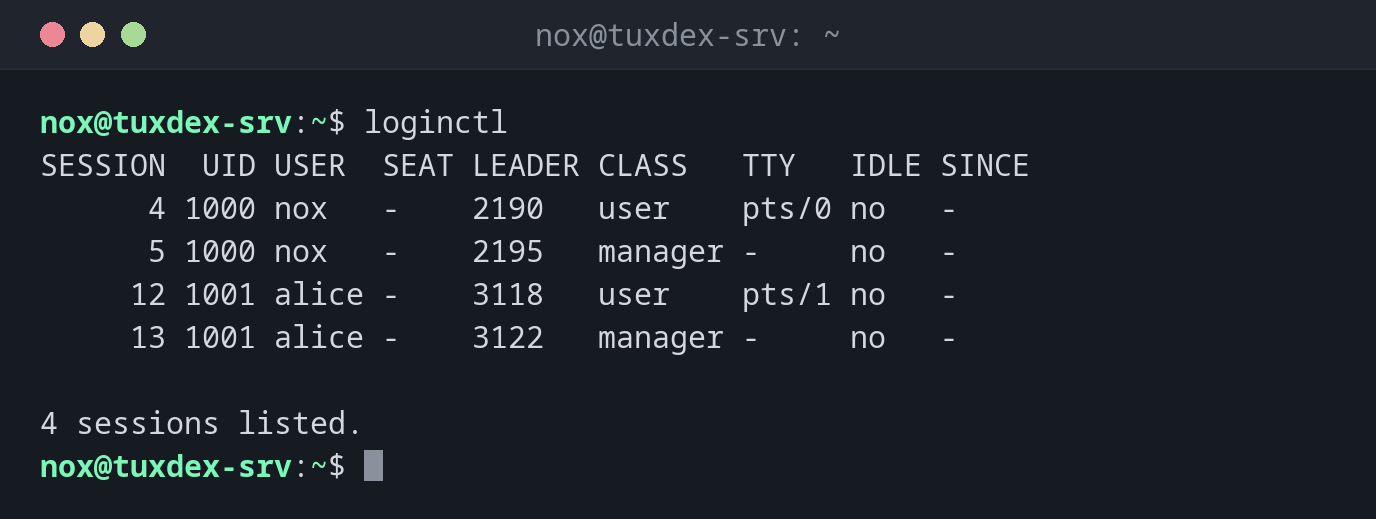
Show all sessions:
loginctl
SESSION  UID USER  SEAT LEADER CLASS   TTY   IDLE SINCE
      4 1000 nox   -    2190   user    pts/0 no   -
      5 1000 nox   -    2195   manager -     no   -
     12 1001 alice -    3118   user    pts/1 no   -
     13 1001 alice -    3122   manager -     no   -

4 sessions listed.
user sessions are the SSH logins. The manager sessions belong to the user's own
service manager, which systemd starts for every logged in user.
List the logged in users:
loginctl list-users
 UID USER  LINGER STATE
1000 nox   no     active
1001 alice no     active

2 users listed.
Log out a user completely:
sudo loginctl terminate-user alice
loginctl list-users
 UID USER LINGER STATE
1000 nox  no     active

1 users listed.
All processes of alice are ended, including programs started in the background.
Keep a user's services running after logout:
sudo loginctl enable-linger nox
loginctl show-user nox -p Linger
Linger=yes
When do I need it?
- To see who is logged in and through which session
- To log out a user whose account you locked, including all background processes
- To let your own user services or timers (
systemctl --user) run without a login
Ending sessions cleanly
terminate-user is more thorough than pkill -u: systemd knows every process of a
session, including those that left the shell long ago.
Background jobs end at logout
Depending on the setting KillUserProcesses= in /etc/systemd/logind.conf, systemd
ends all processes of a session at logout, even jobs started with nohup. Use
systemd-run or enable-linger for jobs that must keep running.
Related commands
who · w · pkill · systemd-run · shutdown