hostnamectl
Shows the host name together with basic system information, and sets the host name permanently.
Syntax
hostnamectl [OPTION]... [COMMAND] [NAME]
Options
| Option / command | Description |
|---|---|
status |
Show host name and system information (default without a command) |
hostname [NAME] |
Show the host name, or set it permanently |
chassis [NAME] |
Show or set the chassis type (server, vm, laptop, …) |
deployment [NAME] |
Show or set the deployment environment (production, staging, …) |
location [NAME] |
Show or set a free-text location (e.g. rack or data center) |
--static |
Only set or show the static host name (/etc/hostname) |
--transient |
Only set or show the transient host name (until reboot) |
--pretty |
Only set or show the pretty host name (free text, e.g. "Web Server 1") |
-H, --host=[USER@]HOST |
Run the command on a remote host via SSH |
--json=FORMAT |
Print JSON output (pretty, short or off) |
Examples
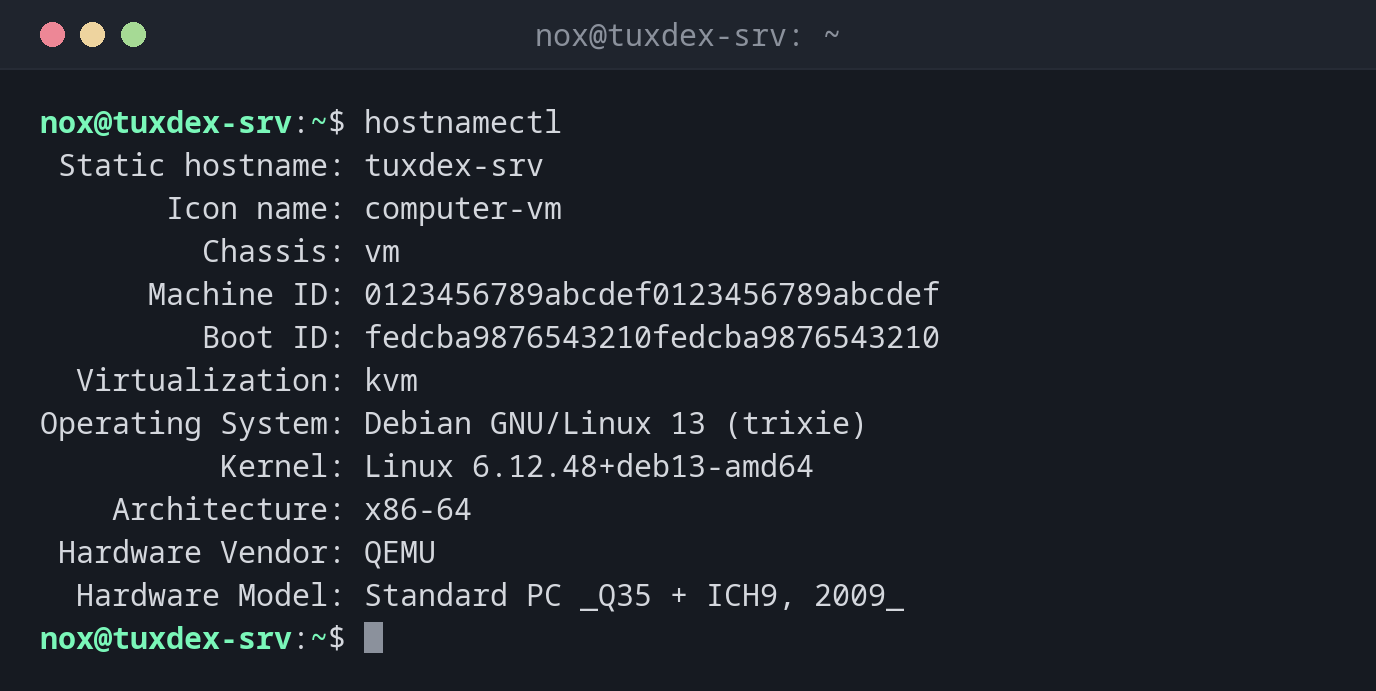
Show host name and system information:
hostnamectl
 Static hostname: tuxdex-srv
       Icon name: computer-vm
         Chassis: vm 🖴
      Machine ID: 0123456789abcdef0123456789abcdef
         Boot ID: fedcba9876543210fedcba9876543210
  Virtualization: kvm
Operating System: Debian GNU/Linux 13 (trixie)
          Kernel: Linux 6.12.48+deb13-amd64
    Architecture: x86-64
 Hardware Vendor: QEMU
  Hardware Model: Standard PC _Q35 + ICH9, 2009_
Set the host name permanently and check it:
sudo hostnamectl hostname tuxdex-srv
hostnamectl hostname
tuxdex-srv
Label the server as a production system:
sudo hostnamectl deployment production
hostnamectl | grep -E 'Static|Deployment'
 Static hostname: tuxdex-srv
      Deployment: production
When do I need it?
- To rename a freshly installed server or a cloned VM, so that the name survives a reboot
- To get the OS version, kernel, architecture and virtualization in one go, for example when you log in to a server you don't know yet
- To find out whether you are on a VM, a container or bare metal (
Virtualization,Chassis) - To label servers with
deploymentandlocation, which some tools and prompts can read
Good to know
hostnamectl hostname NAME writes /etc/hostname and changes the running host name
at the same time. No reboot is needed, but your shell prompt only shows the new name
after you log in again.
Update /etc/hosts as well
On Debian and Ubuntu, the host name is also listed in /etc/hosts next to 127.0.1.1.
hostnamectl does not change that line. If you forget it, sudo will complain with
unable to resolve host:
127.0.1.1 tuxdex-srv.example.com tuxdex-srv
Related commands
hostname · uname · timedatectl