nmap
Scans hosts and networks for reachable machines, open ports, services and their versions.
Syntax
nmap [SCAN TYPE] [OPTIONS] TARGET...
Options
| Option | Description |
|---|---|
TARGET |
Host name, IP address or network, such as 192.0.2.0/24 |
-sn |
Only find hosts that are up, no port scan |
-p PORTS |
Only these ports, such as 22,80,443 or 1-1024; -p- means all 65535 |
-sV |
Find out which service and version runs on each open port |
-O |
Guess the operating system (needs root) |
-sU |
Scan UDP instead of TCP (slow, needs root) |
--script NAME |
Run NSE scripts, such as ssh2-enum-algos or http-headers |
-oN FILE, -oX FILE |
Save the result as text or XML |
-T4 |
Faster timing for good networks |
Without sudo, nmap uses a normal TCP connect scan; as root it uses the faster SYN scan (-sS).
Examples
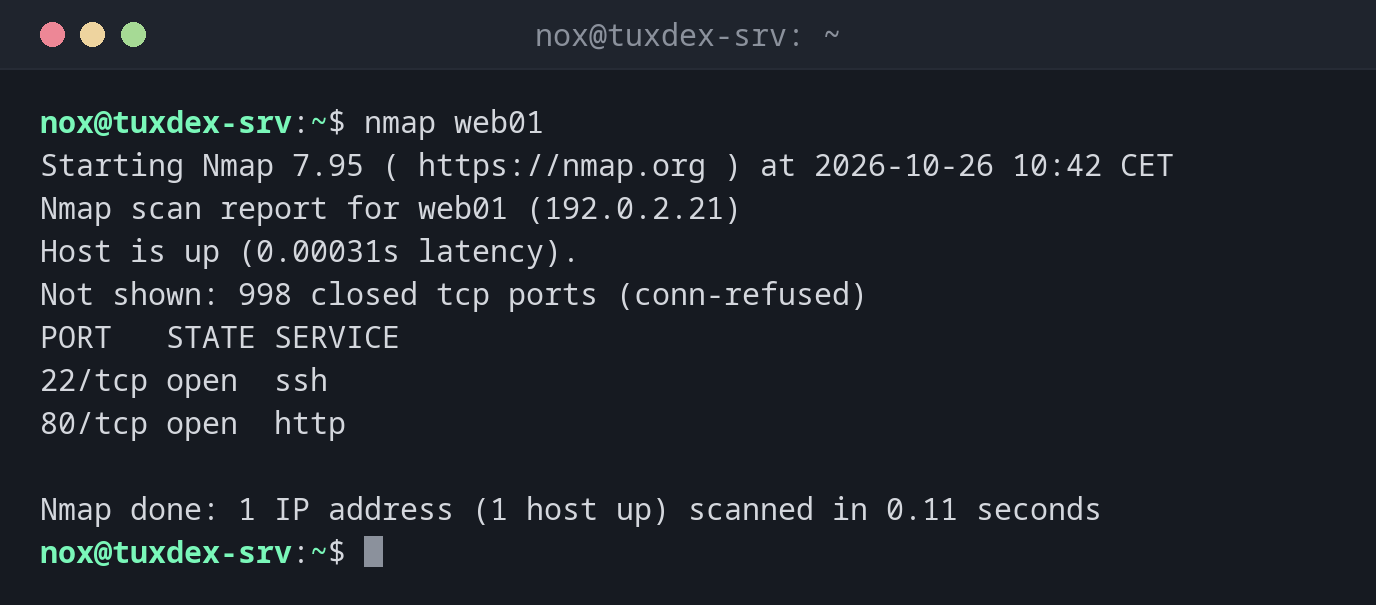
Scan the most common ports of a server:
nmap web01
Starting Nmap 7.95 ( https://nmap.org ) at 2026-10-26 10:42 CET
Nmap scan report for web01 (192.0.2.21)
Host is up (0.00031s latency).
Not shown: 998 closed tcp ports (conn-refused)
PORT   STATE SERVICE
22/tcp open  ssh
80/tcp open  http

Nmap done: 1 IP address (1 host up) scanned in 0.11 seconds
Without -p, nmap checks the 1000 most common ports. closed means the host answers but nothing listens there; filtered would mean a firewall drops the packets.
Services and versions:
nmap -sV web01
Starting Nmap 7.95 ( https://nmap.org ) at 2026-10-26 10:42 CET
Nmap scan report for web01 (192.0.2.21)
Host is up (0.00031s latency).
Not shown: 998 closed tcp ports (conn-refused)
PORT   STATE SERVICE VERSION
22/tcp open  ssh     OpenSSH 10.0p2 Debian 7+deb13u4 (protocol 2.0)
80/tcp open  http    nginx
Service Info: OS: Linux; CPE: cpe:/o:linux:linux_kernel

Service detection performed. Please report any incorrect results at https://nmap.org/submit/ .
Nmap done: 1 IP address (1 host up) scanned in 6.22 seconds
Check specific ports:
nmap -p 22,80,443,3306 web01
Starting Nmap 7.95 ( https://nmap.org ) at 2026-10-26 10:42 CET
Nmap scan report for web01 (192.0.2.21)
Host is up (0.00031s latency).

PORT     STATE  SERVICE
22/tcp   open   ssh
80/tcp   open   http
443/tcp  closed https
3306/tcp closed mysql

Nmap done: 1 IP address (1 host up) scanned in 0.08 seconds
Find the machines that are up in the network:
sudo nmap -sn 192.0.2.0/24
Starting Nmap 7.95 ( https://nmap.org ) at 2026-10-26 10:42 CET
Nmap scan report for gateway (192.0.2.1)
Host is up (0.00029s latency).
MAC Address: 52:54:00:12:35:02 (QEMU virtual NIC)
Nmap scan report for tuxdex-srv (192.0.2.10)
Host is up.
Nmap scan report for web01 (192.0.2.21)
Host is up (0.00031s latency).
MAC Address: 52:54:00:3a:1c:7e (QEMU virtual NIC)
Nmap scan report for web02 (192.0.2.22)
Host is up (0.00027s latency).
MAC Address: 52:54:00:9b:44:d1 (QEMU virtual NIC)
Nmap done: 256 IP addresses (4 hosts up) scanned in 2.31 seconds
Read the HTTP headers with a script:
nmap --script http-headers,http-title -p 80 web01
Starting Nmap 7.95 ( https://nmap.org ) at 2026-10-26 10:42 CET
Nmap scan report for web01 (192.0.2.21)
Host is up (0.00031s latency).

PORT   STATE SERVICE
80/tcp open  http
| http-headers:
|   Server: nginx
|   Date: Mon, 26 Oct 2026 09:42:17 GMT
|   Content-Type: text/html
|   Content-Length: 615
|   Connection: close
|   ETag: "6ae09481-267"
|   Accept-Ranges: bytes
|
|_  (Request type: HEAD)
|_http-title: Welcome to nginx!

Nmap done: 1 IP address (1 host up) scanned in 0.13 seconds
When do I need it?
- After setting up a server, to check from outside which ports are really open
- After firewall changes, to confirm that only the intended ports are reachable
- To find all machines in your own network and what runs on them
Compare outside and inside
Run nmap from another machine and ss -tlnp on the server. A service that ss shows on
0.0.0.0 but nmap doesn't find is blocked by the firewall. One that nmap finds but you
didn't expect has to go.
Only your own systems
Port scans of other people's systems are an attack in the eyes of their owners and can be illegal. Only scan your own servers or with written permission, see the basics.
Distribution differences
| Debian | Ubuntu | RHEL | Arch | |
|---|---|---|---|---|
| Install | sudo apt install nmap |
sudo apt install nmap |
sudo dnf install nmap |
sudo pacman -S nmap |