docker images
Lists the images stored on the host.
Syntax
docker images [OPTIONS] [NAME[:TAG]]
Options
| Option | Description |
|---|---|
NAME[:TAG] |
Only images with this name, such as nginx |
-a, --all |
Also show intermediate images |
-q, --quiet |
Only the image IDs |
-f, --filter FILTER |
Filter, such as dangling=true (images without a name) |
--digests |
Also show the digest (the exact fingerprint of the image) |
--format TEMPLATE |
Choose the columns |
docker image ls is the same command under its newer name.
Examples
List all images:
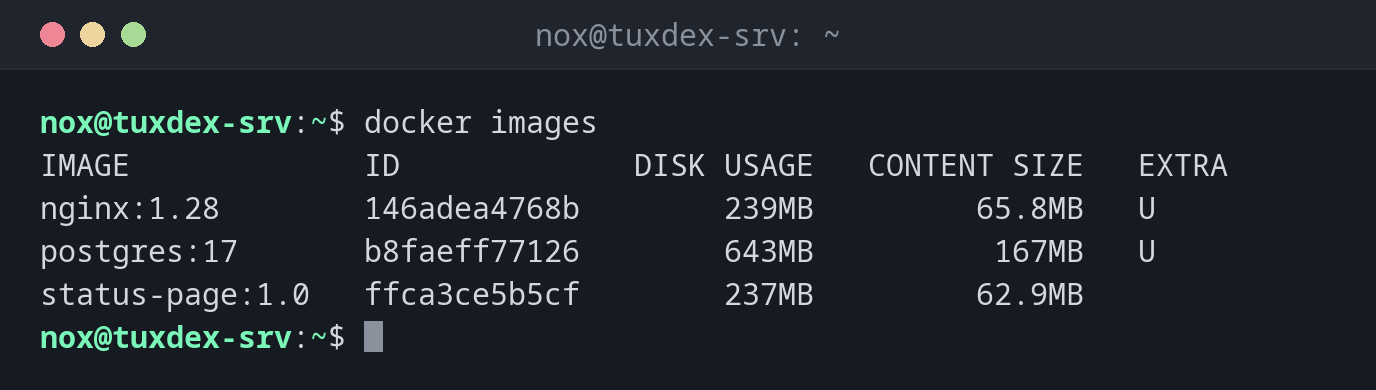
docker images
IMAGE             ID             DISK USAGE   CONTENT SIZE   EXTRA
nginx:1.28        146adea4768b        239MB         65.8MB   U
postgres:17       b8faeff77126        643MB          167MB   U
status-page:1.0   ffca3ce5b5cf        237MB         62.9MB
U in the EXTRA column means the image is in use by a container. DISK USAGE is the unpacked size on disk, CONTENT SIZE the compressed download.
Only the images of one name:
docker images nginx
IMAGE        ID             DISK USAGE   CONTENT SIZE   EXTRA
nginx:1.28   146adea4768b        239MB         65.8MB   U
nginx:1.27   5ed8fcc66f4e        236MB         64.9MB
Images without a name (left over after builds):
docker images -f dangling=true -q
3b9c4f7e21a0
When do I need it?
- To see which images and versions are on the server
- To find out how much space the images take up
- Before cleaning up, to find old and unused images
Older Docker versions look different
Before Docker 29, docker images showed the columns REPOSITORY, TAG, IMAGE ID,
CREATED and SIZE. The docker.io packages of Debian and Ubuntu still show this layout.