less
Shows files page by page, lets you scroll back and forth, search and follow a growing log live.
Syntax
less [OPTION]... [FILE]...
Options
| Option | Description |
|---|---|
-N |
Show line numbers |
-S |
Cut off long lines instead of wrapping them (scroll sideways with the arrow keys) |
-i |
Ignore upper and lower case when searching (unless the search contains capitals) |
-R |
Show colours from programs correctly |
+F |
Start in follow mode, like tail -f |
+G |
Start at the end of the file |
+/PATTERN |
Start at the first match of PATTERN |
Keys inside less:
| Key | Action |
|---|---|
| Space / B | One page forward / back |
| G / Shift+G | Jump to the beginning / end |
/ PATTERN |
Search forward |
? PATTERN |
Search backward |
| N / Shift+N | Next / previous match |
| Shift+F | Follow mode: show new lines live, stop with Ctrl+C |
& PATTERN |
Only show lines containing PATTERN |
| H | Help with all keys |
| Q | Quit |
Examples
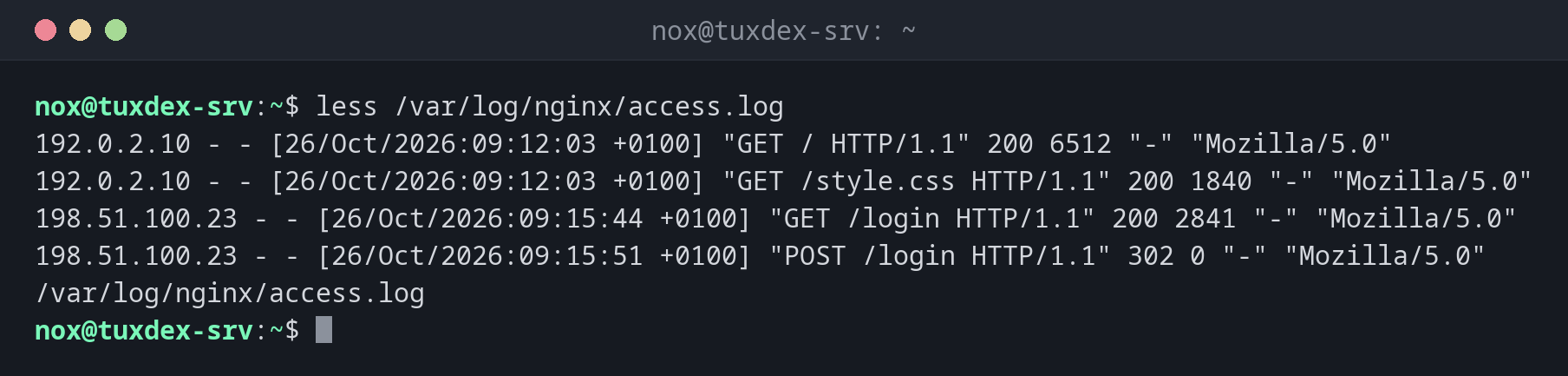
Open a log file:
less /var/log/nginx/access.log
192.0.2.10 - - [26/Oct/2026:09:12:03 +0100] "GET / HTTP/1.1" 200 6512 "-" "Mozilla/5.0"
192.0.2.10 - - [26/Oct/2026:09:12:03 +0100] "GET /style.css HTTP/1.1" 200 1840 "-" "Mozilla/5.0"
198.51.100.23 - - [26/Oct/2026:09:15:44 +0100] "GET /login HTTP/1.1" 200 2841 "-" "Mozilla/5.0"
198.51.100.23 - - [26/Oct/2026:09:15:51 +0100] "POST /login HTTP/1.1" 302 0 "-" "Mozilla/5.0"
/var/log/nginx/access.log
The bottom line shows the file name. Press Space to scroll, Q to quit.
Show line numbers:
less -N /etc/hosts
      1 127.0.0.1       localhost
      2 127.0.1.1       tuxdex-srv.example.com        tuxdex-srv
      3
      4 # The following lines are desirable for IPv6 capable hosts
      5 ::1     localhost ip6-localhost ip6-loopback
      6 ff02::1 ip6-allnodes
      7 ff02::2 ip6-allrouters
/etc/hosts (END)
Start directly at the first match:
less +/' 404 ' /var/log/nginx/access.log
198.51.100.23 - - [26/Oct/2026:10:41:12 +0100] "GET /favicon.ico HTTP/1.1" 404 153 "-" "Mozilla/5.0"
192.0.2.55 - - [26/Oct/2026:10:41:58 +0100] "GET / HTTP/1.1" 200 6512 "-" "curl/8.14.1"
(END)
Follow a log live:
less +F /var/log/nginx/error.log
2026/10/26 10:41:12 [error] 1234#1234: *57 open() "/var/www/example.com/public/favicon.ico" failed (2: No such file or directory), client: 198.51.100.23, server: example.com, request: "GET /favicon.ico HTTP/1.1", host: "example.com"
Waiting for data... (interrupt to abort)
Press Ctrl+C to stop following and scroll or search. Press Shift+F to continue following.
Page through the output of another command:
dpkg -l | less -S
Desired=Unknown/Install/Remove/Purge/Hold
| Status=Not/Inst/Conf-files/Unpacked/halF-conf/Half-inst/trig-aWait/Trig-pend
|/ Err?=(none)/Reinst-required (Status,Err: uppercase=bad)
||/ Name                    Version                  Architecture Description
:
When do I need it?
- To read long configuration files and logs without them rushing past
- To search for an error in a large log and jump between the matches
- To watch a log live (
+F) and still be able to scroll back and search - To page through the long output of other commands (
COMMAND | less)
less instead of more
more is the older pager and can only scroll forward. less can do everything
more can, and much more. That's where the name comes from: "less is more".
Filter like grep
Type & followed by a word inside less, and only the matching lines are shown.
Type & and Enter to show all lines again.
Follow mode blocks the keys
In follow mode (+F or Shift+F), less only waits for new lines. Scrolling and
searching only work after you press Ctrl+C. This does not stop less, only the
following.