nl
Prints a file with line numbers, with full control over which lines are numbered and how.
Syntax
nl [OPTION]... [FILE]...
Options
| Option | Description |
|---|---|
-b a |
Number all lines, including empty ones |
-b t |
Number only lines with text (default) |
-n ln / rn / rz |
Number format: left-aligned, right-aligned (default), right-aligned with leading zeros |
-w N |
Width of the line number (default 6) |
-s TEXT |
Text between number and line (default a tab) |
-v N |
Start numbering at N |
Examples
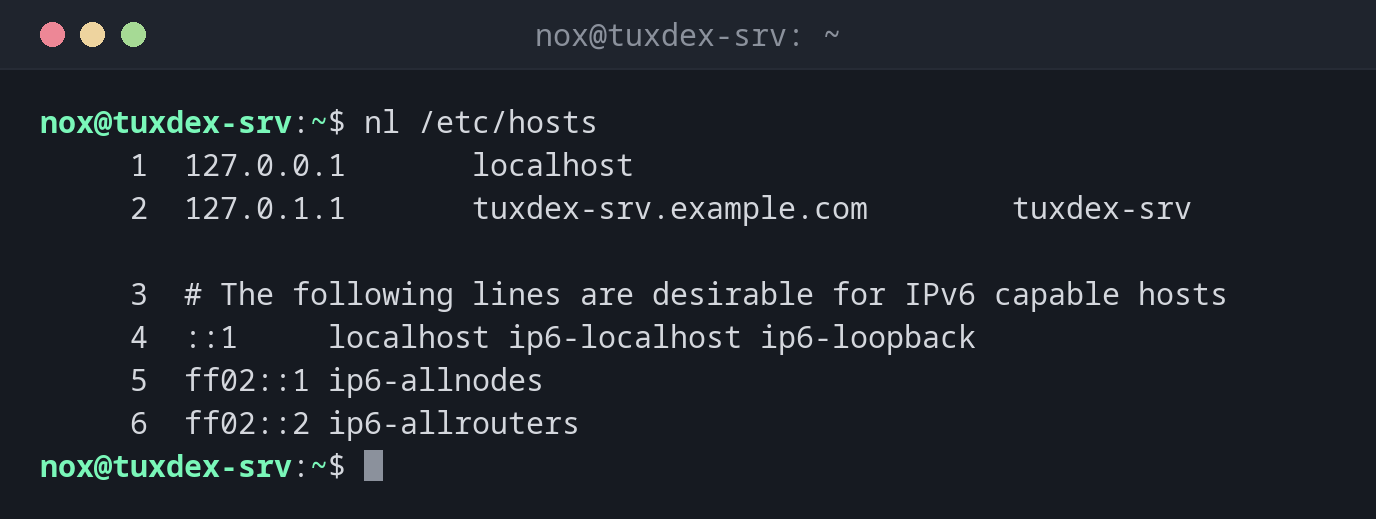
Number all lines with text:
nl /etc/hosts
     1  127.0.0.1       localhost
     2  127.0.1.1       tuxdex-srv.example.com        tuxdex-srv

     3  # The following lines are desirable for IPv6 capable hosts
     4  ::1     localhost ip6-localhost ip6-loopback
     5  ff02::1 ip6-allnodes
     6  ff02::2 ip6-allrouters
Unlike cat -n, nl skips empty lines by default.
Also number empty lines:
nl -b a /etc/hosts
     1  127.0.0.1       localhost
     2  127.0.1.1       tuxdex-srv.example.com        tuxdex-srv
     3
     4  # The following lines are desirable for IPv6 capable hosts
     5  ::1     localhost ip6-localhost ip6-loopback
     6  ff02::1 ip6-allnodes
     7  ff02::2 ip6-allrouters
Choose a compact format:
nl -w 2 -s ': ' deploy.log
 1: 2026-10-26 10:40:01 deploy started
 2: 2026-10-26 10:40:12 files copied
 3: 2026-10-26 10:40:15 service restarted
Numbers with leading zeros:
nl -n rz -w 3 -s ' ' deploy.log
001 2026-10-26 10:40:01 deploy started
002 2026-10-26 10:40:12 files copied
003 2026-10-26 10:40:15 service restarted
When do I need it?
- When an error message names a line number, for example
nginx: [emerg] ... in /etc/nginx/sites-enabled/example.com:12, and you want to find that line - To refer to exact lines when you discuss a configuration with others
- To number lists or log excerpts for a report
Same numbers as the error message
Error messages count all lines, including empty ones. Use nl -b a or cat -n,
so that the numbers match.
Line numbers in less
less -N FILE shows line numbers as well, and you can scroll and search at the same
time.