if
Runs commands only if a condition is true. The condition is any command:
ifchecks its exit code.
Syntax
if COMMAND; then
    …
elif COMMAND; then
    …
else
    …
fi
Options
| Part | Meaning |
|---|---|
if COMMAND; then |
Run the block if COMMAND exits with 0 |
elif |
Further condition if the first one is false |
else |
Block for all other cases |
fi |
End of the condition |
if ! COMMAND |
Negate: if the command fails |
Examples
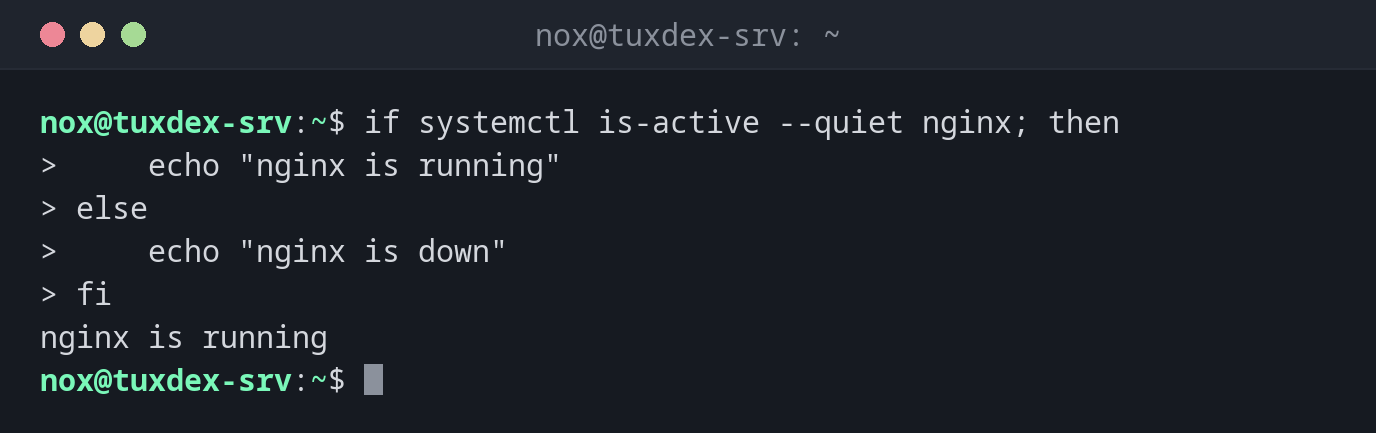
React to the state of a service:
if systemctl is-active --quiet nginx; then
    echo "nginx is running"
else
    echo "nginx is down"
fi
nginx is running
Several cases with elif:
usage=$(df --output=pcent / | tail -n 1 | tr -dc 0-9)
if (( usage >= 90 )); then
    echo "critical: ${usage}%"
elif (( usage >= 80 )); then
    echo "warning: ${usage}%"
else
    echo "ok: ${usage}%"
fi
ok: 50%
Act when a command fails:
if ! ping -c 1 -W 1 192.0.2.99 > /dev/null; then
    echo "192.0.2.99 not reachable"
fi
192.0.2.99 not reachable
When do I need it?
- Whenever a script has to decide: does the file exist, did the command work?
- To check the result of a command directly, without
$? - To give clear error messages and stop the script early
Check commands directly
if grep -q error app.log is shorter and safer than running grep and checking $?
afterwards.
Short form with && and ||
For simple cases, [[ -d $dir ]] || mkdir "$dir" is enough. For anything with more than one
command, if is easier to read.