head
Shows the first lines of a file, by default the first 10.
Syntax
head [OPTION]... [FILE]...
Options
| Option | Description |
|---|---|
-n N, --lines=N |
Show the first N lines instead of 10 |
-n -N |
Show everything except the last N lines |
-c N, --bytes=N |
Show the first N bytes |
-q, --quiet |
Don't print file names when showing several files |
-v, --verbose |
Always print the file name |
Examples
Show the first lines of a file:
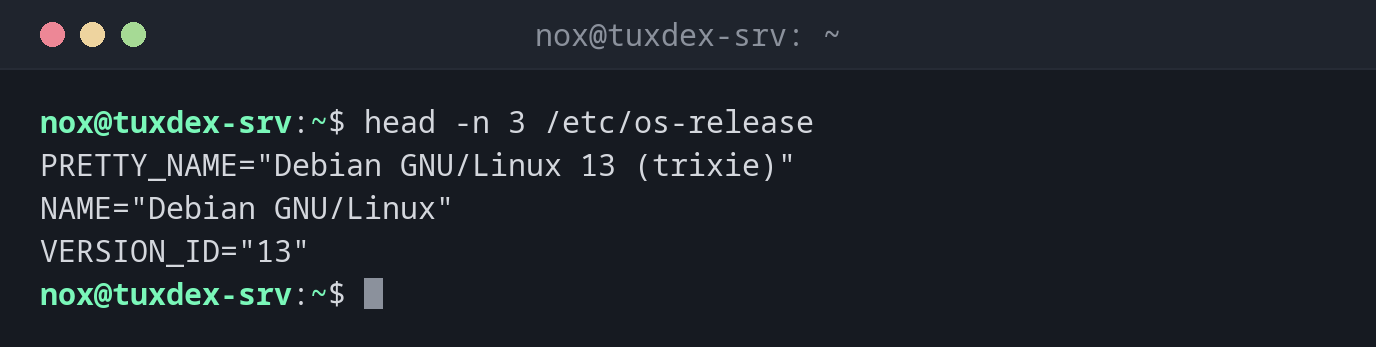
head -n 3 /etc/os-release
PRETTY_NAME="Debian GNU/Linux 13 (trixie)"
NAME="Debian GNU/Linux"
VERSION_ID="13"
Show the oldest entries of a log:
head -n 2 /var/log/nginx/access.log
192.0.2.10 - - [26/Oct/2026:09:12:03 +0100] "GET / HTTP/1.1" 200 6512 "-" "Mozilla/5.0"
192.0.2.10 - - [26/Oct/2026:09:12:03 +0100] "GET /style.css HTTP/1.1" 200 1840 "-" "Mozilla/5.0"
Look at the beginning of several files:
head -n 1 /etc/hostname /etc/os-release
==> /etc/hostname <==
tuxdex-srv

==> /etc/os-release <==
PRETTY_NAME="Debian GNU/Linux 13 (trixie)"
Show everything except the last line:
head -n -1 deploy.log
2026-10-26 10:40:01 deploy started
2026-10-26 10:40:12 files copied
Find the newest file in a directory:
ls -t backup | head -n 1
db-2026-10-20.sql.gz
When do I need it?
- To check what a file looks like before you open or process it, for example the column headers of a CSV export
- To see where a log starts, for example to find out how far back it goes
- Together with other commands:
ls -t | head -n 1for the newest file,sort | headfor the top entries of a list
Combine with tail for a range
head -n 20 FILE | tail -n 5 shows lines 16 to 20. This way you can cut any range
out of a file.
Not the newest log entries
Log files grow at the end. head shows the oldest entries. For the newest ones,
use tail.