gh run
Lists, watches and restarts the runs of GitHub Actions workflows from the terminal.
Syntax
gh run list | view | watch | rerun | cancel | download [RUN_ID] [OPTIONS]
Options
| Option | Description |
|---|---|
list |
The latest runs with status, workflow, branch and duration |
view [ID] |
Summary of a run: jobs, annotations, artifacts |
view --log-failed |
Only the log of the failed steps |
watch [ID] |
Follow a running run until it ends |
rerun [ID] --failed |
Run the failed jobs again |
cancel ID |
Stop a run |
download ID |
Download the artifacts of a run |
-R OWNER/REPO |
Another repository than the current one |
-w WORKFLOW, -b BRANCH, -L N |
With list: filter by workflow or branch, show N runs |
gh needs a login once: gh auth login.
Examples
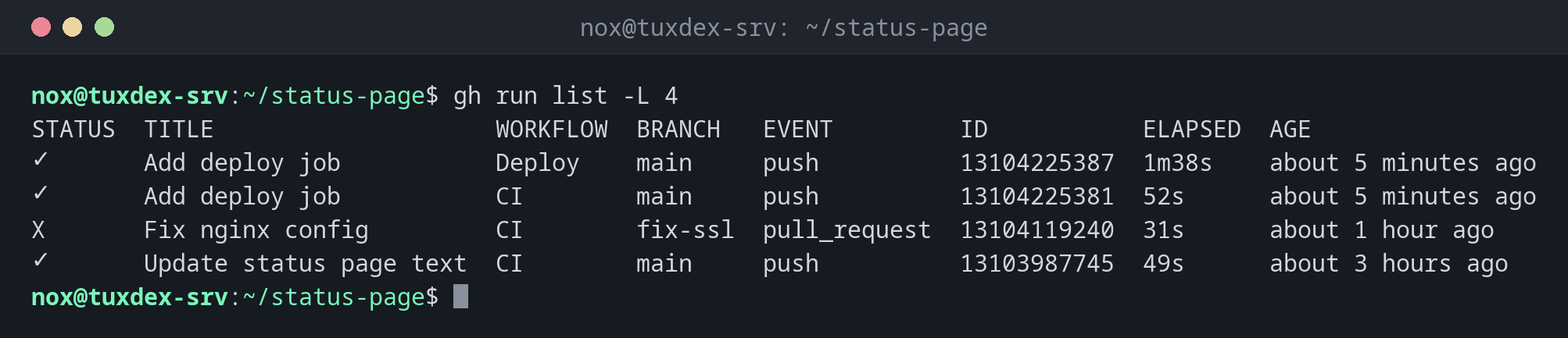
The latest runs:
gh run list -L 4
STATUS  TITLE                    WORKFLOW  BRANCH   EVENT         ID           ELAPSED  AGE
✓       Add deploy job           Deploy    main     push          13104225387  1m38s    about 5 minutes ago
✓       Add deploy job           CI        main     push          13104225381  52s      about 5 minutes ago
X       Fix nginx config         CI        fix-ssl  pull_request  13104119240  31s      about 1 hour ago
✓       Update status page text  CI        main     push          13103987745  49s      about 3 hours ago
Summary of a run:
gh run view 13104225381
✓ main CI · 13104225381
Triggered via push about 5 minutes ago

JOBS
✓ lint in 9s (ID 36457713245)
✓ build in 38s (ID 36457731902)

For more information about a job, try: gh run view --job=<job-id>
View this run on GitHub: https://github.com/nox/status-page/actions/runs/13104225381
Show why the run failed:
gh run view 13104119240 --log-failed
lint  Check shell scripts  2026-10-26T08:41:13.4421337Z ##[group]Run shellcheck scripts/*.sh
lint  Check shell scripts  2026-10-26T08:41:13.4475012Z
lint  Check shell scripts  2026-10-26T08:41:13.5129843Z In scripts/deploy.sh line 2:
lint  Check shell scripts  2026-10-26T08:41:13.5130512Z rm -rf $TARGET/old
lint  Check shell scripts  2026-10-26T08:41:13.5131029Z        ^-----^ SC2086 (info): Double quote to prevent globbing and word splitting.
lint  Check shell scripts  2026-10-26T08:41:13.5287741Z ##[error]Process completed with exit code 1.
Follow a running run:
gh run watch
✓ main CI · 13104225381
Triggered via push less than a minute ago

JOBS
✓ lint in 9s (ID 36457713245)
✓ build in 38s (ID 36457731902)

✓ Run CI (13104225381) completed with 'success'
Run only the failed jobs again:
gh run rerun 13104119240 --failed
✓ Requested rerun (failed jobs) of run 13104119240
When do I need it?
- Right after
git push, to see whether the pipeline passes - To read the error of a failed run without opening the browser
- To restart a run that failed because of a temporary problem
Push and watch in one line
git push && sleep 5 && gh run watch follows the run that the push started, and
gh run watch --exit-status returns an error code if it fails, useful in scripts.
Distribution differences
| Debian | Ubuntu | RHEL | Arch | |
|---|---|---|---|---|
| Install | sudo apt install gh |
sudo apt install gh |
repository cli.github.com, then sudo dnf install gh |
sudo pacman -S github-cli |
Related commands
gh workflow · gh secret · act · git push