chkrootkit
Checks system programs and the system for signs of known rootkits; a second opinion next to rkhunter.
Syntax
chkrootkit [OPTIONS] [TEST...]
Options
| Option | Description |
|---|---|
| (none) | Run all tests and show each result |
-q |
Quiet: only show findings |
-x |
Expert mode with more details |
-r DIRECTORY |
Check a mounted system, for example from a rescue system |
-l |
List the available tests |
TEST |
Only these tests, such as sshd or chkdirs |
Examples
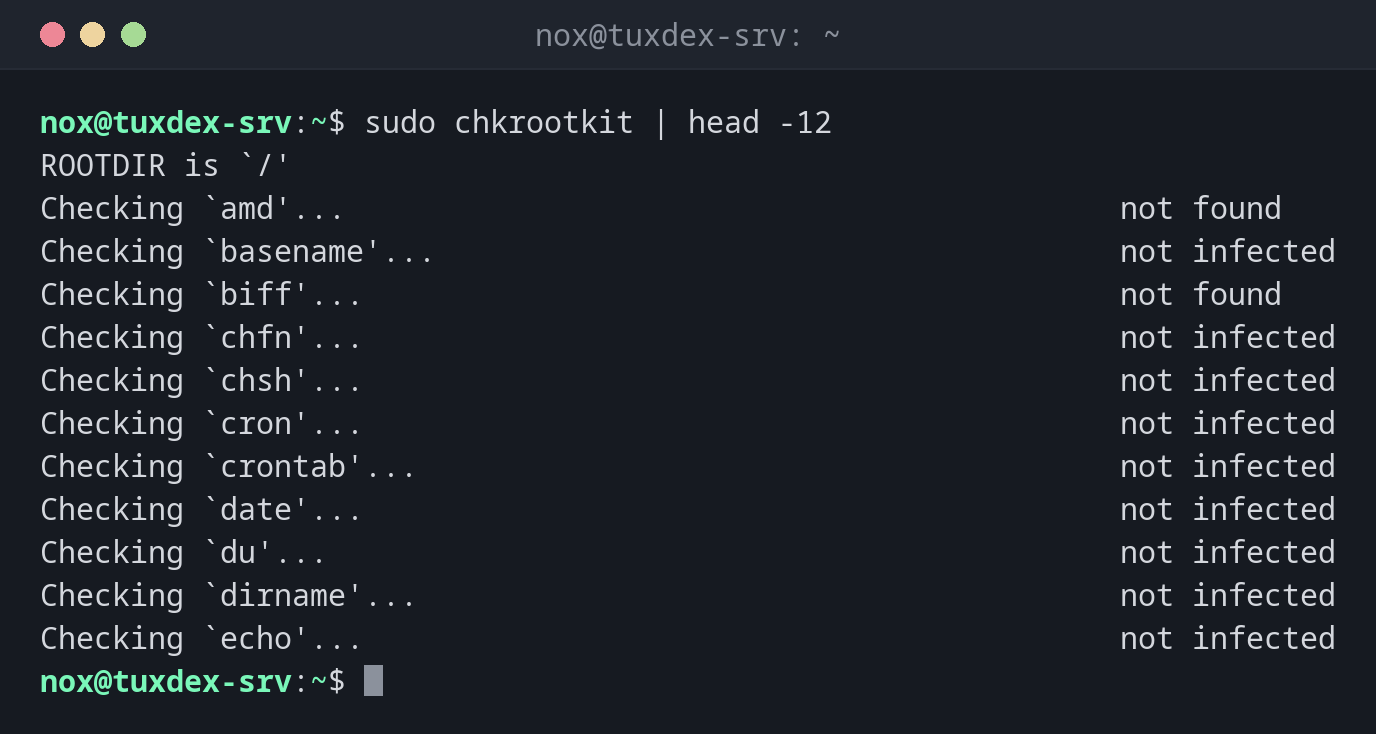
Run all tests:
sudo chkrootkit | head -12
ROOTDIR is `/'
Checking `amd'...                                           not found
Checking `basename'...                                      not infected
Checking `biff'...                                          not found
Checking `chfn'...                                          not infected
Checking `chsh'...                                          not infected
Checking `cron'...                                          not infected
Checking `crontab'...                                       not infected
Checking `date'...                                          not infected
Checking `du'...                                            not infected
Checking `dirname'...                                       not infected
Checking `echo'...                                          not infected
Only show findings:
sudo chkrootkit -q
WARNING: The following suspicious files and directories were found:
/usr/lib/ruby/vendor_ruby/rubygems/ssl_certs/.document [From Debian package: ruby-rubygems]
/usr/lib/ruby/vendor_ruby/rubygems/vendor/net-http/.document [From Debian package: ruby-rubygems]
/usr/lib/ruby/vendor_ruby/rubygems/vendor/uri/.document [From Debian package: ruby-rubygems]
Files from a Debian package, so harmless. A real finding would be a hidden file without a package, for example in /dev or /usr/lib.
Check a mounted disk from a rescue system:
sudo mount /dev/sda2 /mnt
sudo chkrootkit -q -r /mnt
ROOTDIR is `/mnt/'
When do I need it?
- As a second check next to rkhunter, because the two find different things
- To check the disk of a suspicious server from a rescue system with
-r - As a nightly cron job with
-q, so that a mail only arrives on findings
Check from outside with -r
Boot a rescue system, mount the server's disk under /mnt and run
chkrootkit -r /mnt. Then a rootkit on the server can't hide from the check.
Read the findings
Hidden files like .document from Debian packages are reported as suspicious, but are
harmless. chkrootkit even names the package they come from.
Distribution differences
| Debian | Ubuntu | RHEL | Arch | |
|---|---|---|---|---|
| Install | sudo apt install chkrootkit |
sudo apt install chkrootkit |
from source (chkrootkit.org) | AUR |