testparm
Checks the Samba configuration
smb.conffor errors and shows the settings Samba actually uses.
Syntax
testparm [-s] [-v] [--section-name=SHARE] [CONFIGFILE]
Options
| Option | Description |
|---|---|
-s |
Print the configuration without waiting for Enter |
-v |
Also show all parameters with their default values |
--section-name=SHARE |
Show only one share |
--parameter-name=NAME |
Show only the value of one parameter |
CONFIGFILE |
Check another file instead of /etc/samba/smb.conf |
Messages go to stderr, the configuration to stdout. testparm -s 2>/dev/null therefore prints a clean smb.conf without comments.
Examples
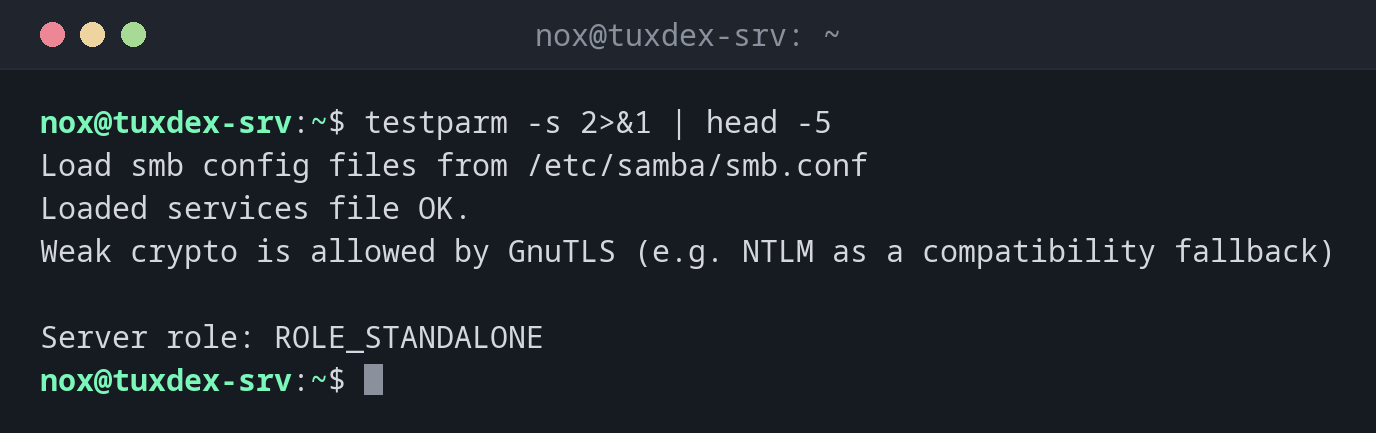
Check the configuration:
testparm -s 2>&1 | head -5
Load smb config files from /etc/samba/smb.conf
Loaded services file OK.
Weak crypto is allowed by GnuTLS (e.g. NTLM as a compatibility fallback)

Server role: ROLE_STANDALONE
A typo in a parameter:
testparm -s 2>&1 | head -4
Load smb config files from /etc/samba/smb.conf
Unknown parameter encountered: "wirte list"
Ignoring unknown parameter "wirte list"
Loaded services file OK.
wirte list should be write list. Samba would start anyway and simply ignore the line.
Show one share only:
testparm -s --section-name=team 2>/dev/null
[team]
    path = /srv/share/team
    read only = No
    valid users = nox
Which SMB versions the server allows:
testparm -sv 2>/dev/null | grep -E 'server (min|max) protocol'
    server max protocol = SMB3
    server min protocol = SMB2_02
The old SMB1 is off by default. Leave it that way.
When do I need it?
- After every change of
smb.conf, beforesystemctl reload smbd - To find typos: Samba ignores unknown parameters silently
- To see the effective settings of a share, without comments and defaults
Reload after the test
testparm -s >/dev/null && sudo systemctl reload smbd reloads only if the file can be
read. Running connections stay open.
"Loaded services file OK" isn't everything
testparm checks the syntax, not the permissions. If nox gets ACCESS_DENIED despite
that, look at the owner and mode of the directory with namei -l.
Distribution differences
| Debian | Ubuntu | RHEL | Arch | |
|---|---|---|---|---|
| Package | samba-common-bin |
samba-common-bin |
samba-common-tools |
samba |
| Samba service | smbd |
smbd |
smb |
smb |
smb.conf after install |
yes | yes | yes | no: copy /etc/samba/smb.conf.default |