ss
Shows network connections and listening ports: which program listens on which port, and who is connected to the server right now.
Syntax
ss [OPTION]... [FILTER]
Options
| Option | Description |
|---|---|
-t, -u |
Only TCP or only UDP |
-l |
Only listening sockets (servers waiting for connections) |
-n |
Show port numbers instead of names (22 instead of ssh) |
-p |
Show the process, needs sudo for other users' processes |
-a |
All sockets, listening and connected |
-s |
Summary statistics |
state STATE |
Filter by state, e.g. state established |
'dport = :PORT' |
Filter by destination port (sport for the source port) |
Examples
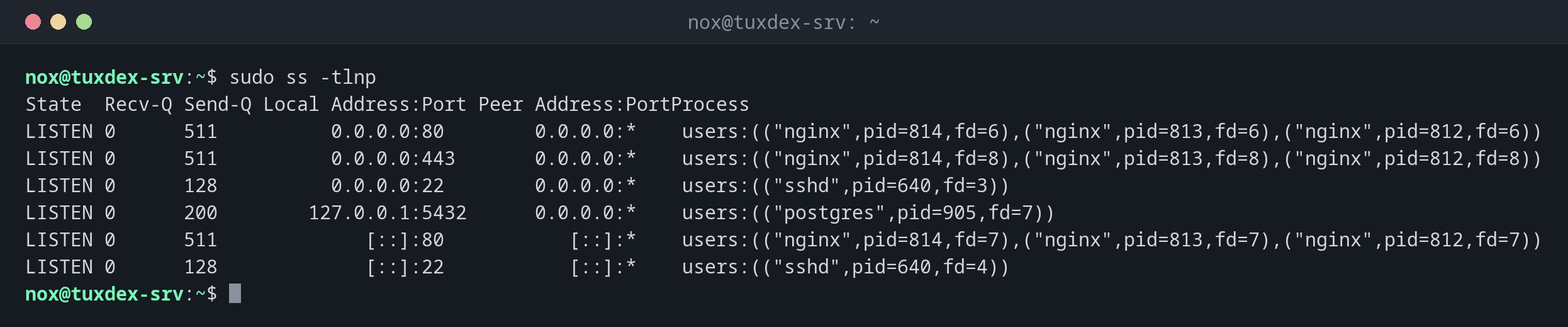
Show which programs listen on which ports:
sudo ss -tlnp
State  Recv-Q Send-Q Local Address:Port Peer Address:PortProcess
LISTEN 0      511          0.0.0.0:80        0.0.0.0:*    users:(("nginx",pid=814,fd=6),("nginx",pid=813,fd=6),("nginx",pid=812,fd=6))
LISTEN 0      511          0.0.0.0:443       0.0.0.0:*    users:(("nginx",pid=814,fd=8),("nginx",pid=813,fd=8),("nginx",pid=812,fd=8))
LISTEN 0      128          0.0.0.0:22        0.0.0.0:*    users:(("sshd",pid=640,fd=3))
LISTEN 0      200        127.0.0.1:5432      0.0.0.0:*    users:(("postgres",pid=905,fd=7))
LISTEN 0      511             [::]:80           [::]:*    users:(("nginx",pid=814,fd=7),("nginx",pid=813,fd=7),("nginx",pid=812,fd=7))
LISTEN 0      128             [::]:22           [::]:*    users:(("sshd",pid=640,fd=4))
| Column | Meaning |
|---|---|
Local Address |
0.0.0.0 and [::]: reachable from everywhere; 127.0.0.1: only from the server itself |
Port |
The port the program listens on |
Process |
Program name and PID |
PostgreSQL only listens on 127.0.0.1, so it can't be reached from outside. That's
exactly how it should be.
The same without sudo, only the ports:
ss -tln
State  Recv-Q Send-Q Local Address:Port Peer Address:Port
LISTEN 0      511          0.0.0.0:80        0.0.0.0:*
LISTEN 0      511          0.0.0.0:443       0.0.0.0:*
LISTEN 0      128          0.0.0.0:22        0.0.0.0:*
LISTEN 0      200        127.0.0.1:5432      0.0.0.0:*
LISTEN 0      511             [::]:80           [::]:*
LISTEN 0      128             [::]:22           [::]:*
Show the established TCP connections:
ss -tn state established
Recv-Q Send-Q Local Address:Port  Peer Address:Port Process
0      0         192.0.2.10:22   198.51.100.23:51732
0      0         192.0.2.10:443     192.0.2.45:60418
0      0         192.0.2.10:443   198.51.100.7:41220
One SSH session and two HTTPS connections. With state, the column State is omitted.
Show all connections to the database:
sudo ss -tnp 'dport = :5432'
State Recv-Q Send-Q Local Address:Port  Peer Address:PortProcess
ESTAB 0      0          127.0.0.1:41876    127.0.0.1:5432 users:(("php-fpm8.4",pid=1312,fd=11))
ESTAB 0      0          127.0.0.1:41890    127.0.0.1:5432 users:(("php-fpm8.4",pid=1313,fd=11))
Count connections:
ss -s
Total: 187
TCP:   14 (estab 6, closed 2, orphaned 0, timewait 2)

Transport Total     IP        IPv6
RAW       0         0         0
UDP       2         1         1
TCP       12        8         4
INET      14        9         5
FRAG      0         0         0
When do I need it?
- When a service doesn't start:
Address already in usemeans another program already holds the port - To check whether a service listens on the right address, for example only on
127.0.0.1 - To see who is connected to the server and how many connections a service has
Find out who blocks a port
sudo ss -tlnp 'sport = :80' shows exactly the program that listens on port 80.
Listening on 0.0.0.0 means reachable from outside
A database or an admin interface on 0.0.0.0 is reachable from the internet unless
a firewall blocks it. Bind such services to 127.0.0.1 if only the server itself
needs them.