gh workflow
Lists the workflows of a repository, starts them by hand and switches them on or off.
Syntax
gh workflow list | view | run | enable | disable [WORKFLOW] [OPTIONS]
Options
| Option | Description |
|---|---|
list |
All workflows with state and ID |
view WORKFLOW |
The latest runs of a workflow; --yaml shows the file |
run WORKFLOW |
Start a workflow that has workflow_dispatch as trigger |
-f NAME=VALUE |
With run: set an input of the workflow |
--ref BRANCH |
With run: run on this branch |
disable, enable |
Switch a workflow off and on again |
Examples
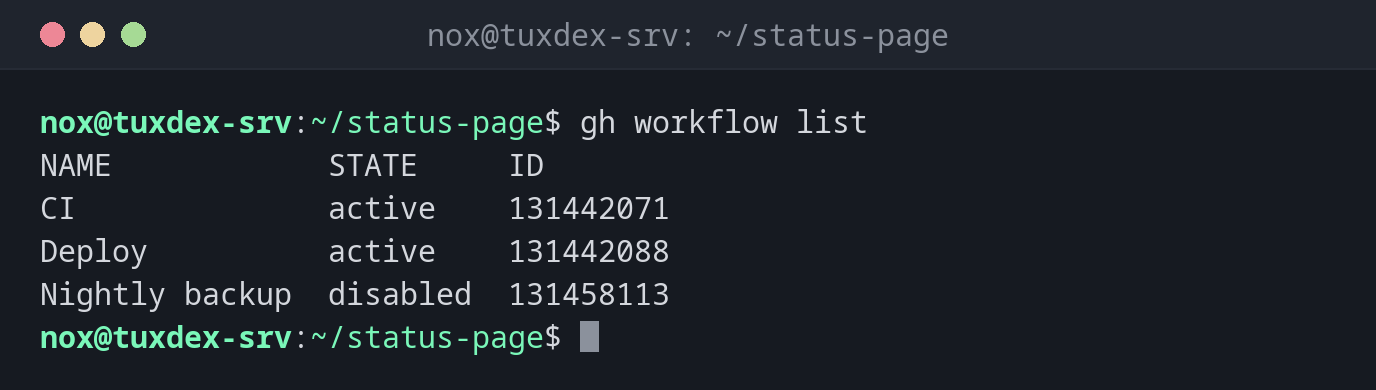
The workflows of the repository:
gh workflow list
NAME            STATE     ID
CI              active    131442071
Deploy          active    131442088
Nightly backup  disabled  131458113
Start a deployment by hand:
gh workflow run deploy.yml -f environment=staging
✓ Created workflow_dispatch event for deploy.yml at main

To see runs for this workflow, try: gh run list --workflow="deploy.yml"
Switch a scheduled workflow back on:
gh workflow enable "Nightly backup"
✓ Enabled Nightly backup
The latest runs of one workflow:
gh workflow view deploy.yml
Deploy - deploy.yml
ID: 131442088

Total runs 23
Recent runs
   TITLE           WORKFLOW  BRANCH  EVENT              ID
✓  Add deploy job  Deploy    main    push               13104225387
✓  Deploy          Deploy    main    workflow_dispatch  13098873420
✓  Raise PHP me…   Deploy    main    push               13091146518

To see more runs for this workflow, try: gh run list --workflow deploy.yml
To see the YAML for this workflow, try: gh workflow view deploy.yml --yaml
When do I need it?
- To start a deployment or a maintenance job by hand
- To pause a scheduled workflow, for example during a migration
- To see which workflows a repository has
Make a workflow startable by hand
Add workflow_dispatch: under on:. Then the workflow can be started with
gh workflow run or the button in the web interface, with optional inputs.
Scheduled workflows go to sleep
In public repositories, GitHub disables workflows with schedule after 60 days without
activity. gh workflow enable switches them back on.
Distribution differences
| Debian | Ubuntu | RHEL | Arch | |
|---|---|---|---|---|
| Install | sudo apt install gh |
sudo apt install gh |
repository cli.github.com, then sudo dnf install gh |
sudo pacman -S github-cli |