curl
Sends requests to web servers and APIs and shows the answer. The tool for testing websites, checking certificates and talking to REST APIs on the command line.
Syntax
curl [OPTION]... URL
Options
| Option | Description |
|---|---|
-I |
Only fetch the headers (HEAD request) |
-L |
Follow redirects |
-o FILE, -O |
Save to FILE, or under the name from the URL |
-s, -S |
Silent, but -S still shows errors |
-f |
Fail with an error on HTTP errors like 404 |
-v |
Verbose: connection, TLS and all headers |
-w FORMAT |
Print values after the request, e.g. %{http_code} |
-X METHOD, -d DATA |
Method and body, e.g. for POST requests |
-H "Header: value" |
Send an additional header |
--resolve HOST:PORT:IP |
Connect to a specific IP for this host name |
Examples
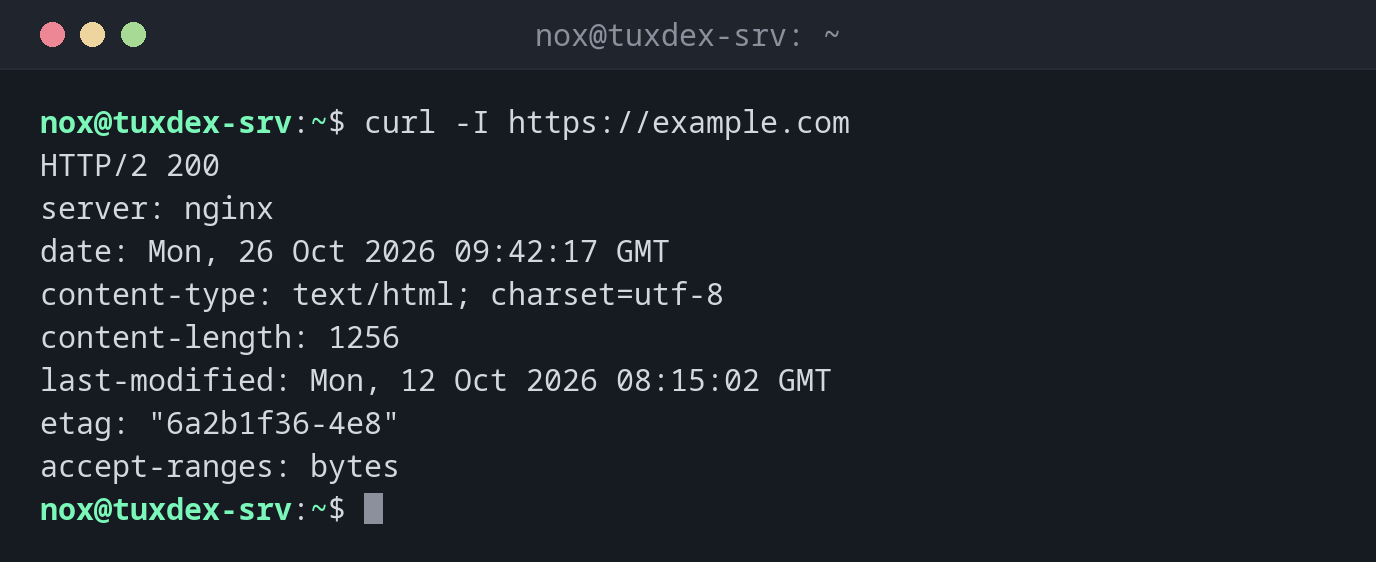
Show the headers of a website:
curl -I https://example.com
HTTP/2 200
server: nginx
date: Mon, 26 Oct 2026 09:42:17 GMT
content-type: text/html; charset=utf-8
content-length: 1256
last-modified: Mon, 12 Oct 2026 08:15:02 GMT
etag: "6a2b1f36-4e8"
accept-ranges: bytes
Only the status code and the response time:
curl -sS -o /dev/null -w "%{http_code} %{time_total}s\n" https://example.com
200 0.084215s
Follow a redirect from HTTP to HTTPS:
curl -sIL http://example.com | grep -iE "^(HTTP|location)"
HTTP/1.1 301 Moved Permanently
Location: https://example.com/
HTTP/2 200
Check when the TLS certificate expires:
curl -svI https://example.com 2>&1 | grep -E "subject:|issuer:|expire date:"
*  subject: CN=example.com
*  expire date: Dec 13 23:59:59 2026 GMT
*  issuer: C=US; O=Let's Encrypt; CN=R12
Test a website on the new server before changing DNS:
curl -I --resolve example.com:443:192.0.2.10 https://example.com
HTTP/2 200
server: nginx
date: Mon, 26 Oct 2026 09:42:17 GMT
content-type: text/html; charset=utf-8
content-length: 1256
last-modified: Mon, 12 Oct 2026 08:15:02 GMT
etag: "6a2b1f36-4e8"
accept-ranges: bytes
curl connects to 192.0.2.10, but sends example.com as the host name and checks
the certificate for it, exactly as a browser would after the DNS change.
Call a JSON API:
curl -s -H "Accept: application/json" https://api.example.com/v1/status
{"status":"ok","version":"2.4.1","uptime":1051200}
Pipe it to jq for readable output.
When nothing listens on the port:
curl http://192.0.2.20:8080/
curl: (7) Failed to connect to 192.0.2.20 port 8080 after 1 ms: Could not connect to server
When do I need it?
- To test whether a website or API answers, and with which status code
- To check redirects, headers and the TLS certificate of a site
- To test a new server under the real host name before switching DNS
- In scripts and health checks, for example with
-fand the exit code
-f for scripts
Without -f, curl exits with 0 even on a 500 error page. With -fsS, it fails
on HTTP errors, stays quiet on success and still shows the error message.
Never use -k permanently
-k (--insecure) ignores certificate errors. That's fine for a quick test, but in
scripts it hides expired certificates and man-in-the-middle attacks.