journalctl
Reads the systemd journal: the central log of all services, the kernel and the boot process, filtered by service, time or priority.
Syntax
journalctl [OPTION]...
Options
| Option | Description |
|---|---|
-u UNIT |
Only messages of this unit, e.g. -u nginx |
-f |
Follow new messages live, like tail -f |
-n NUMBER |
Only the last NUMBER lines |
-e |
Jump to the end of the log |
-b, -b -1 |
Only the current boot, or the one before |
--since, --until |
Time range, e.g. --since "1 hour ago" or --since today |
-p PRIORITY |
Only this priority and more important, e.g. -p err |
-k |
Only kernel messages, like dmesg |
-r |
Newest messages first |
--no-pager |
Print everything instead of opening less |
--disk-usage |
Show how much space the journal takes |
Examples
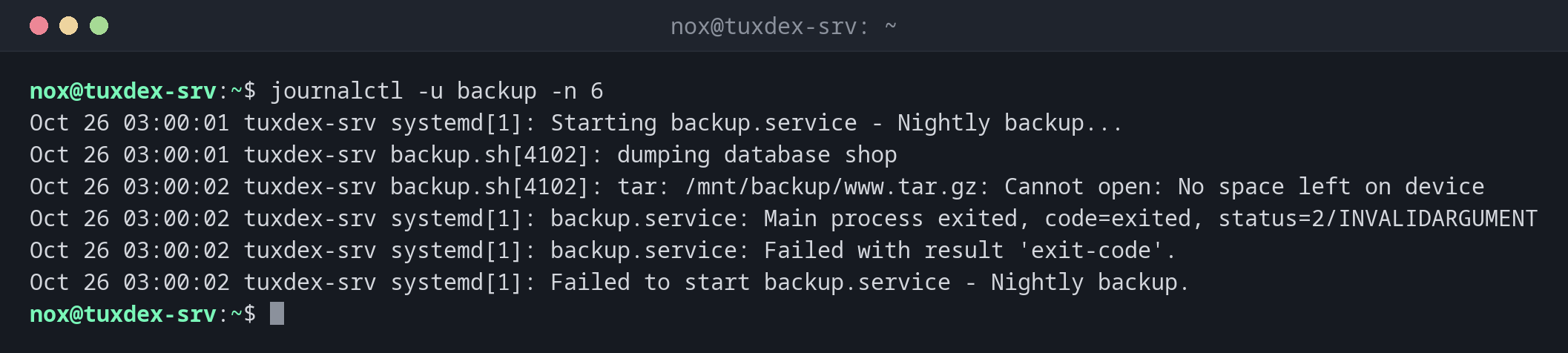
Find out why a service failed:
journalctl -u backup -n 6
Oct 26 03:00:01 tuxdex-srv systemd[1]: Starting backup.service - Nightly backup...
Oct 26 03:00:01 tuxdex-srv backup.sh[4102]: dumping database shop
Oct 26 03:00:02 tuxdex-srv backup.sh[4102]: tar: /mnt/backup/www.tar.gz: Cannot open: No space left on device
Oct 26 03:00:02 tuxdex-srv systemd[1]: backup.service: Main process exited, code=exited, status=2/INVALIDARGUMENT
Oct 26 03:00:02 tuxdex-srv systemd[1]: backup.service: Failed with result 'exit-code'.
Oct 26 03:00:02 tuxdex-srv systemd[1]: Failed to start backup.service - Nightly backup.
The third line shows the cause: the backup disk is full.
Follow the log of a service live:
journalctl -u nginx -f
Oct 26 10:42:17 tuxdex-srv systemd[1]: Reloading nginx.service - A high performance web server and a reverse proxy server...
Oct 26 10:42:17 tuxdex-srv systemd[1]: Reloaded nginx.service - A high performance web server and a reverse proxy server.
New lines appear as soon as they are written. Quit with Ctrl+C.
Only errors since the last boot:
journalctl -p err -b
Oct 14 07:37:09 tuxdex-srv kernel: ACPI Error: AE_NOT_FOUND, While resolving a named reference package element (20240827/dspkginit-438)
Oct 26 03:00:02 tuxdex-srv systemd[1]: Failed to start backup.service - Nightly backup.
Messages of the last hour:
journalctl --since "1 hour ago" -u ssh
Oct 26 09:58:31 tuxdex-srv sshd-session[2190]: Accepted publickey for nox from 192.0.2.45 port 51732 ssh2: ED25519 SHA256:3qN8vY1oZkT6cW2xLr5bJ9dF0hG4mA7sE1uK8pQ2iVw
Oct 26 09:58:31 tuxdex-srv sshd-session[2190]: pam_unix(sshd:session): session opened for user nox(uid=1000) by nox(uid=0)
List the recorded boots:
journalctl --list-boots
IDX BOOT ID                          FIRST ENTRY                  LAST ENTRY
 -2 6f1c0e9a2b7d4f3e8a5c1d9b0e7f2a64 Fri 2026-09-18 09:12:44 CEST Thu 2026-10-01 06:13:40 CEST
 -1 b3a8d2e4f6c14a9b8e7d5c3f1a2b0c96 Thu 2026-10-01 06:14:52 CEST Wed 2026-10-14 07:35:58 CEST
  0 2d9e4b7a1c3f4e8d9b6a5c0e7f1d3a28 Wed 2026-10-14 07:36:52 CEST Mon 2026-10-26 10:42:17 CET
With journalctl -b -1, you read the log of the boot before, for example to find out why
the server crashed.
Check how much space the journal takes:
journalctl --disk-usage
Archived and active journals take up 312.4M in the file system.
When do I need it?
- When a service doesn't start or keeps crashing
- After an unexpected reboot: what happened right before (
-b -1)? - To watch a service while you test a change (
-f) - To find failed SSH logins or other security events
Combine the filters
The options can be combined freely: journalctl -u nginx -p warning --since today
shows only today's warnings and errors of nginx.
Limit the size
sudo journalctl --vacuum-size=500M deletes old archived journal files until at most
500 MB are left. For a permanent limit, set SystemMaxUse= in
/etc/systemd/journald.conf.
Use sudo for system logs
Without root rights, you only see your own messages, unless you are a member of the
group adm or systemd-journal. Without them, the log looks emptier than it is.
Distribution differences
| Debian | Ubuntu | RHEL | Arch | |
|---|---|---|---|---|
| Classic text log via rsyslog | not installed | /var/log/syslog |
/var/log/messages |
not installed |
SSH service for -u |
ssh |
ssh |
sshd |
sshd |
On distributions without rsyslog, the journal is the only system log.