reboot
Restarts the system right away. Short for
systemctl reboot.
Syntax
reboot [OPTION]...
Options
| Option | Description |
|---|---|
| (none) | Reboot cleanly: stop all services, unmount file systems, restart |
-f, --force |
Reboot immediately without stopping services cleanly |
-w, --wtmp-only |
Only write the reboot entry to the login history, don't reboot |
Related commands: poweroff switches the system off, halt stops it without switching
it off.
Examples
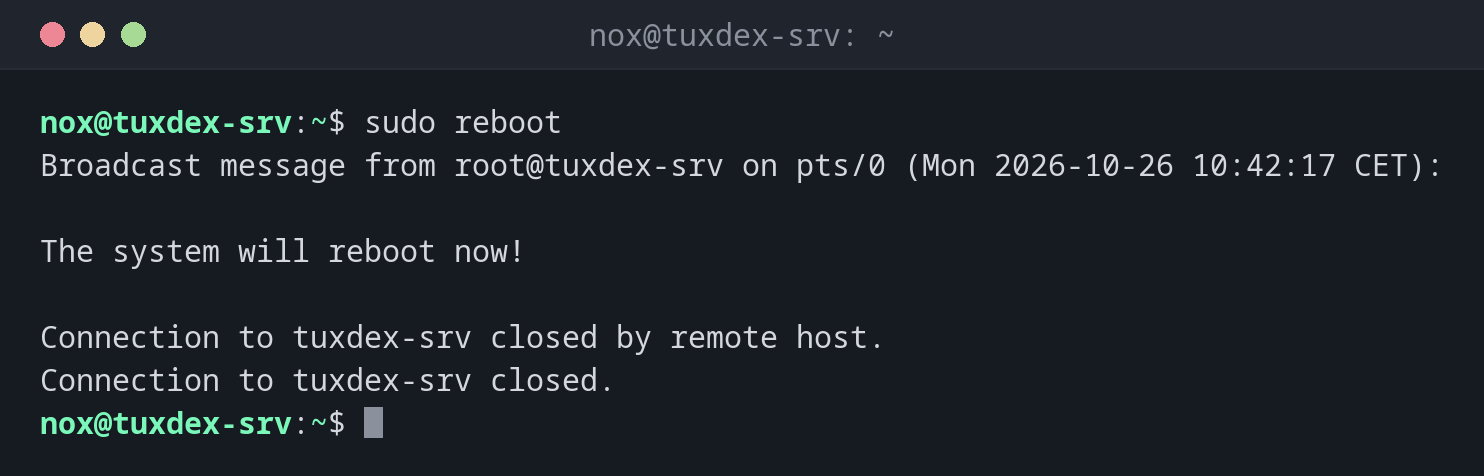
Reboot the server:
sudo reboot
Broadcast message from root@tuxdex-srv on pts/0 (Mon 2026-10-26 10:42:17 CET):

The system will reboot now!

Connection to tuxdex-srv closed by remote host.
Connection to tuxdex-srv closed.
The SSH connection ends. After a minute or two, you can log in again.
Check after logging in again whether the reboot worked:
uptime
10:44:03 up 1 min, 1 user, load average: 0.52, 0.18, 0.06
Compare the running kernel with the newest installed one:
uname -r
ls /boot/vmlinuz-*
6.12.48+deb13-amd64
/boot/vmlinuz-6.12.48+deb13-amd64  /boot/vmlinuz-6.12.57+deb13-amd64
A newer kernel is installed but not running yet: it only becomes active after a reboot.
When do I need it?
- After a kernel update, so the new kernel is used
- After updating central libraries like
glibcoropenssl - When a system hangs in a way that restarting services doesn't fix
Better with a warning
reboot acts immediately. If other users are logged in, use
shutdown -r +5 and give them time to save their work.
Is the server coming back?
Before you reboot a remote server, make sure SSH and the network start on their own, and that you have access to a hosting console in case it doesn't come back.
reboot -f
--force doesn't stop services and doesn't unmount file systems cleanly. Databases
can lose data. Only use it when a normal reboot hangs.
Distribution differences
| Debian | Ubuntu | RHEL | Arch | |
|---|---|---|---|---|
| Show whether a reboot is required | compare uname -r with /boot |
file /var/run/reboot-required exists |
sudo dnf needs-restarting -r |
compare uname -r with pacman -Q linux |