docker rmi
Deletes images from the host.
Syntax
docker rmi [-f] IMAGE...
Options
| Option | Description |
|---|---|
IMAGE |
Name with tag, or ID; several are possible |
-f, --force |
Also delete an image that is used by a stopped container or has several names |
docker image prune deletes all images without a name, docker image prune -a all images no container uses.
Examples
Delete an old version:
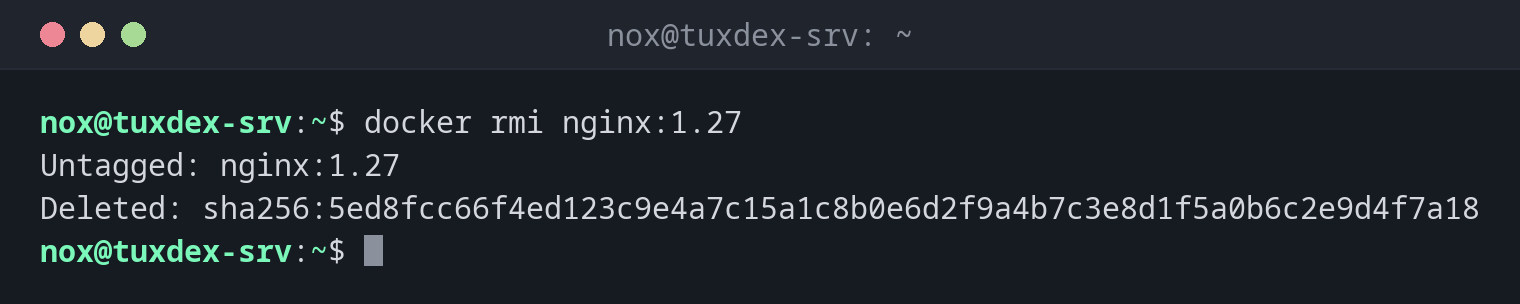
docker rmi nginx:1.27
Untagged: nginx:1.27
Deleted: sha256:5ed8fcc66f4ed123c9e4a7c15a1c8b0e6d2f9a4b7c3e8d1f5a0b6c2e9d4f7a18
An image that a container still uses:
docker rmi hello-world
Error response from daemon: conflict: unable to delete hello-world:latest (must be forced) - container db7edd51542a is using its referenced image 11a3eb1597e8
Remove only an additional name:
docker rmi registry.example.com/nox/status-page:1.0
Untagged: registry.example.com/nox/status-page:1.0
Delete all images without a container:
docker image prune -a -f
Deleted Images:
untagged: status-page:1.0
deleted: sha256:ffca3ce5b5cf86259c01a40d9b80f53639c1feaed663882b7a3ab8ee30c75693
untagged: hello-world:latest
deleted: sha256:11a3eb1597e864c51b3f56733cb2e8a90bf0c284bfc05f9444d81c558bc848aa

Total reclaimed space: 237MB
When do I need it?
- After an update, to remove the old version of an image
- When the disk is filling up with images
- To force a fresh download of an image
Untagged or deleted?
If an image has several names, docker rmi NAME only removes that one name
(Untagged). The data is only deleted (Deleted) when the last name is gone.