mkfs
Creates a file system on a partition or volume, in other words: formats it.
mkfs.ext4,mkfs.xfsand others are the variants for each file system.
Syntax
mkfs.TYPE [OPTION]... DEVICE
Options
| Option | Description |
|---|---|
mkfs.ext4 DEVICE |
Create an ext4 file system |
mkfs.xfs DEVICE |
Create an XFS file system |
-L LABEL |
Give the file system a name |
-m 1 |
ext4: reserve only 1 % for root instead of 5 % (useful for data disks) |
-f |
XFS: overwrite an existing file system |
-n |
ext4: only show what would be done |
Examples
Create an ext4 file system with a label:
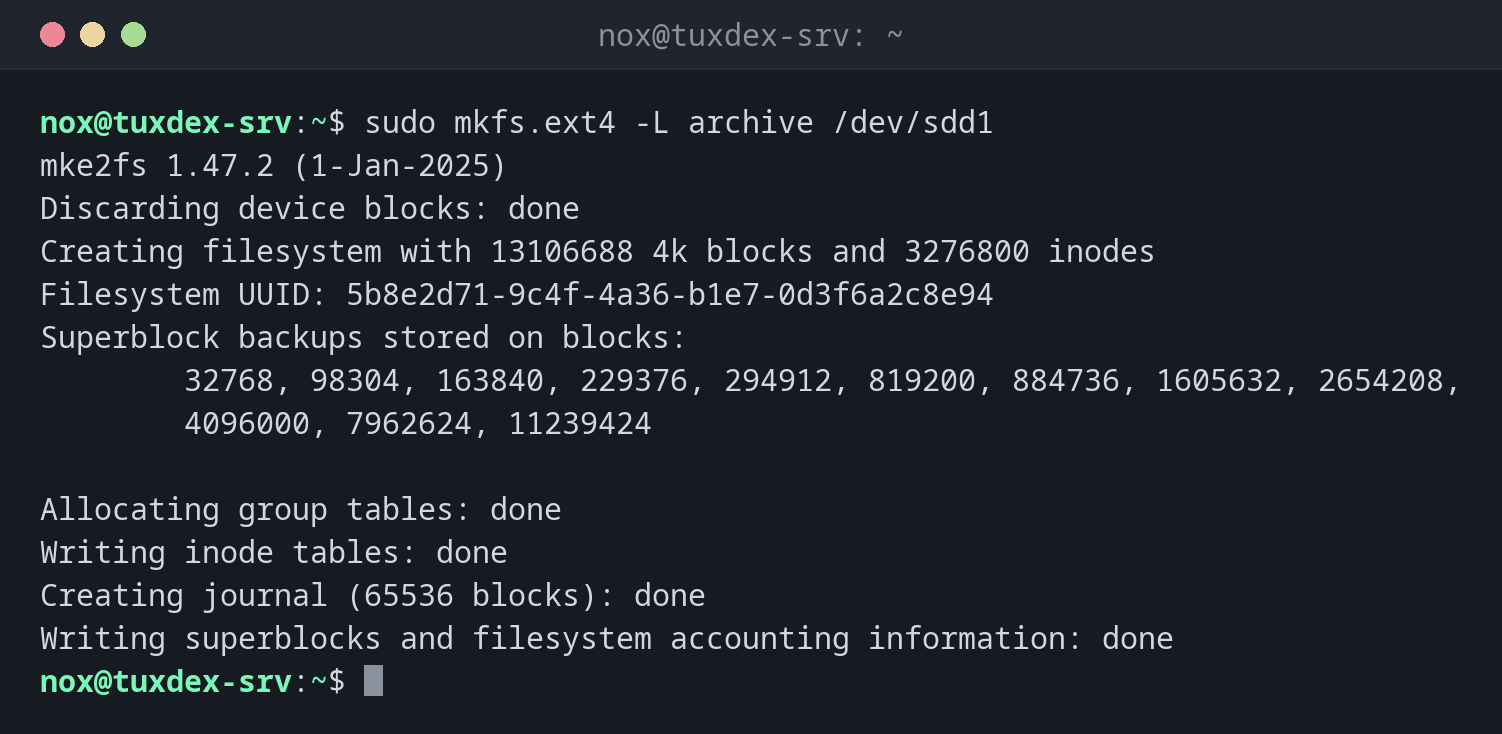
sudo mkfs.ext4 -L archive /dev/sdd1
mke2fs 1.47.2 (1-Jan-2025)
Discarding device blocks: done
Creating filesystem with 13106688 4k blocks and 3276800 inodes
Filesystem UUID: 5b8e2d71-9c4f-4a36-b1e7-0d3f6a2c8e94
Superblock backups stored on blocks:
        32768, 98304, 163840, 229376, 294912, 819200, 884736, 1605632, 2654208,
        4096000, 7962624, 11239424

Allocating group tables: done
Writing inode tables: done
Creating journal (65536 blocks): done
Writing superblocks and filesystem accounting information: done
Create an XFS file system (the default on RHEL):
sudo mkfs.xfs -L archive /dev/sdd1
meta-data=/dev/sdd1              isize=512    agcount=4, agsize=3276672 blks
         =                       sectsz=512   attr=2, projid32bit=1
         =                       crc=1        finobt=1, sparse=1, rmapbt=1
         =                       reflink=1    bigtime=1 inobtcount=1 nrext64=1
         =                       exchange=0   metadir=0
data     =                       bsize=4096   blocks=13106688, imaxpct=25
         =                       sunit=0      swidth=0 blks
naming   =version 2              bsize=4096   ascii-ci=0, ftype=1, parent=0
log      =internal log           bsize=4096   blocks=16384, version=2
         =                       sectsz=512   sunit=0 blks, lazy-count=1
realtime =none                   extsz=4096   blocks=0, rtextents=0
         =                       rgcount=0    rgsize=0 extents
Discarding blocks...Done.
Protection against formatting the wrong partition:
sudo mkfs.ext4 /dev/sdb1
mke2fs 1.47.2 (1-Jan-2025)
/dev/sdb1 contains a ext4 file system labelled 'backup'
        last mounted on /mnt/backup on Mon Oct 26 03:00:12 2026
Proceed anyway? (y,N) n
/dev/sdb1 is the backup disk. Answering n saved the data.
When do I need it?
- After partitioning a new disk, before mounting it
- For a new logical volume of LVM
- To empty a data disk completely and start over
Check after formatting
blkid shows the new UUID. You need it for the line in /etc/fstab.
Formatting deletes everything
mkfs destroys all data on the device, without a backup and without undo. ext4 asks if
it finds an existing file system, XFS refuses without -f. Take these warnings
seriously.
Distribution differences
| Debian | Ubuntu | RHEL | Arch | |
|---|---|---|---|---|
| ext4 tools | e2fsprogs, installed |
e2fsprogs, installed |
e2fsprogs, installed |
e2fsprogs, installed |
| XFS tools | xfsprogs, not installed |
xfsprogs, installed |
xfsprogs, installed |
xfsprogs, not installed |