source
Runs a file in the current shell instead of a new one. Variables and functions from it stay available afterwards.
.is the same command.
Syntax
source FILE [ARGUMENT]...
Options
| Option | Description |
|---|---|
source FILE |
Run the file in the current shell |
. FILE |
The same, portable to other shells |
Examples
Load a configuration file:
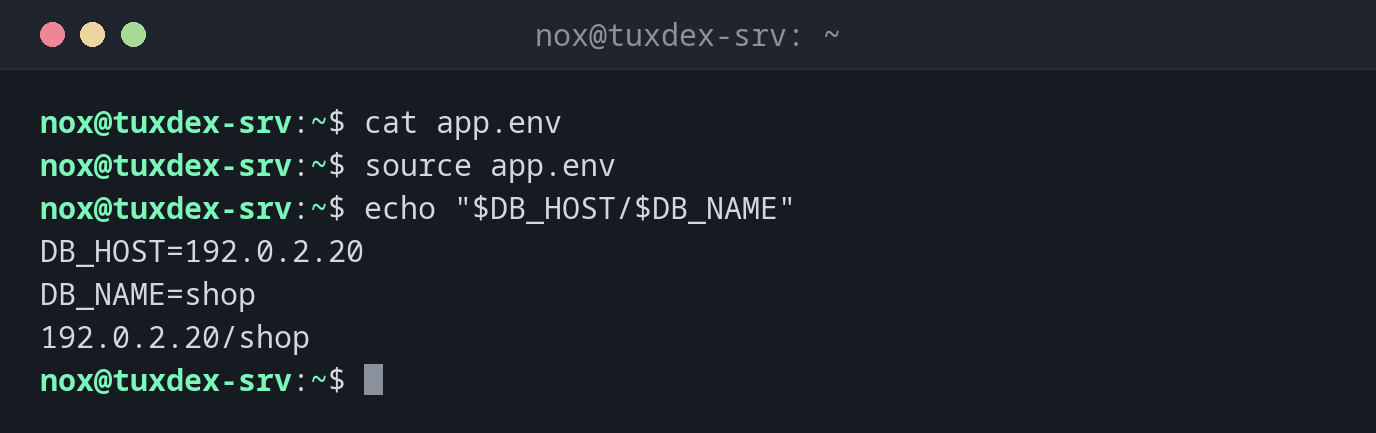
cat app.env
source app.env
echo "$DB_HOST/$DB_NAME"
DB_HOST=192.0.2.20
DB_NAME=shop
192.0.2.20/shop
Reload ~/.bashrc after a change:
echo "alias ll='ls -lh'" >> ~/.bashrc
source ~/.bashrc
alias ll
alias ll='ls -lh'
A file that doesn't exist:
source nosuch.env
bash: nosuch.env: No such file or directory
When do I need it?
- To load a configuration file with variables into a script
- To share functions between several scripts
- To apply changes to
~/.bashrcwithout logging in again
Configuration in a separate file
Keep host names, paths and credentials in a file like /etc/backup.conf and load it with
source. The script itself then stays the same on every server.
source runs everything
source executes the file as code. A configuration file that others can write to is a
security hole: make it only writable by root.