wg
Creates WireGuard keys, shows the state of the tunnels and changes peers while they run.
Syntax
wg genkey | pubkey | genpsk
wg show [INTERFACE] [FIELD]
wg set INTERFACE peer KEY [OPTIONS]
Options
| Option | Description |
|---|---|
genkey |
Print a new private key |
pubkey |
Read a private key from the input and print its public key |
genpsk |
Create an additional pre-shared key for a peer |
show, (none) |
State of all interfaces: peers, endpoints, handshakes, traffic |
show wg0 latest-handshakes |
Single fields for scripts; also transfer, endpoints, allowed-ips |
set wg0 peer KEY allowed-ips IP |
Add or change a peer while the tunnel runs |
set wg0 peer KEY remove |
Remove a peer |
showconf wg0 |
The running configuration in file format |
wg show needs root, because it can also read the private key.
Examples
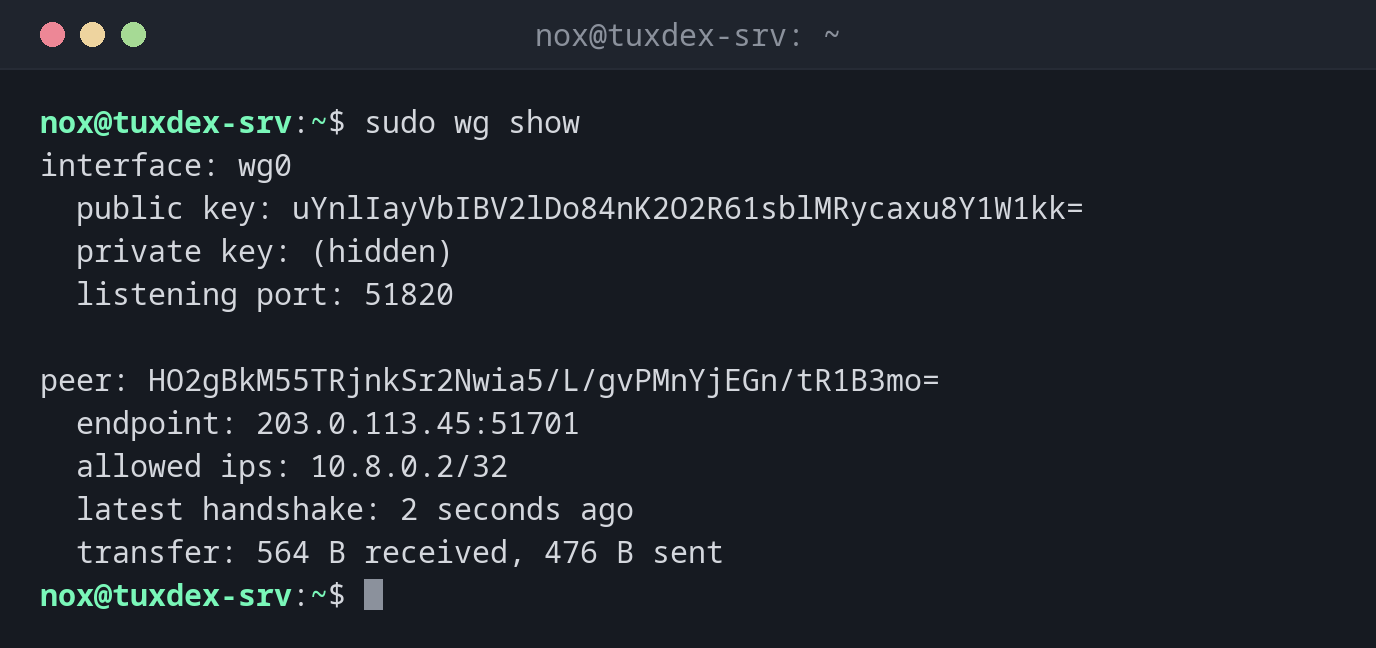
The state of the tunnel:
sudo wg show
interface: wg0
  public key: uYnlIayVbIBV2lDo84nK2O2R61sblMRycaxu8Y1W1kk=
  private key: (hidden)
  listening port: 51820

peer: HO2gBkM55TRjnkSr2Nwia5/L/gvPMnYjEGn/tR1B3mo=
  endpoint: 203.0.113.45:51701
  allowed ips: 10.8.0.2/32
  latest handshake: 2 seconds ago
  transfer: 564 B received, 476 B sent
endpoint is the public address the laptop currently connects from; it changes when the laptop changes networks, and WireGuard follows it automatically.
Create a key pair:
cd /etc/wireguard
umask 077
wg genkey | tee server.key | wg pubkey > server.pub
cat server.pub
uYnlIayVbIBV2lDo84nK2O2R61sblMRycaxu8Y1W1kk=
umask 077 makes sure that server.key is only readable by root. Only the public key from server.pub is passed on.
The client side:
sudo wg
interface: wg0
  public key: HO2gBkM55TRjnkSr2Nwia5/L/gvPMnYjEGn/tR1B3mo=
  private key: (hidden)
  listening port: 51701

peer: uYnlIayVbIBV2lDo84nK2O2R61sblMRycaxu8Y1W1kk=
  endpoint: 198.51.100.7:51820
  allowed ips: 10.8.0.0/24
  latest handshake: 2 seconds ago
  transfer: 476 B received, 564 B sent
  persistent keepalive: every 25 seconds
Add a new client while the tunnel runs:
sudo wg set wg0 peer BkDTavLKk/pQ56N0h4A2mTMxhNgXm03Daqqp6jjg4QQ= allowed-ips 10.8.0.3/32
sudo wg show wg0 allowed-ips
HO2gBkM55TRjnkSr2Nwia5/L/gvPMnYjEGn/tR1B3mo=  10.8.0.2/32
BkDTavLKk/pQ56N0h4A2mTMxhNgXm03Daqqp6jjg4QQ=  10.8.0.3/32
The last handshake per peer, for monitoring:
sudo wg show wg0 latest-handshakes
HO2gBkM55TRjnkSr2Nwia5/L/gvPMnYjEGn/tR1B3mo=  1793106175
BkDTavLKk/pQ56N0h4A2mTMxhNgXm03Daqqp6jjg4QQ=  0
The value is a Unix timestamp; 0 means the peer has never connected.
When do I need it?
- To create the key pair for a new server or client
- To check whether a peer is connected: a recent
latest handshakemeans yes - To add a new client without restarting the tunnel
Handshake older than 2 minutes?
WireGuard renews the handshake every 2 minutes while traffic flows. If latest
handshake is much older or missing, check the endpoint, the UDP port in the firewall and
the public keys on both sides.
wg set isn't saved
Changes with wg set are lost when the interface is restarted. Add the peer to
/etc/wireguard/wg0.conf too, or save the running state with
wg-quick save wg0.
Distribution differences
| Debian | Ubuntu | RHEL | Arch | |
|---|---|---|---|---|
| Install | sudo apt install wireguard-tools |
sudo apt install wireguard-tools |
sudo dnf install wireguard-tools |
sudo pacman -S wireguard-tools |