nohup
Starts a command so that it keeps running when you log out or the SSH connection drops.
Syntax
nohup COMMAND [ARGUMENT]... &
nohup makes the command ignore the HUP signal, which is sent when the terminal
closes. The & starts it in the background.
Options
nohup itself has no options apart from --help and --version. What matters is the
redirection of the output:
| Form | Where the output goes |
|---|---|
nohup CMD & |
nohup.out in the current directory, or ~/nohup.out |
nohup CMD > FILE 2>&1 & |
Output and errors into FILE |
nohup CMD > /dev/null 2>&1 & |
Discarded |
Examples
Start a backup that survives logging out:
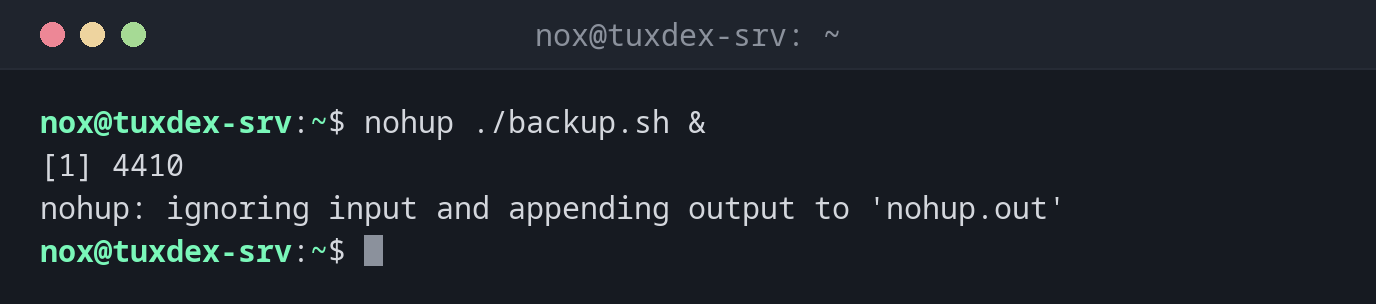
nohup ./backup.sh &
[1] 4410
nohup: ignoring input and appending output to 'nohup.out'
Write the output to a log file of your choice:
nohup ./backup.sh > /var/tmp/backup.log 2>&1 &
[1] 4410
No message from nohup: everything goes into the log file.
Check after logging in again whether it is still running:
pgrep -a backup.sh
4410 /bin/bash ./backup.sh
Follow the output:
tail -f /var/tmp/backup.log
2026-10-26 10:42:17 dumping database shop
2026-10-26 10:44:51 compressing /srv/www
When do I need it?
- For long jobs over SSH: backups, imports, data migrations
- When the connection is unstable and a dropped session must not end the job
- To start a one-off job quickly, without writing a systemd unit
tmux for interactive work
With nohup, you can't get back to the job's terminal. If you want to see the
program and type into it later, start it in tmux or screen, detach, and attach
again after logging in.
nohup.out grows
Without redirection, all output is appended to nohup.out. It is never cleaned up
and can grow large. Name a log file yourself, as in the second example.