mkswap
Prepares a partition or a file as swap space, the area Linux uses when memory runs short.
Syntax
mkswap [OPTION]... DEVICE | FILE
After mkswap, the swap space is ready but not yet in use. swapon activates it.
Options
| Option | Description |
|---|---|
-L LABEL |
Give the swap area a name |
-U UUID |
Set a specific UUID |
--file FILE -s SIZE |
Create the swap file and prepare it in one step (newer util-linux) |
Examples
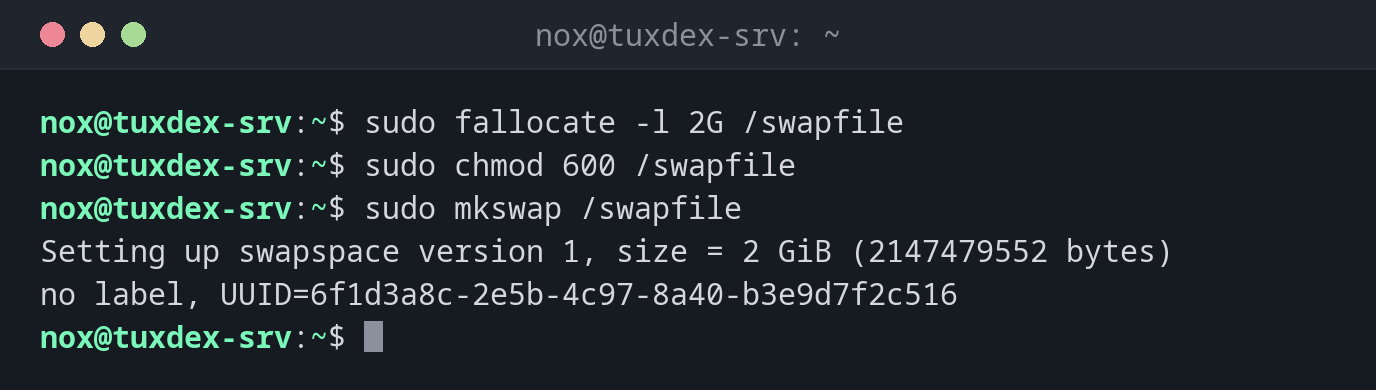
Create a swap file of 2 GiB:
sudo fallocate -l 2G /swapfile
sudo chmod 600 /swapfile
sudo mkswap /swapfile
Setting up swapspace version 1, size = 2 GiB (2147479552 bytes)
no label, UUID=6f1d3a8c-2e5b-4c97-8a40-b3e9d7f2c516
Prepare a swap partition with a label:
sudo mkswap -L swap /dev/sda3
mkswap: /dev/sda3: warning: wiping old swap signature.
Setting up swapspace version 1, size = 1024 MiB (1073737728 bytes)
LABEL=swap, UUID=8e2b6d4f-1a3c-4f5e-b7d9-0c2e4a6f8b31
Make the swap file permanent:
echo '/swapfile none swap sw 0 0' | sudo tee -a /etc/fstab
/swapfile none swap sw 0 0
When do I need it?
- When a server has too little memory and no swap at all
- To add a swap file to a cloud server without changing partitions
- After replacing or resizing the swap partition
Swap file instead of partition
A swap file can be created, enlarged and removed at any time, without touching the partitions. For most servers, that's the more flexible choice.
Permissions of the swap file
A swap file must only be readable by root (chmod 600). Otherwise other users could
read memory contents, mkswap warns about insecure permissions.