at
Runs a command once at a given time. The counterpart to cron for one-off jobs.
Syntax
at [OPTION]... TIME
at reads the commands from standard input: pass them with echo ... | or type them and finish with Ctrl+D. The service atd must be running.
Options
| Option | Description |
|---|---|
TIME |
e.g. 22:00, now + 2 hours, 09:00 tomorrow, 10:00 2026-11-02 |
-f FILE |
Read the commands from a file instead of standard input |
-m |
Send a mail when the job has run, even without output |
-l, -r, -c |
Same as atq, atrm, and show a job's content |
Examples
Run a script tonight at 22:00:
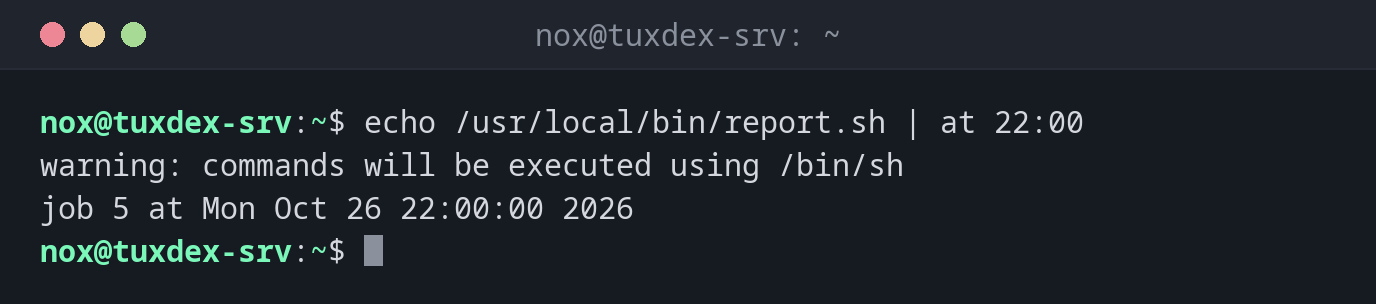
echo /usr/local/bin/report.sh | at 22:00
warning: commands will be executed using /bin/sh
job 5 at Mon Oct 26 22:00:00 2026
The warning is normal: at uses /bin/sh, not your login shell.
Restart a service in two hours:
echo "systemctl restart php8.4-fpm" | sudo at now + 2 hours
warning: commands will be executed using /bin/sh
job 6 at Mon Oct 26 12:42:00 2026
Tomorrow morning:
echo "/usr/local/bin/cleanup" | at 09:00 tomorrow
warning: commands will be executed using /bin/sh
job 7 at Tue Oct 27 09:00:00 2026
A time that doesn't exist:
echo /usr/local/bin/report.sh | at 25:00
Problem in hours specification. Last token seen: 25:00
Garbled time
When do I need it?
- To restart a service or reboot outside office hours, once
- To run a long job tonight without creating a cron entry
- To revert a risky change automatically if you lose access, e.g. a firewall rule
An automatic undo
Before changing the firewall over SSH, schedule the undo:
echo "nft flush ruleset" | sudo at now + 5 minutes. If the change works, remove the job
with atrm. If it locks you out, the job saves you.
Not installed by default
at and its service atd are missing on most distributions. Install the package at
and start the service with sudo systemctl enable --now atd.